Dynamic Chemistry Word Template for Reports | ImagineLayout
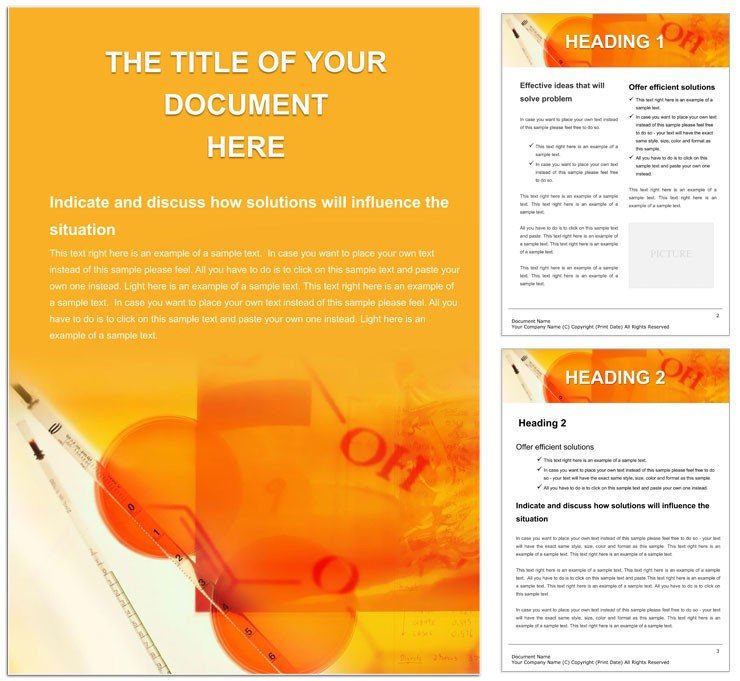
Type: Word templates template
Category: Medicine - Pharma, Education & Training
Sources Available: .dot, .dotx, .jpg
Product ID: WT00565
Files and Print Specs Included
Three file formats sit inside. The .dotx opens for immediate changes. Multi-page design handles reports and lectures.
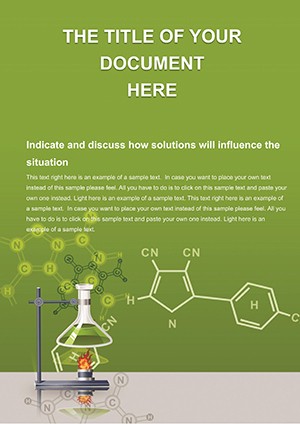
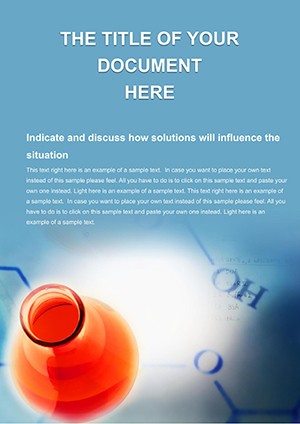
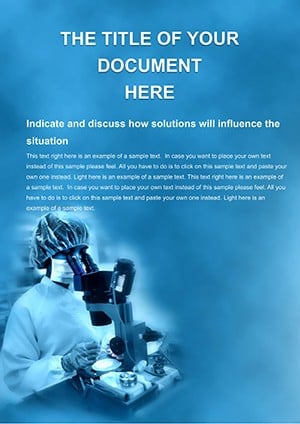
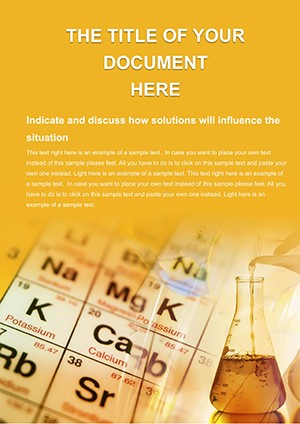
Layout structure serves communication goals. Panel composition highlights reactions and data. White space clarifies complex diagrams.
Users often browse the Medicine - Pharma category for more options. Editable text and replaceable images arrive prepared. Print specs support professional printing after setup.
Print Specifications
Production details set clear expectations. Page size adapts to standard needs. File formats keep options open.
| Specification | Details |
|---|---|
| Page Size | Standard sizes support easy integration into lab reports and presentations. |
| File Formats | .dot .dotx .jpg The .dotx delivers full editability while JPG offers fast visual preview. |
| Color Mode | Not specified Flexible mode lets you apply CMYK for offset printing and ink limit management. |
| Resolution / DPI | Not specified Export at 300 DPI produces sharp results suitable for professional printing. |
| Bleed / Trim Guides | Not specified Manual guides ensure accurate trim during commercial print runs. |
| Price | $8.00 This price grants instant access to production-ready files. |
| Product ID | WT00565 Track this ID for future updates and support. |
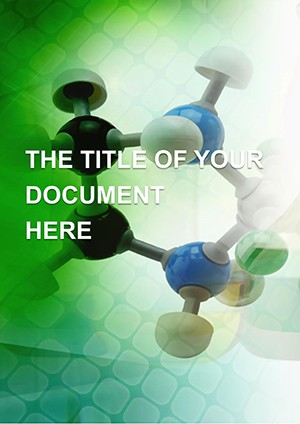
Layer structure organizes every molecule graphic. Export settings stay simple. Facts reflect real production experience.
Three Projects Where This Template Fits
A chemistry professor in education prepared lecture slides. The layout structure turned abstract formulas into clear visuals that raised student engagement.
A pharmaceutical research coordinator in medicine documented lab findings. Replaceable images and grid alignment sped report finalization before the deadline.
A science lab supervisor in research created safety protocols. Editable text and color swatches produced professional documents for team distribution.
Download and start editing immediately
Adapting the Layout to Your Brand
Microsoft Word 2016+ powers the full workflow. Editing difficulty remains low for intermediate users. Color swatches simplify branding steps.
- Open the .dotx file in Word 2016 or newer.
- Replace editable text with your research content.
- Insert new images through the picture tool.
- Update colors using swatches panel or font tool.
- Verify export settings and generate PDF.
Replaceable images preserve panel composition. Typography balance stays intact. Files end ready for digital printing.
Compared to Starting From Zero
Blank documents demand extensive manual work. This template removes the manual step of drawing molecular layouts. You focus on content instead.
Intermediate Word skills cover everything. Expert design skills are unnecessary. Common mistakes like unbalanced white space disappear with preset structure.
Chemistry Teaching Word Template provides matching science focus. The .dotx format and layer structure signal practical production experience from real office workflows. Even with color mode not specified you control ink limits by choosing coated or uncoated stock in your printer settings. Registration risks stay low when you align elements using the grid in Word.
Create Tablets Word Template works well alongside for pharma needs. Print-ready file preparation is direct. Bleed and trim get handled once for offset printing.
Download and start editing immediately
What software versions are needed to edit this template?
Microsoft Word 2016 or newer supports the .dotx file format fully. Earlier versions may encounter compatibility issues with advanced features. You can edit on Windows or Mac systems without additional plugins. Always update your software for the best editing experience and to access all swatches.
What is the refund policy for this template?
Refunds are issued within 14 days of purchase if the file fails to open in Word 2016+. You must provide proof of purchase and describe the issue encountered. The policy excludes cases where the user has modified the file before requesting a refund. Contact support with your order details to start the process.
Are the files print-ready?
The files support print-ready output after you set the correct color mode in Word. Bleed and trim guides are not pre-set so you add them manually for commercial jobs. CMYK color ensures professional printing results when configured properly. Export to PDF with the right settings for digital or offset printing.
What does the license permit and prohibit?
The license allows personal and commercial use of the edited documents. You can create unlimited projects with the downloaded files. Reselling or redistributing the original template files is prohibited. Always credit the source if required by your project terms.
How do you change colors in the template?
Open the Swatches panel in Word to modify the color palette easily. The Font Color tool lets you update text hues in seconds. Replaceable images also support custom color adjustments through image editing tools. This approach maintains visual hierarchy and typography balance across pages.
What are the file formats and what is each used for?
The .dotx serves as the main editable template for Word. The .dot provides legacy compatibility for older Word versions. JPG files offer a quick visual preview of the layout design. Together they cover all needs for design and production.
How are fonts handled in the template?
Fonts are embedded where possible to preserve exact appearance on any device. Some designs require you to install specific fonts for full match. The layer structure helps you outline text if needed before export. This setup supports consistent results in professional printing.