IT Tech Word Templates Pro Designs Download | ImagineLayout
Type: Word templates template
Category: Internet - E-Commerce, Software
Sources Available: .dot, .dotx, .jpg
Product ID: WT00487
Package Contents
Three file formats arrive in the download.
Buyers get .dot .dotx and .jpg files prepared for work.
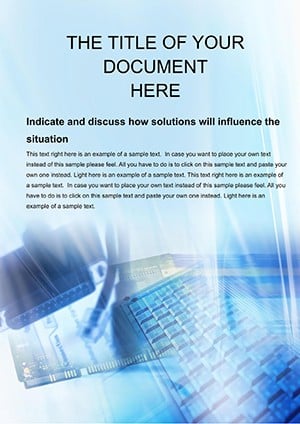
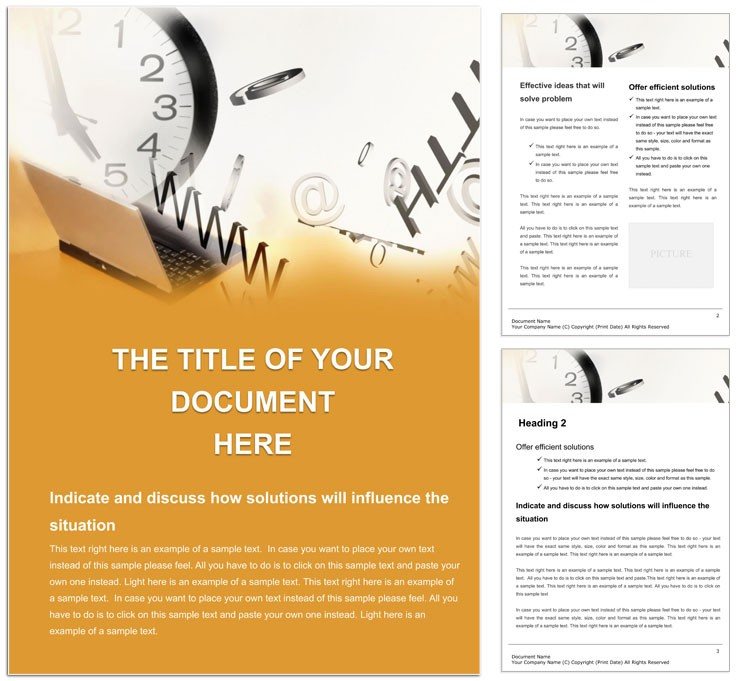
The layout structure serves the buyer's goal of coding credibility into technical documents with strong visual hierarchy.
White space and typography balance organize system architectures clearly.
Editable text replaceable images and color swatches create a print-ready file for professional printing or digital printing.
File Formats and Print Specs
| Specification | Details |
|---|---|
| File Formats | .dot .dotx .jpg - .dotx provides template functionality for repeated professional use in tech documentation. |
| Color Mode | Not specified - offers flexibility for digital viewing or any digital printing output. |
| Resolution / DPI | Not specified - supports standard export settings used in document production. |
| Bleed / trim guides | Not specified - fits digital documents that need no physical trim. |
| Price | $5.00 - paid access delivers immediate value in production workflows. |
| Product ID | WT00487 - unique ID assists with support during editing sessions. |
| Software Compatibility | Word 2016+ - guarantees reliable performance for current users. |
Adapting the Layout to Your Brand
The workflow stays straightforward.
Editing difficulty remains low for intermediate users.
- Open the .dotx file in Microsoft Word 2016 or later. This loads the template instantly.
- Replace placeholder text with your own content using editable text fields.
- Adjust colors with the Font Color tool or Styles panel.
- Swap images into the replaceable images placeholders.
- Review export settings before saving the final document.
Layer structure and color swatches speed up changes.
Typical Use Cases by Project Type
A network administrator in IT services drafted a system upgrade proposal. Budget approval followed quickly.
A software developer in a tech startup documented an API integration guide. Team onboarding accelerated.
A data analyst in finance compiled a tech report. Efficiency gains were identified fast.
Download and start editing immediately
Building From Scratch vs. Starting Here
Starting from scratch requires hours of style setup.
The template saves time on visual hierarchy.
Common mistakes like inconsistent grid alignment disappear.
Basic skills suffice instead of advanced Word expertise.
Pro insight shows the Not specified color mode works with standard ink limits on uncoated stock and reduces registration risks in digital printing due to the layer structure.
You can explore the for broader projects.