Modern Computer Parts Word Template for Tech Docs
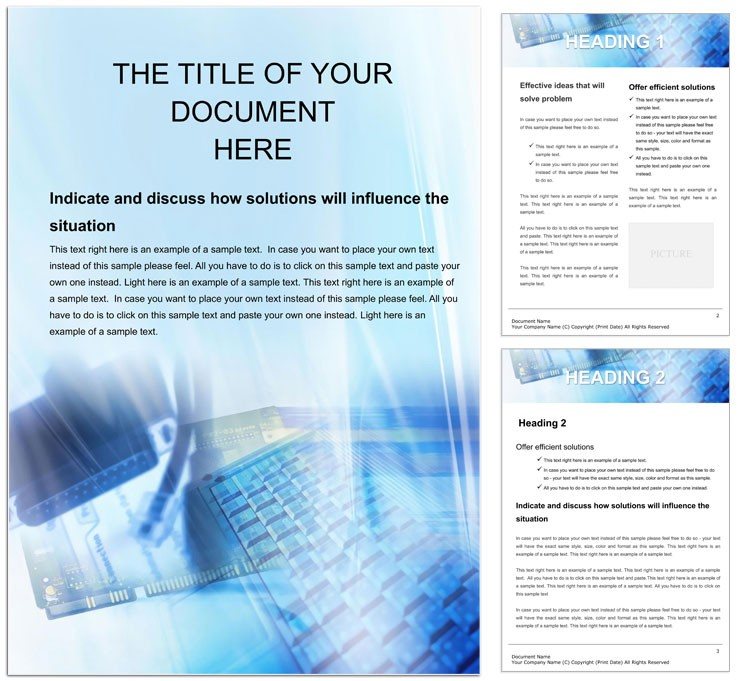
Type: Word templates template
Category: Software, Telecommunication
Sources Available: .dot, .dotx, .jpg
Product ID: WT00204
Files and Print Specs Included
Three file formats load with the purchase.
Grid alignment guides the 29 page layout.
Buyers receive .dot .dotx .jpg files ready for offset printing and digital printing.
Technical Specifications
| Specification | Details |
|---|---|
| File Formats | .dot, .dotx, .jpg - supports replaceable images in tech documentation |
| Page Size | Not specified - designed for schematic diagrams in professional printing |
| Panels / Pages Count | 29 - covers the needs of detailed component lists |
| Color Mode | Not specified - works well for CMYK color conversion |
| Resolution / DPI | Not specified - suits clear output for digital printing |
| Bleed / Trim Guides | Not specified - includes layer structure for clean exports |
Three Projects Where This Template Fits
IT specialists in tech firms map motherboard builds successfully.
Gadget reviewers in media produce clear hardware guides.
Hardware engineers in manufacturing document assembly lines.
Download and start editing immediately
Adapting the Layout to Your Brand
- Open the .dotx file in Word 2016+.
- Edit text and replace images.
- Modify color swatches in the panel.
- Fine tune typography balance.
- Export the print-ready file.
Compared to Starting From Zero
Blank files take days to structure.
This template speeds up with existing panel composition.
Basic skills handle all changes.
White space errors vanish.
Software teams visit the software word templates category for options.
Web project creators check the internet connection word template.
Digital narrative teams explore the abstract internet access word template.
Pro insight confirms the 29 page count signals practical production experience for print-ready files while color mode is not specified yet supports coated stock with minimal ink limits.
Download and start editing immediately
What software versions are needed for this Word template?
The template runs in Word 2016 and newer versions. Users open the .dotx file directly after download. Layer structure and color swatches work best in recent releases. Editing difficulty stays low even on older supported editions.
What is the refund policy for this template?
Refunds are available within 14 days of purchase if the file does not open in Word 2016+. Buyers must contact support with order details. No refund applies after the file has been edited or downloaded multiple times. The policy protects both parties while ensuring fair access to print-ready files.
Is the file print-ready with CMYK color, DPI, bleed and trim guides?
The file supports professional printing once exported with correct settings. Color mode is not specified yet converts easily to CMYK color. Bleed and trim guides remain not specified so users check export settings. Resolution suits digital printing and offset printing after minor review.
What license applies and what uses are permitted or prohibited?
The license allows personal and commercial projects with the purchased template. Buyers may edit text and images for client work. Resale or redistribution of the original files is prohibited. Unlimited prints are permitted for professional printing needs.
How do I change colors in the template?
Open the color swatches panel in Word 2016+. Select any element and pick a new shade. The layer structure keeps changes isolated. Export settings preserve the updated palette for print-ready files.
What do the file formats do and how are they used?
The .dotx serves as the main editable master file. The .dot provides legacy compatibility. The .jpg offers a quick preview. All three support layout structure and editable text for professional printing.
How are fonts handled in the file?
Fonts come embedded for consistent display. Users install missing ones if needed for full typography balance. The layer structure protects font choices. Export settings keep fonts intact for offset printing.