Formerly known as wedding services — this collection now includes invitation designs, rings, decorations, and photo album layouts for Microsoft Word.
This category brings together Word document layouts built around wedding themes. Wedding planners and event coordinators in the hospitality industry rely on them when they need to deliver materials that match client expectations without manual formatting each time.
You turn to these when facing tight deadlines for client proposals or vendor coordination packets. For example, a planner managing a large outdoor ceremony can populate the pre-arranged sections with venue details, timeline, and guest notes to create a single file that looks organized and ready for printing.
They offer a structured starting point that keeps all elements aligned across multiple documents for the same event.
Review the options below to select the design that aligns with your upcoming client needs.
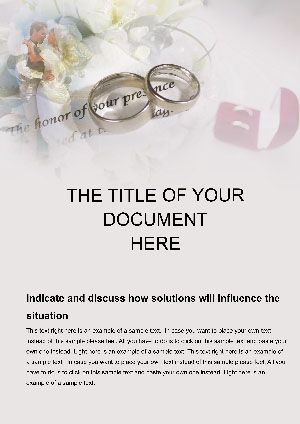

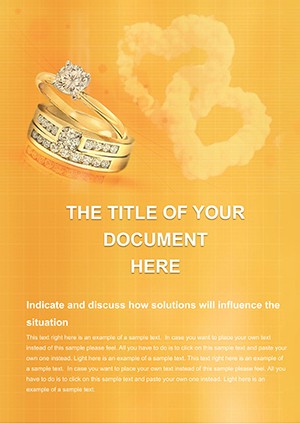

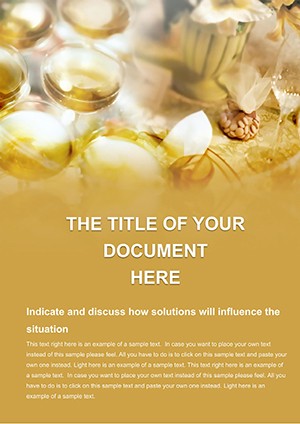

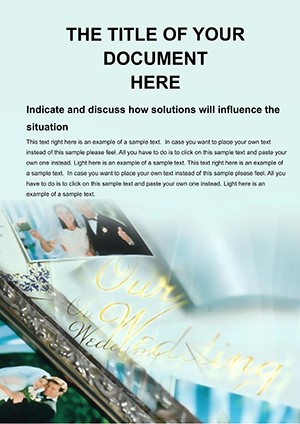
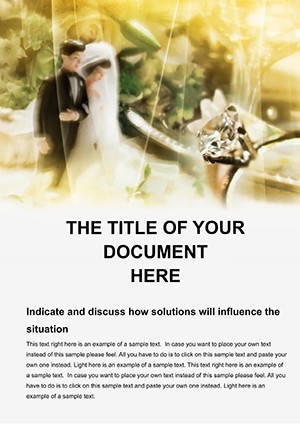



Wedding planners working in the hospitality sector use these templates when preparing detailed proposals for couples. They insert budget breakdowns, vendor lists, and timelines into ready sections to present a complete package within hours rather than days.
Invitation specialists in printing businesses rely on the layouts when batch-creating designs for multiple weddings. They customize colors and text for each order while keeping brand consistency across jobs.
Photographers in the creative services industry apply the photo album templates when compiling client keepsakes. They place image placeholders and captions to deliver finished files that require only minor adjustments.
Venue coordinators in event management companies turn to the ceremony document templates when drafting service agreements. They add location specifics and payment schedules to produce signed contracts that reflect the venue style.
These four scenarios illustrate how the templates address daily document needs in wedding-related businesses.
Default Word layouts force users to adjust margins, fonts, and spacing for every new file, which leads to inconsistent results across client projects. The templates here come with pre-defined styles that maintain alignment no matter how much text or images you add.
Building from scratch often means recreating tables for budgets or timelines, increasing the chance of errors in calculations or formatting. These designs include built-in tables that update automatically when data changes.
Client perception suffers when documents look pieced together with basic shapes or plain text boxes. The category templates project a coordinated appearance that matches the care expected in wedding planning.
Time spent on visual setup reduces the hours available for actual client work. With these files you start with complete structures and focus only on content entry.
Sharing blank documents with team members often requires extra instructions on layout rules. The templates carry the rules inside the file so everyone produces matching output.
Start each project by duplicating the chosen template file so the original remains unchanged for future use. This habit prevents accidental overwrites when handling multiple couples at once.
Establish a color palette based on the couple preferences before filling any text. Apply the palette to all headings and accents to keep every document in the package visually linked.
Test print a sample page early in the process to confirm that placeholders resize correctly and no elements shift on paper. Adjust image resolutions if needed before final delivery.
Save versions with client names in the file title to track revisions easily. This practice helps when returning to past events for reference or updates.
Share the completed files in both editable and PDF formats with clients so they can review without risk of changing the design.
In Microsoft Word use the Styles panel to modify heading levels across all sections at once. This ensures that changing the font size for one invitation heading updates every similar element without manual edits on each page.
Combine this with content control fields for dates and names so clients can fill their own details if you choose to offer that option. The fields keep formatting locked while allowing input.
For batch work enable the mail merge feature to pull names and dates from an Excel list into multiple invitation copies automatically.
Other platforms supply decorative files that require extensive rework to fit real client workflows. These templates include sections tailored to service provider tasks such as vendor coordination and budget tracking that many generic collections omit.
You receive files optimized for repeated use in a business setting rather than one-off creative projects. The focus stays on efficiency for coordinators who manage several events simultaneously.
Support documentation explains integration with common client management tools so the layouts become part of daily operations instead of isolated designs.
After purchase you receive a direct link to a zip file containing the .docx files. Extract the archive on your computer and open any template in Microsoft Word to begin editing. The process works on both Windows and Mac versions of the software.
All files are saved in the .docx format compatible with Word 2010 and newer. Some advanced features like content controls function best in Word 2016 or later but basic editing works in earlier releases. Test one file before committing to a large project.
Yes every element including text boxes, tables and image frames uses standard Word formatting tools. You can apply any theme colors or upload custom fonts through the design tab without restrictions.
Purchase grants lifetime use for both personal projects and client work within your business. You may not resell the original files or claim them as your own design but you can deliver the finished documents to clients.
Most designs contain editable image frames sized for standard photo dimensions. Drag your own pictures into the frames and they scale automatically while preserving layout integrity.
Copyright © 2009-2026 ImagineLayout All rights reserved.


