Turn complex strategic plans into clear visual stories with our Business Strategy PowerPoint Chart Templates. Designed for managers consultants entrepreneurs and analysts these ready to use slides help you explain growth models competitive positioning roadmaps KPIs and market analysis in a structured and engaging way.
Instead of struggling with basic default charts you get professionally crafted layouts that balance data clarity and visual impact. Each slide is fully editable so you can adapt colors text icons and data to match your brand or presentation goals. Whether you are preparing a board level report investor pitch or internal planning session these templates help you communicate strategy with confidence and authority.
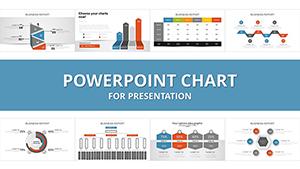

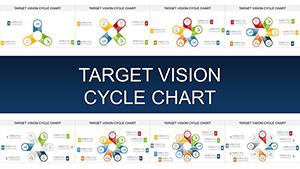



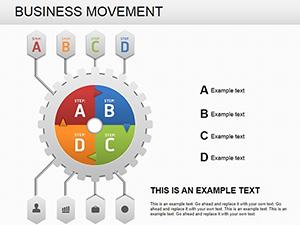

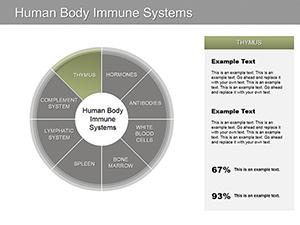

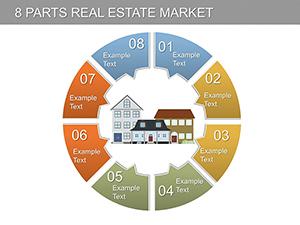
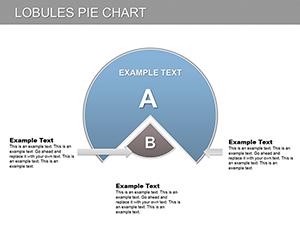
Strategy presentations often fail not because the ideas are weak but because the visuals are unclear. A well structured chart can transform abstract concepts into actionable insights. These business strategy chart templates are built to help you present frameworks processes and results in a logical visual flow.
From SWOT analysis and competitive matrices to growth roadmaps and balanced scorecards you can choose layouts that match your message. Every element is organized to guide your audience through the story step by step making it easier to understand risks opportunities and next actions.
Default PowerPoint charts are functional but limited in structure and visual hierarchy. They often require hours of manual formatting and still look generic. Professional strategy templates provide:
Instead of building charts from scratch you focus on refining your insights and narrative. The result is a presentation that looks structured credible and decision ready.
Senior leaders expect clarity. Use structured comparison charts performance dashboards and long term strategy maps to support data driven discussions and align stakeholders.
Visualize customer segments value propositions channel strategies and campaign timelines. Strategy charts help marketing teams connect objectives with measurable results.
Consultants can present transformation roadmaps operational improvements and competitive analysis in a polished format that builds trust and professionalism.
Professors trainers and students can simplify complex business theories using visual frameworks that improve retention and classroom engagement.
Remember that your goal is not just to inform but to persuade. A clean and well organized strategy chart increases confidence in your recommendations.
Explore the collection and choose the layout that fits your business vision. Download your editable slides today and transform your next strategy meeting into a focused and results driven discussion.
Yes all charts and diagrams are fully editable. You can modify text data colors shapes and layout elements to match your branding and content requirements.
Absolutely. The professional design makes them suitable for board meetings investor pitches consulting proposals and corporate workshops.
Yes you will find slides for SWOT analysis roadmaps competitive matrices growth models KPI dashboards and other widely used business frameworks.
Yes the layouts are designed for professional environments including annual reports quarterly reviews and long term strategic planning documents.
Copyright © 2009-2026 ImagineLayout All rights reserved.


