Clear visual aids are essential for effective teaching and learning. Our collection of study charts for Keynote brings together over 100 professional designs crafted specifically for educational and research needs.
From animated timelines that trace historical events to mind maps that organize intricate concepts and comparison tables that highlight key differences, these templates help you present information with clarity and style.
Move beyond basic default slides with modern, ready-to-use charts featuring smooth animations and clean layouts that keep audiences focused.
Fully editable to match your branding or topic, these charts save hours of design work while delivering impactful results.
Explore the collection below to find the perfect study chart for your next classroom lesson, thesis defense, or research presentation.
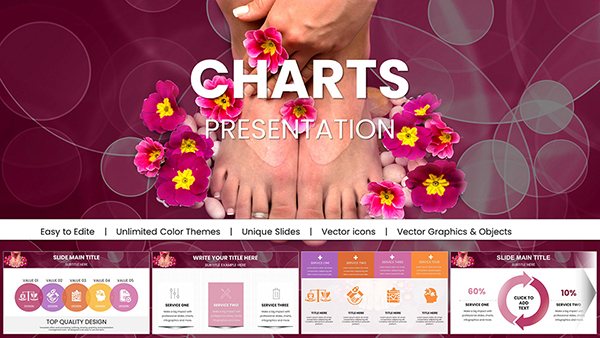


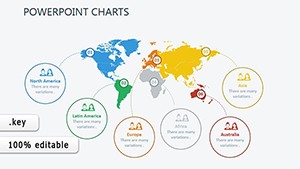

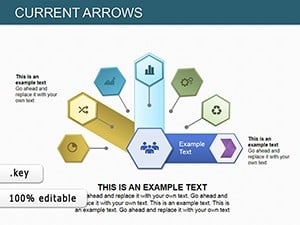

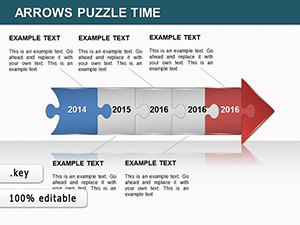
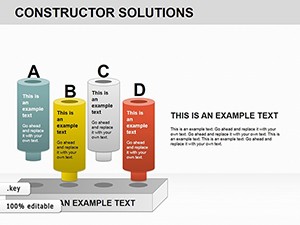
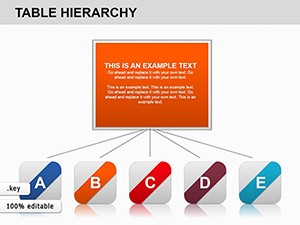
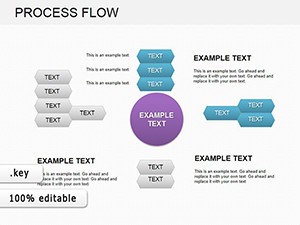
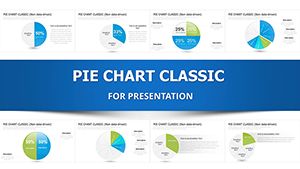
Default Keynote charts work for simple needs, but dedicated study charts offer thoughtful layouts optimized for educational content. They include pre-built animations that reveal information step-by-step, color schemes that enhance readability, and structures that guide the viewer`s eye to key insights.
These ready-to-use templates give your presentations a polished, professional look without requiring design expertise.
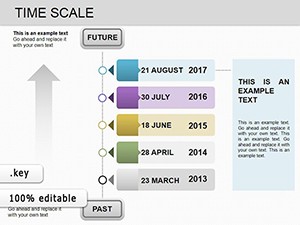
Teachers use timeline charts to illustrate historical progressions in lectures. Researchers present survey results with clean bar or pie charts during conferences.
No matter the setting, these charts help audiences absorb and retain information better.
To maximize impact:
Our templates already follow these principles, making professional results achievable in minutes.
While default charts are functional, our study-focused designs offer contemporary aesthetics, advanced animations, and education-specific layouts that make complex topics easier to grasp.
Ready to create standout educational slides? Browse and download your favorite study charts today.
Our collection includes timelines, mind maps, flowcharts, comparison tables, bar graphs, and pyramid diagrams tailored for learning and research.
Yes, every element - colors, text, shapes, and data - can be customized directly in Keynote.
Many feature built-in animations to reveal data gradually and keep viewers engaged.
Yes, we offer a selection of free templates alongside premium options with more advanced designs.
Absolutely, all templates are suitable for both personal and professional use.
Copyright © 2009-2026 ImagineLayout All rights reserved.


