Enhance your administrative outreach with brochure templates that communicate efficiency and expertise. Tailored for secretaries handling client info packets or internal guides, these tri-fold and bi-fold designs pack value into compact formats.
With sections for service overviews, testimonials, and contact maps, they position you as the go-to organizer. Select from professional palettes - crisp whites for clarity or warm tones for welcoming vibes - all scalable for digital PDFs or printed handouts.
These tools simplify creating materials for orientations, policy updates, or vendor partnerships, ensuring consistency that builds trust. Deliver messages that matter, minus the design drain.
Streamline now: View our brochure templates and customize for immediate impact.
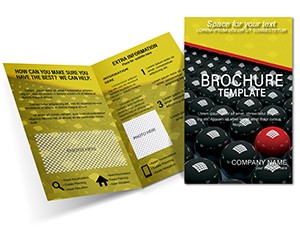

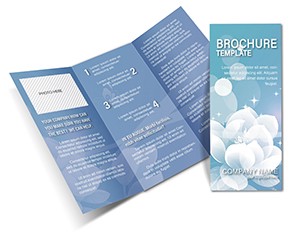

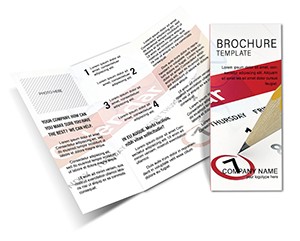
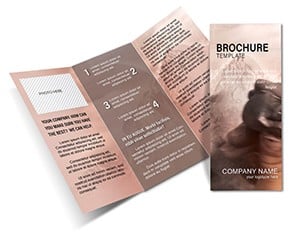

Our templates feature modular panels for easy reordering, unlike static defaults that limit flow. A HR secretary might layer org charts in one, while a medical admin adds HIPAA-compliant fact sheets, all with bleed margins for flawless folds.
Vector icons and infographic placeholders speed assembly, yielding materials that inform without overwhelming. Pros cite 45% faster client onboarding thanks to these polished pieces.
Key: Balance text-image ratios at 60-40, and use sans-serif fonts for scannability in busy environments.
Generic tools often produce unbalanced layouts; ours enforce symmetry with guides, plus multilingual text boxes for global firms. Sustainable paper recommendations pair with digital-first variants for hybrid distribution.
Batch personalization via mail-merge supports office-wide use, cutting reprint costs over one-off efforts.
Fold into pocket guides for travel admins, or digitize as interactive flipbooks with hyperlinks. For events, create accordion styles that unfold into full programs, enhancing attendee experience.
Download and deploy - your communications upgrade starts here.
Tri-fold, bi-fold, and Z-fold options, each with die-line previews.
Use built-in generators for inventory or feedback links.
Yes, export as interactive PDFs with zoomable sections.
CMYK setups ensure accurate prints; RGB for screens.
Embed fillable fields for feedback or sign-ups.
Use pull-quote styles and bullet hierarchies for digestibility.
Communicate with clarity and class. Peruse selections for your next project.
Copyright © 2009-2026 ImagineLayout All rights reserved.


