Visualize agile workflows with confidence using our handpicked collection of Scrum diagrams for Keynote.
With more than 100 unique professionally designed templates you can clearly illustrate roles ceremonies sprints backlogs and artifacts without starting from scratch.
Every template is fully editable features smooth animations and follows current design trends for.
Whether you are a Scrum Master guiding daily stand-ups a product owner prioritizing features or a team member preparing retrospectives these ready-to-use diagrams help you communicate complex ideas simply and effectively.
Save hours of design work while delivering polished engaging presentations that keep audiences focused and aligned.
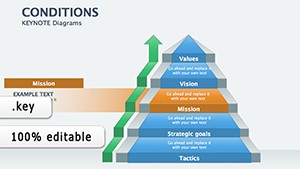

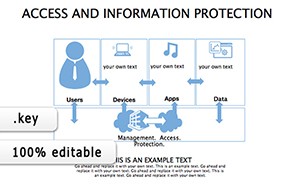

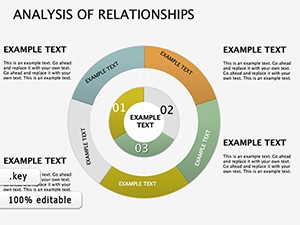

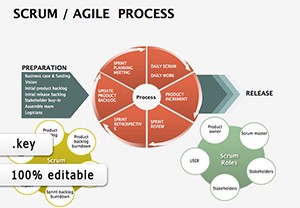

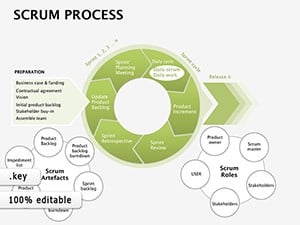

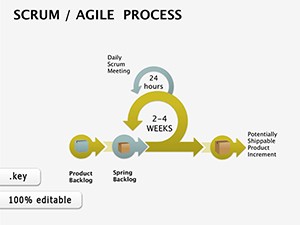
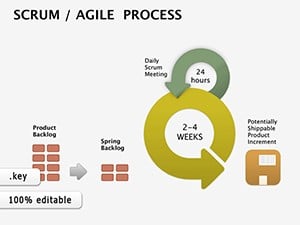
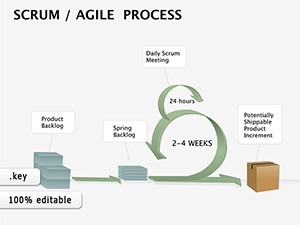
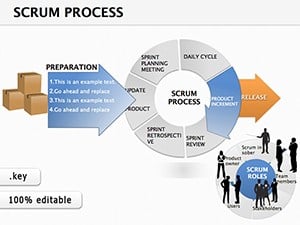
Scrum diagrams bring structure and clarity to many professional scenarios helping teams and stakeholders stay aligned.
Built-in Keynote tools are basic but our templates go far beyond offering cohesive professional designs ready for immediate use.
You get consistent color schemes modern typography pre-built animations and layout variations that would take hours to create manually.
The result is faster preparation higher visual impact and presentations that look custom-designed.
Assign distinct colors to Scrum roles - orange for Product Owner green for Development Team purple for Scrum Master - to make responsibilities instantly recognizable.
Use appear or move-in animations to reveal process steps one by one mirroring the iterative flow of sprints.
Focus on key elements only; remove clutter so the audience grasps the main message within seconds.
Ready to make your next sprint review unforgettable? Browse our full Scrum Keynote diagram collection and download the perfect template now.
All templates open directly in Keynote where you can change text colors fonts icons and layouts in minutes. Duplicate slides to create variations or combine multiple diagrams into a complete deck.
The collection covers framework overviews role responsibility charts sprint cycles product backlog layouts daily Scrum flow retrospectives and more.
Yes most templates include tasteful built-in animations that enhance flow without overwhelming the audience.
Absolutely all templates are fully compatible with the latest versions of Keynote on macOS and iPadOS.
Yes several high-quality free Scrum diagrams are available alongside our premium expanded collection.
Select any element open the Format panel and choose new colors; the templates use theme colors for easy global changes.
Copyright © 2009-2026 ImagineLayout All rights reserved.


