Ripple style charts are designed to guide attention step by step. They help audiences follow ideas naturally without feeling overloaded.
This collection of free Ripple Keynote charts is built for presenters who want structure clarity and a modern visual rhythm. Each slide is easy to edit and ready for real presentations.
Use these templates to explain growth processes timelines layered data or cause and effect stories. They work equally well for business education marketing and creative talks.
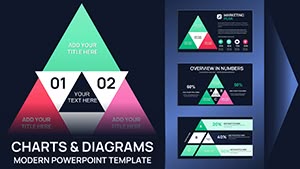




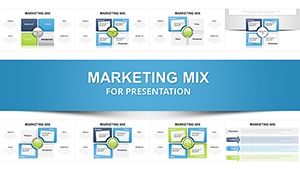
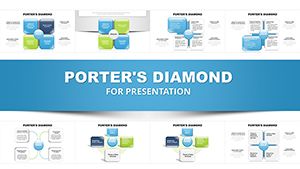

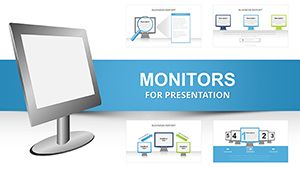
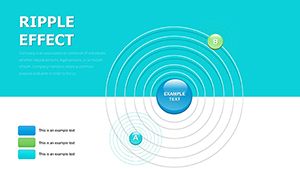
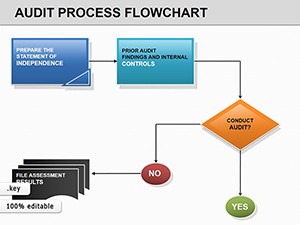
Ripple charts organize information in expanding layers. Each element builds on the previous one. This structure helps viewers understand complex ideas faster and remember key points longer.
In Keynote presentations ripple layouts feel natural and fluid. Animations can reveal each step smoothly which keeps attention focused on the message instead of the slide itself.
Every slide in this category is created with practical presentation scenarios in mind. You can quickly replace text adjust colors or change the number of steps without breaking the design.
Ripple charts are versatile and work across many industries. They are especially helpful when you need to explain progress relationships or structured ideas.
Show company growth market expansion or strategic phases in a clear logical flow. Executives can follow each step without confusion.
Teachers and trainers use ripple charts to explain processes methods or layered concepts. The visual rhythm supports learning and discussion.
Highlight customer journeys feature breakdowns or campaign stages. Ripple layouts help audiences see how each element connects.
Default Keynote charts are functional but often generic. Ripple templates add structure storytelling and visual interest without extra effort.
Keep each ripple focused on one idea. Avoid overcrowding steps with too much text. Use color contrast to guide attention naturally.
Animations should be subtle and consistent. Reveal one layer at a time to support your narrative and keep slides calm and professional.
All templates in this category are free and ready to use. Choose a design adapt it to your message and create presentations that feel clear modern and engaging.
Browse the collection and download your Ripple Keynote chart today.
Yes all templates in this section are free to download and use for personal or professional presentations.
All elements are fully editable. You can change colors fonts sizes and content directly in Keynote.
Yes the designs are clean professional and suitable for meetings reports and client presentations.
They are compatible with modern versions of Keynote on macOS and provide stable performance.
Copyright © 2009-2026 ImagineLayout All rights reserved.


