Bring your Keynote presentations to life with our innovative puzzle diagram templates designed to engage audiences and illustrate interconnected ideas clearly.
Perfect for educators, trainers, and business leaders looking to make abstract concepts tangible, these templates replace dense text with visually appealing interlocking shapes that convey relationships and processes.
Customize colors, labels, and piece counts easily with drag-and-drop functionality, transforming project overviews, financial breakdowns, or training modules into interactive experiences. Explore our collection and start building presentations that captivate and inform.
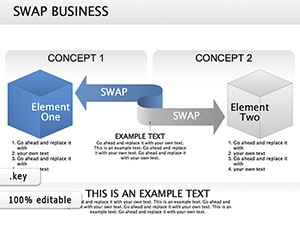

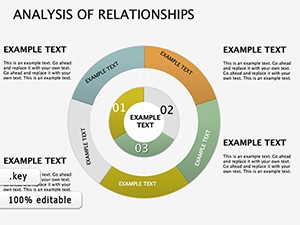

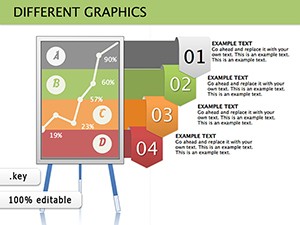
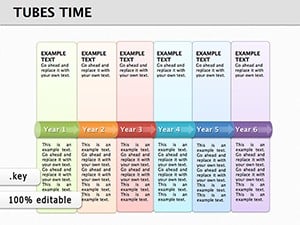

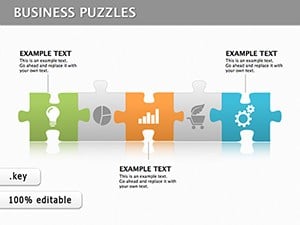

Puzzle Keynote diagrams provide a creative way to communicate complex ideas through visually engaging interlocking pieces. Ideal for business training, marketing presentations, educational lectures, and workshops, these diagrams help audiences understand relationships and processes more intuitively.
Business leaders can map project phases or team roles, educators can illustrate plot structures, and healthcare professionals can display treatment workflows. Marketing teams visualize campaign funnels, software teams diagram API integrations, and event planners outline logistics.
Yes, all diagrams are fully editable. You can adjust colors, labels, and piece counts to suit your presentation needs.
Absolutely. These templates are designed for professional use, including business reports, training sessions, and corporate workshops.
Yes, the templates come with smooth built-in transitions that enhance visual storytelling.
Yes, they are perfect for teaching complex concepts, illustrating processes, or creating interactive lessons.
Definitely. You can integrate them with timelines, charts, or icons for richer presentations.
Copyright © 2009-2026 ImagineLayout All rights reserved.


