Presenting topics related to security risk control and safety planning requires more than plain slides. You need visuals that clearly communicate protection strategies data flows and defensive structures. Our collection of Protection Keynote Diagrams is designed to help you explain complex security concepts in a structured confident and visually engaging way.
Whether you are preparing a cybersecurity report corporate safety plan compliance briefing or insurance presentation these editable diagrams give you ready to use layouts that save time and elevate your message. Each template is built for clarity flexibility and professional impact so you can focus on strategy instead of formatting.
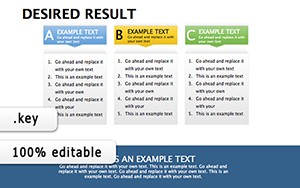


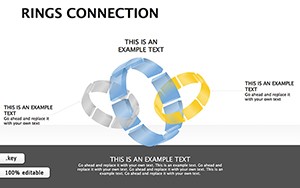

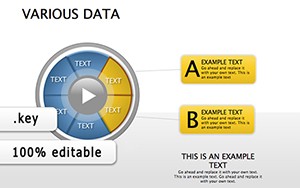
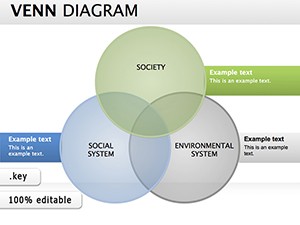
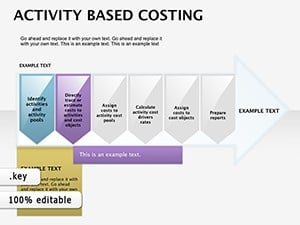

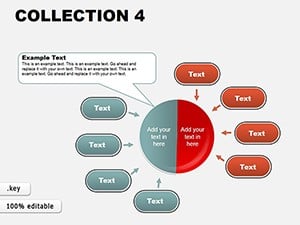
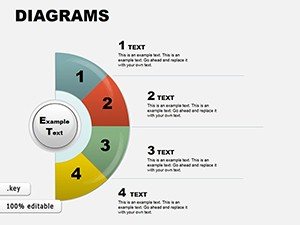
Security and protection topics often involve layered systems risk hierarchies processes and preventive measures. Standard slides rarely provide the visual structure needed to explain these clearly. Protection themed diagrams help you illustrate barriers workflows responsibilities and risk mitigation models in a way that audiences instantly understand.
These diagrams are ideal for presenting:
Instead of explaining everything verbally you can visually demonstrate layers of defense threat pathways and preventive controls.
Executives and stakeholders expect clear structured presentations when discussing risk and protection. Use these diagrams to present internal control systems crisis management plans and operational safeguards. Visual shields layered pyramids and flow diagrams help communicate stability and preparedness.
IT teams can visualize firewall architecture data encryption processes access control models and incident response workflows. Clean editable diagrams make it easier to explain technical systems to non technical audiences.
Teachers trainers and consultants can use protection diagrams to explain safety rules emergency response structures and compliance procedures. Visual learning improves retention and understanding.
Insurance professionals can map coverage layers policy structures and risk assessment processes. Clear diagrams increase client confidence and simplify complex information.
Default templates are generic and rarely aligned with protection topics. These specialized diagrams provide:
Instead of starting from a blank slide you get a complete visual foundation that saves hours of design work.
For maximum impact adapt the diagrams to your brand colors and align them with your corporate identity. Clear structure plus visual consistency creates a strong professional impression.
Explore the full collection and choose the diagrams that match your protection strategy. Download today and transform complex security topics into clear persuasive Keynote presentations.
Yes all diagrams are fully editable. You can change colors resize elements modify text and adapt layouts to match your brand or presentation goals.
Absolutely. The diagrams are ideal for visualizing network protection risk management firewalls data privacy systems and other cybersecurity topics.
Yes they are designed for professional environments including board meetings compliance briefings and executive strategy sessions.
No advanced skills are required. All elements are easy to edit using standard Keynote tools making customization simple and fast.
Copyright © 2009-2026 ImagineLayout All rights reserved.


