Elevate your audio projects with our curated collection of music recording PowerPoint templates. Designed specifically for sound engineers record labels and independent artists these slides bridge the gap between technical precision and creative flair. Whether you are presenting a new studio layout or pitching a high-budget album production our layouts provide the professional edge needed to captivate an audience of industry experts.
Every template in this category features high-definition imagery of modern studio gear mixing consoles and acoustic environments. Forget about spending hours on alignment and color theory - our ready-to-use slides are fully customizable allowing you to swap images and tweak color palettes in seconds. From deep bass rhythms to crisp high-frequency visualizations our designs reflect the sonic quality of your work making your presentation as immersive as a Dolby Atmos mix.
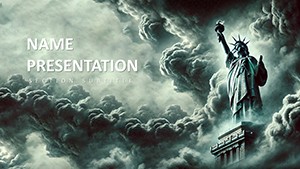

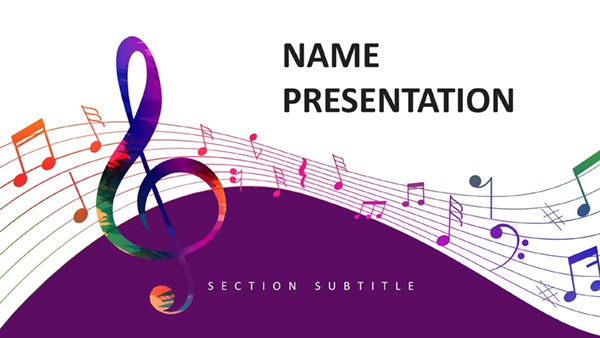

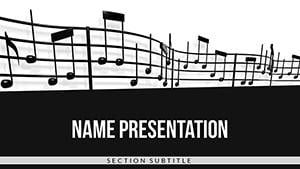

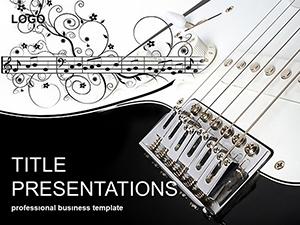


The music industry moves fast and a generic presentation can make even the most innovative recording project feel amateur. Using dedicated music recording templates ensures that your visual identity matches the sophistication of your sound. These slides are built for versatility serving everyone from home studio enthusiasts to executive producers at major labels.
Our templates are not just backgrounds; they are strategic tools for communication within the music ecosystem. Here is how you can utilize them:
To make the most of your music recording templates consider these expert tips. First utilize high-contrast color schemes—neon accents on dark backgrounds mimic the look of modern mixers and VU meters. Second integrate multimedia elements; since you are presenting music ensure your slides have embedded audio clips or links to high-quality masters. Third keep text minimal. The music industry is visual and auditory—let the gear and the sound do the talking while the slides provide the essential data points.
Ready to take your project to the next level? Browse our collection and download a professional music recording template today to ensure your next pitch hits all the right notes.
While these files are optimized for PowerPoint they are fully compatible with Apple Keynote. Simply open the .pptx file in Keynote and the software will convert the elements for you.
Yes most templates include the high-resolution images shown in the previews. You can easily replace them with photos of your own specific studio equipment if needed.
Absolutely. All templates use theme-based colors. By changing the master color palette in PowerPoint every slide in the deck will update automatically to reflect your brand colors.
Copyright © 2009-2026 ImagineLayout All rights reserved.


