This category contains PowerPoint templates featuring unique backgrounds and thematic designs across corporate elegance, energy sectors, global travel, and creative storytelling topics.
It is aimed at business executives preparing quarterly updates, energy sector analysts delivering project reports, marketing teams creating campaign overviews, and trainers developing workshop materials who need quick-start options without designing from scratch.
Choose these templates instead of default shapes or blank slides when you want consistent visual themes that align with specific industry contexts, as they include pre-set layouts and color palettes that reduce setup time significantly.
For example, an energy analyst presenting hydropower initiatives can use a flow-themed background to illustrate project stages, keeping the audience engaged without additional graphic work.
Browse the collection to match your next presentation needs.




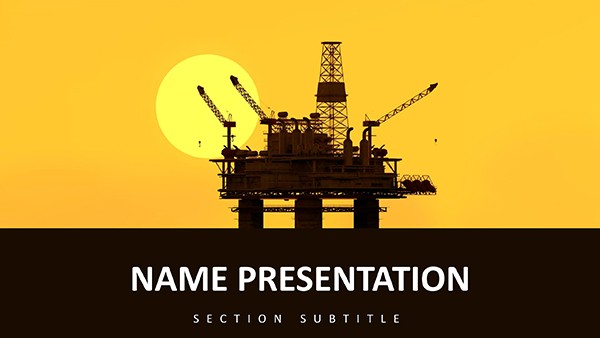
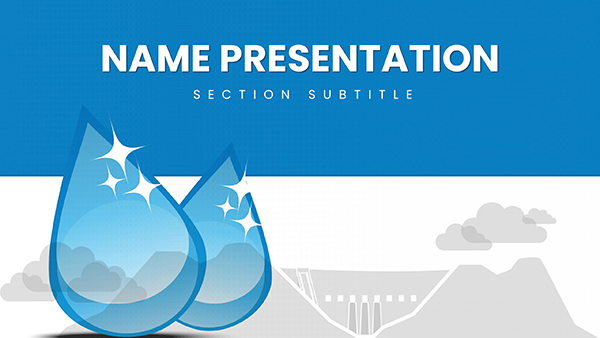



Business executives in multinational corporations use these templates for board meetings to showcase financial performance with clean backgrounds that keep focus on key metrics.
Energy project managers in oil and hydropower firms prepare investor updates by adapting flow or rig-themed slides to outline development timelines.
Marketing coordinators at travel agencies build campaign reviews using world-map backgrounds to highlight regional performance data.
Workshop facilitators in service industries rely on support-themed designs for training sessions on customer service protocols.
These scenarios demonstrate practical application across corporate, energy, marketing, and training environments.
Default shapes lack ready thematic backgrounds, requiring users to source and import images manually for each presentation.
Blank slides offer no consistent color palettes, leading to mismatched designs across multiple slides in a deck.
Basic options do not include industry-specific icons like rig structures or petal motifs that match content themes.
Creating custom layouts from scratch increases preparation time for quarterly reviews or project reports.
These templates deliver pre-aligned elements that maintain visual flow, unlike starting with empty canvases.
Match the background theme to your industry topic before adding data, such as using energy flows for hydropower reports to reinforce the message visually.
Keep text contrast high against backgrounds by using the built-in dark or light variants provided in each file.
Insert charts directly into placeholder areas to ensure alignment with surrounding design elements.
Review the slide master for consistent font application across all layouts before finalizing.
Save a copy with your company logo applied via the theme settings for repeated use in team decks.
For backgrounds with layered elements like flower petals or motorcycle graphics, use the selection pane to lock background layers before adding foreground content, preventing accidental shifts during edits.
This keeps the design intact while allowing quick content swaps in different versions of PowerPoint.
ImagineLayout focuses on ready-to-adapt backgrounds that fit specific presentation contexts rather than generic stock collections available elsewhere.
The files include more editable placeholder sections and theme switchers compared to basic downloads from other sites.
This approach supports faster customization for real business scenarios without requiring advanced design skills.
After purchase, log into your account and navigate to the order history section. Click the download button next to the selected template to receive the PPTX file immediately. The process takes less than one minute and includes all slides with editable placeholders already set up. No additional software is required beyond standard PowerPoint.
Yes, all templates in this category are tested for compatibility with PowerPoint 2016 and newer versions on both Windows and Mac. They also open correctly in PowerPoint for Microsoft 365. Older versions back to 2010 may require minor adjustments to animations, but core layouts and icons remain fully functional. Always test in your specific environment before important presentations.
The templates use standard PowerPoint shape and text placeholders, allowing color changes through the theme colors panel in two clicks. All icons and diagrams are grouped objects that can be ungrouped for individual edits. Text content is fully replaceable without affecting layout alignment, making updates straightforward even for users with basic skills.
Each download includes a standard license permitting use in commercial presentations, training materials, and client reports. You may modify and present the files as often as needed. Redistribution of the original template files is not allowed, but final exported PDFs or images from presentations are fine for sharing.
These templates are optimized for native PowerPoint and do not include direct Google Slides versions. However, you can upload the PPTX file to Google Drive and open it in Slides with most layouts and basic animations preserved. For full animation support, use PowerPoint desktop or online.
Copyright © 2009-2026 ImagineLayout All rights reserved.


