Make complex processes simple and understandable with our extensive library of flow diagram templates for Keynote. From basic workflows to detailed decision trees, these designs help audiences follow logic and steps effortlessly.
Over 120 versatile templates include classic flowcharts, swimlane diagrams, data flow designs, and process maps in multiple orientations and styles. All are fully editable with consistent connectors, modern icons, and optional animations.
Ideal for anyone who needs to document, explain, or improve processes - without spending hours building from scratch.
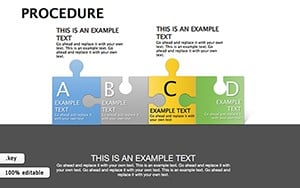



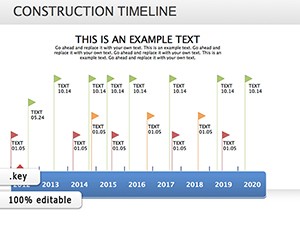
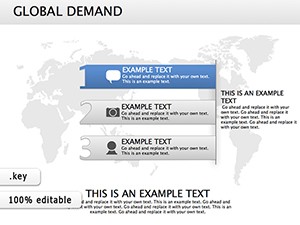
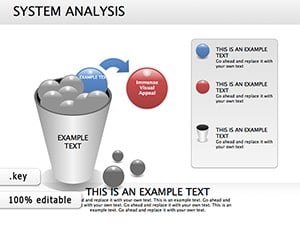

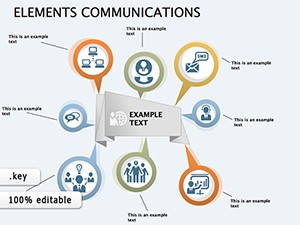
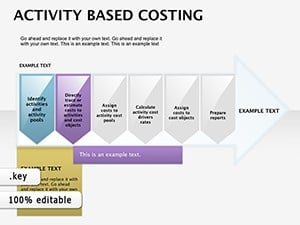
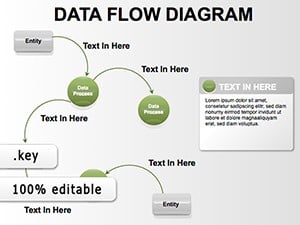
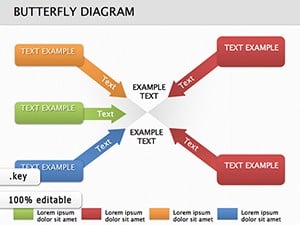

Our templates feature smart connectors that stay attached when moved, consistent styling, and logical color coding - features that save time and ensure professional results compared to manual creation.
Document onboarding, sales funnels, or customer journeys with clear visual flows.
Create user flow diagrams, algorithm visualizations, or database schemas.
Map production workflows, supply chains, or quality control processes.
Develop step-by-step guides that employees can follow easily.
Ready to map your processes professionally? Explore our complete flow diagram collection today.
Choose from horizontal and vertical layouts, colorful or minimalist designs, icon-enhanced templates, cross-functional swimlane diagrams, and specialized data or program flowcharts.
Find the perfect flow for your message - download now.
Yes - smart connectors automatically adjust and remain linked during editing.
Yes, multiple cross-functional templates with predefined lanes are available.
Absolutely - all templates support adding or replacing icons easily.
Yes, dedicated decision tree layouts with branching logic are included.
Templates support unlimited steps and branches while maintaining clean layouts.
Copyright © 2009-2026 ImagineLayout All rights reserved.


