Evolution PowerPoint Charts

Discover a curated collection of evolution PowerPoint charts designed to simplify complex trends and growth patterns for any professional presentation.

Perfect for business strategy meetings, academic lectures, or startup pitch decks, these templates combine clarity with style, allowing you to illustrate processes, product development, or market evolution effortlessly.

View by: Last Added | Most Popular
  • like 4
    (8)
    Pie Charts PowerPoint Template - 26 Editable Slides
    ID: #PC01094
    $16.00
  • like 5
    (17)
    Professional Pie Charts PowerPoint Template
    ID: #PC01067
    $16.00
  • like 4
    (280)
    Medicine: Personal Protective Equipment (PPE) PowerPoint Charts Template
    ID: #PC00878
    $15.00
  • like 5
    (1126)
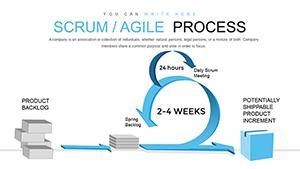
    Scrum Agile Process PowerPoint Charts Template for Presentation
    ID: #PC00828
    $18.00
  • like 3
    (790)
    2D Puzzle PowerPoint Charts Template: Transform Data into Engaging Stories
    ID: #PC00817
    $18.00
  • like 4
    (998)
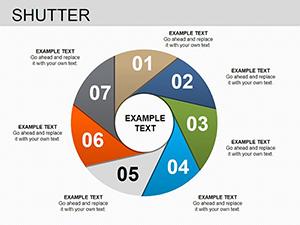
    Shutter Pie Charts PowerPoint Template: Master Data Distribution with Style
    ID: #PC00223
    $18.00
  • like 3
    (599)
    Dynamic Vacuoles Charts: Science Meets Visual Brilliance
    ID: #PC00207
    $15.00
  • like 3
    (1131)
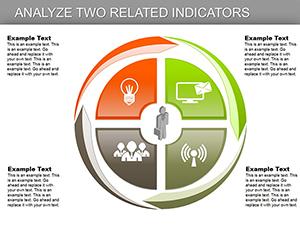
    Analyze Two Related Indicators PowerPoint Charts Template: Dual Data Mastery
    ID: #PC00175
    $20.00
  • like 3
    (1145)
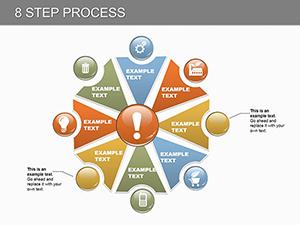
    Master Complex Ideas with 8-Step Process PowerPoint Charts Template
    ID: #PC00154
    $22.00


Why Choose Evolution PowerPoint Charts

Our evolution chart templates provide a visual narrative of progress, helping audiences grasp trends quickly. Unlike generic slides, these designs highlight growth stages, milestones, and transitions in a visually engaging way.

Real-World Use Cases

  • Business Reports: Track product lifecycles or market trends.
  • Education: Explain historical or scientific evolutions clearly.
  • Startups: Showcase growth projections and investor roadmaps.

Benefits Over Default Templates

Save time with ready-to-use layouts, maintain professional aesthetics, and enhance audience understanding compared to standard PowerPoint charts.

Creative Tips and Best Practices

  • Use color gradients to indicate progression stages.
  • Add icons for milestone highlights.
  • Combine with timelines for context.

Download your preferred template and start creating dynamic, data-driven evolution presentations today.

Frequently Asked Questions

Can I customize the colors and fonts?

Yes, all templates are fully editable, allowing you to change colors, fonts, and styles to match your brand or presentation theme.

Are these templates compatible with Keynote?

While designed for PowerPoint, many templates can be imported into Keynote with minor adjustments.

Can I use these for educational purposes?

Absolutely, they are perfect for lectures, workshops, and student presentations.