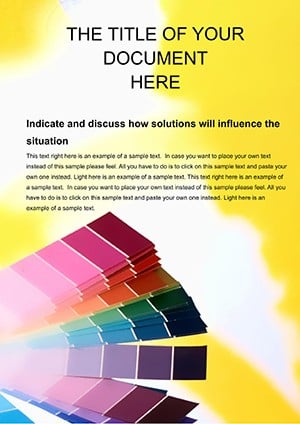
Infuse personality into your Microsoft Word documents with our color templates, ideal for writers, admins, and project managers. These palettes turn standard files into branded assets that impress and organize.
Applicable to resumes, reports, and newsletters, they offer styles for headings, body text, and borders. Select from professional grays to lively accents for varied tones.
Compatible with themes for one-click updates across files. Enhance readability and visual flow effortlessly.
Check out the variety and choose what fits your workflow. Make every page count now.
They unify documents beyond basic formatting, with schemes that support long-form readability. Admins streamline branding; authors focus on content.
Versus presets, these adapt to niches like legal (crisp blacks) or creative (vibrant mixes).
Elevate mundane files to standout pieces.
Job seekers craft standout resumes with tailored hues. Managers produce reports with sectional colors for navigation. Teachers design handouts with engaging pops.
Bloggers theme posts consistently. Lawyers format briefs formally.
Colors organize and motivate here.
Via Design tab, select Colors to load scheme. Modify via custom options. Apply to styles for inheritance.
Track changes preserve tints. Share via cloud for collaboration.
Pro: Link to external swatch files for updates.
Cap at four colors to avoid distraction. Ensure WCAG compliance. Preview in print layout.
A team cut revision time by 35% with standardized palettes. Use borders sparingly for accents.
Update your docs stylishly? Access Word color templates and transform effortlessly.
Update the theme in Design, then refresh styles manually.
Fully, as standard Word features.
Limited, but great for hyperlinks and transitions.
Palettes extend to fills and lines automatically.
Yes, holiday and quarterly variants included.