Arrow themed financial slides help audiences understand direction progress and results at a glance. This collection of free Arrow Financial Keynote templates is designed for presenters who need clarity speed and confidence in every slide.
Use arrows to show growth trends cost reduction roadmaps forecasts and strategic moves without heavy text or complex charts. Each slide is fully editable so you can adjust colors labels and layouts to match your brand and message.
Whether you prepare investor updates internal reviews or academic presentations these designs help you tell a financial story that feels structured modern and easy to follow.




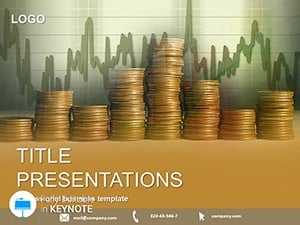





Arrow visuals instantly communicate movement direction and cause and effect. In financial presentations this saves time and reduces confusion. Instead of long explanations you guide the audience visually from start to result.
Use arrow slides to present revenue growth quarterly performance budget changes or KPI movement. Managers and executives quickly see where the business is heading.
Show funding allocation growth projections and market expansion with directional arrows that make your strategy easy to grasp.
Explain economic models financial cycles or learning progress using arrows that guide students step by step.
Visualize funnel movement campaign results and strategic shifts without cluttered charts.
Standard Keynote slides often rely on plain bullet points. Arrow Financial templates provide a stronger visual hierarchy and storytelling flow.
All templates are ready to use in Keynote and easy to customize even for beginners. Download a design adjust your data and present with confidence.
Explore the Arrow Financial Keynote templates now and turn numbers into a clear story.
Yes all templates in this section are free to download and use for personal and commercial presentations.
Absolutely. Every element can be edited directly in Keynote including colors fonts arrows and labels.
Yes the clean professional design makes them ideal for investor pitches financial reviews and board meetings.
No these slides are built for quick use. You only replace content and adjust values.
Copyright © 2009-2026 ImagineLayout All rights reserved.


