Affinity Keynote Diagrams

Streamline team brainstorming and strategy planning with our editable Keynote affinity diagram templates. Perfect for workshops training sessions and collaborative projects these templates help cluster ideas visually and inspire creativity in any team environment.

High-fidelity vectors ensure sharp presentations every time and Keynote collaboration features allow real-time input so your team can innovate together seamlessly.

View by: Last Added | Most Popular
  • like 5
    (173)
    Keynote Finance Icons Diagrams
    ID: #KD00133
    $18.00
  • like 3
    (671)
    Tourist Services Keynote Diagrams for Engaging Travel Presentations
    ID: #KD00131
    $25.00
  • like 4
    (324)
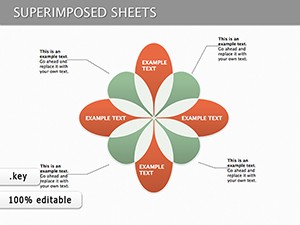
    Venn Superimposed Sheets Keynote Diagrams: Reveal Hidden Connections
    ID: #KD00128
    $25.00
  • like 2
    (1165)
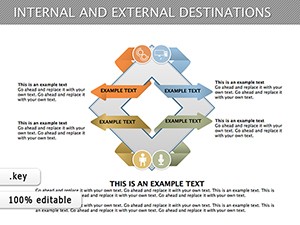
    Editable Internal & External Destinations Keynote Diagrams
    ID: #KD00127
    $24.00
  • like 3
    (366)
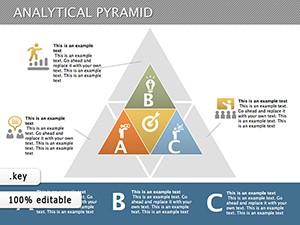
    Analytical Pyramid Keynote Template
    ID: #KD00121
    $24.00
  • like 4
    (383)
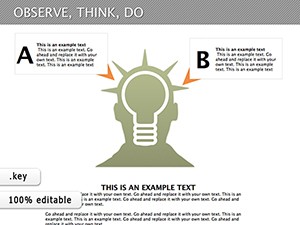
    Observe, Think, Do: Keynote Diagrams Template for Presentations
    ID: #KD00116
    $16.00
  • like 3
    (352)
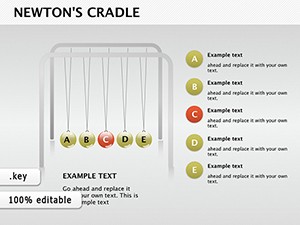
    Newton's Cradle Keynote Diagrams
    ID: #KD00100
    $18.50
  • like 3
    (164)
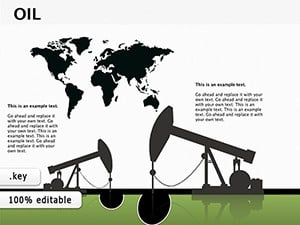
    Oil and Gas Production Presentations with Keynote Diagrams Template
    ID: #KD00097
    $15.00
  • like 3
    (136)
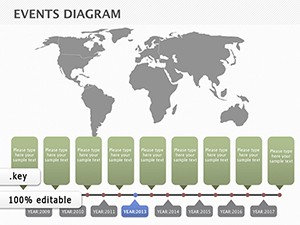
    Map Events: Global Architecture Timeline Keynote
    ID: #KD00095
    $18.00


Why Choose Keynote Affinity Diagram Templates

Affinity diagrams help organize scattered ideas into clear patterns making team decision-making efficient and productive.

Real-World Use Cases

  • Business strategy sessions for SWOT analysis
  • Educational lesson planning and idea consolidation
  • Marketing brainstorming and campaign ideation
  • Healthcare diagnostics and symptom grouping

Benefits Over Default Templates

  • Pre-grouped examples for faster setup
  • Customizable color zones and connectors
  • High-resolution vectors for sharp visuals
  • Enhanced collaboration features

Creative Tips and Best Practices

  • Start broad then refine clusters
  • Use colors to indicate affinity levels
  • Vote digitally on priorities
  • Document evolutions to track progress

Explore our collection now and choose the perfect template to kickstart your next session.

Frequently Asked Questions

What is a Keynote affinity diagram template?

A Keynote affinity diagram template is a pre-designed canvas to visually organize ideas into clusters enhancing collaboration and clarity in team projects.

Who can use these templates?

They are ideal for UX designers planners educators marketers and facilitators needing structured brainstorming or problem-solving sessions.

Are these templates editable?

Yes all templates are fully editable including colors text layouts and shapes allowing customization to fit any project needs.

Can these templates be used for remote collaboration?

Absolutely Keynote collaboration features allow multiple users to edit and provide input in real time making remote teamwork seamless.

How do these templates improve over blank diagrams?

They provide structured layouts pre-grouped examples and color coding making idea clustering faster clearer and visually appealing.