Business Plan PowerPoint Charts - Instant Download
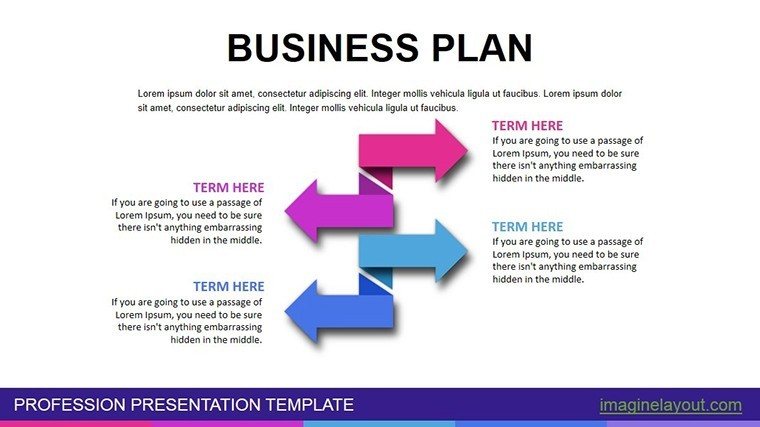
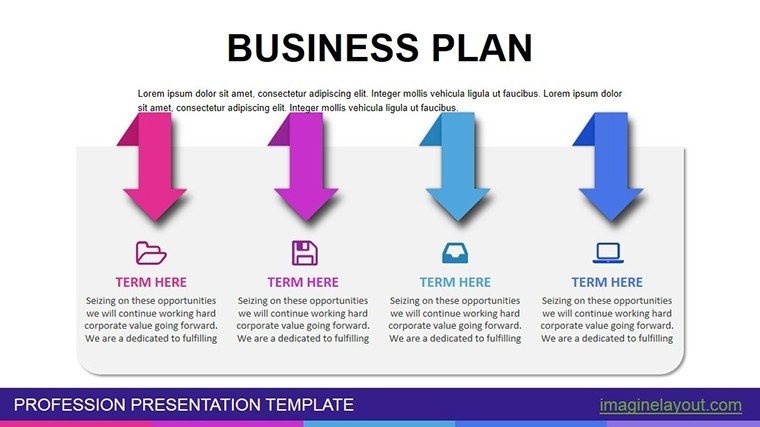
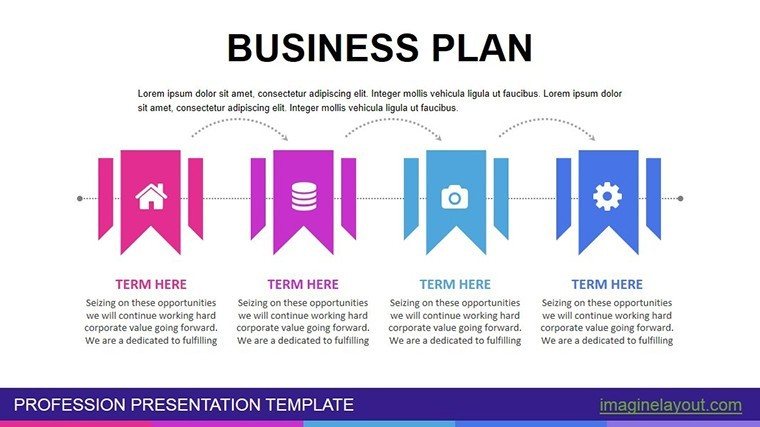
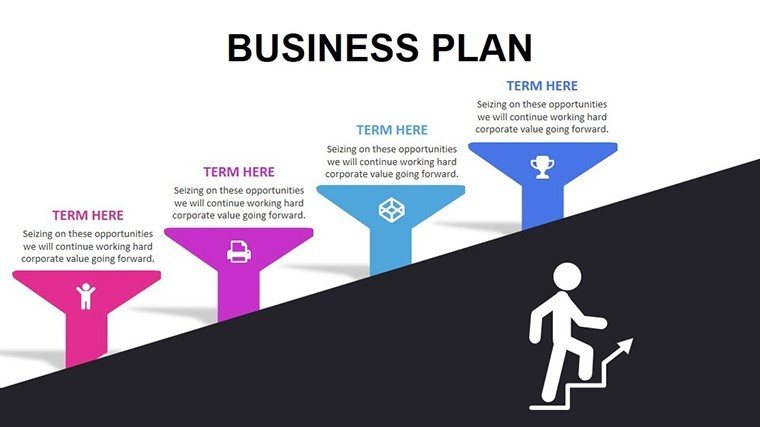
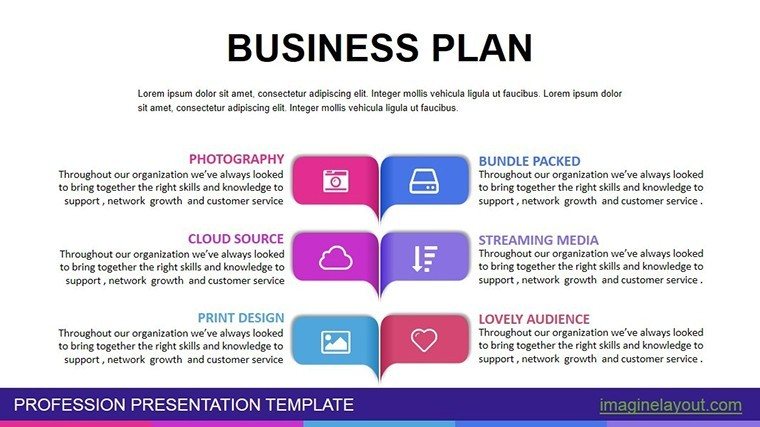
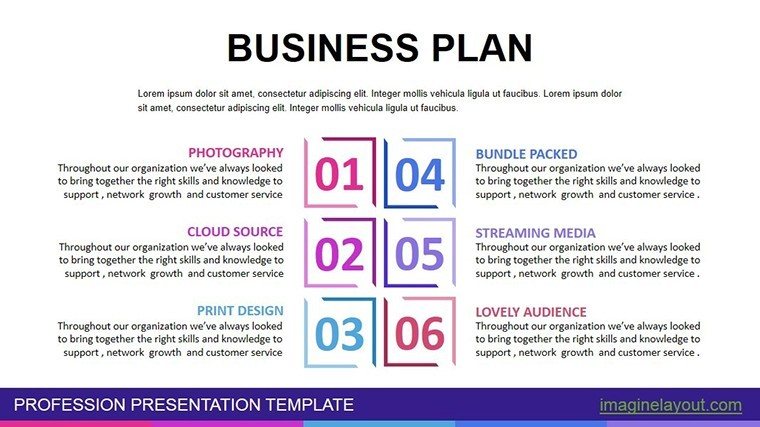
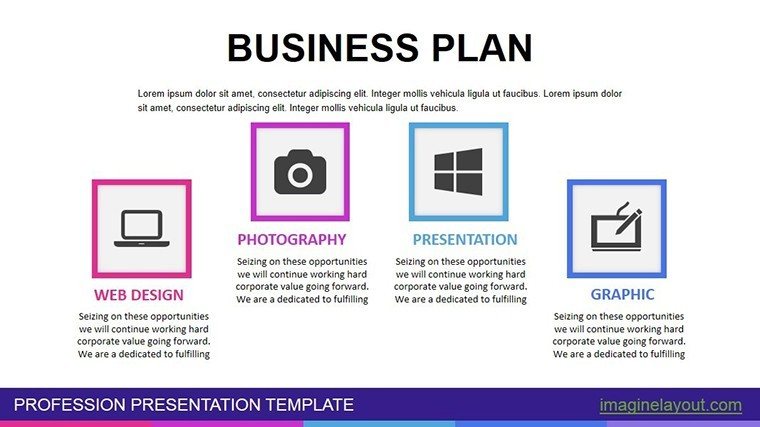
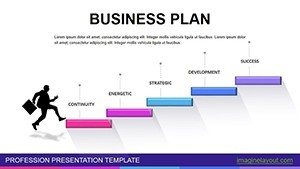
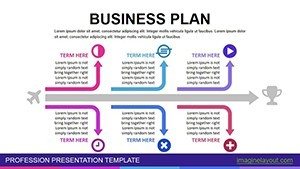
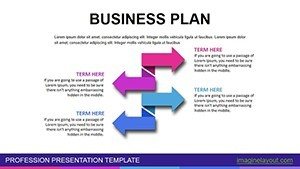
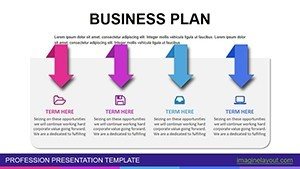
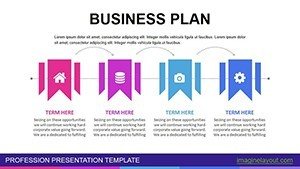

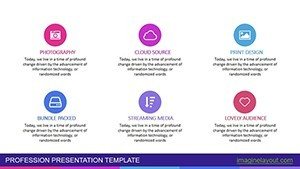
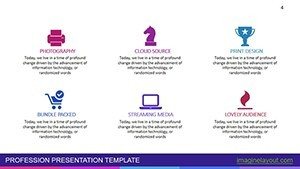
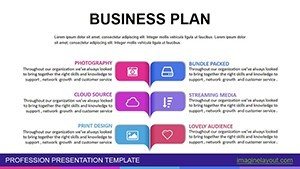
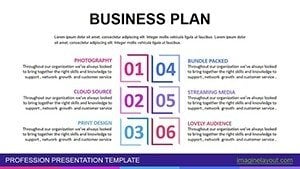
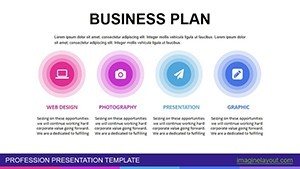
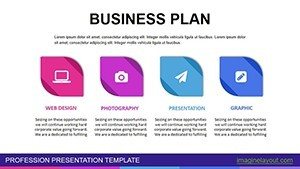
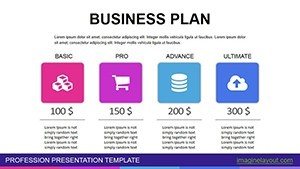
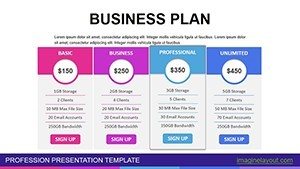
Type: PowerPoint Charts template
Category: Process, Illustrations
Sources Available: .pptx
Product ID: PC00468
Template incl.: 27 editable slides
27 Slides Across Business Frameworks: What You Get
27 diagrams arrive in the download.
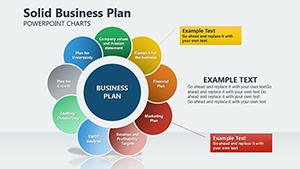
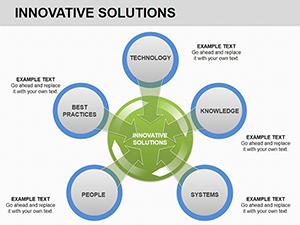
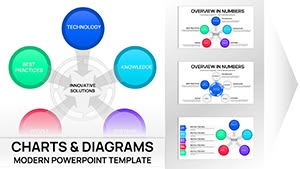
The set covers executive summaries along with financial projections and market analysis slides.
These elements combine to map complete business plans from idea validation through growth forecasts in one file.
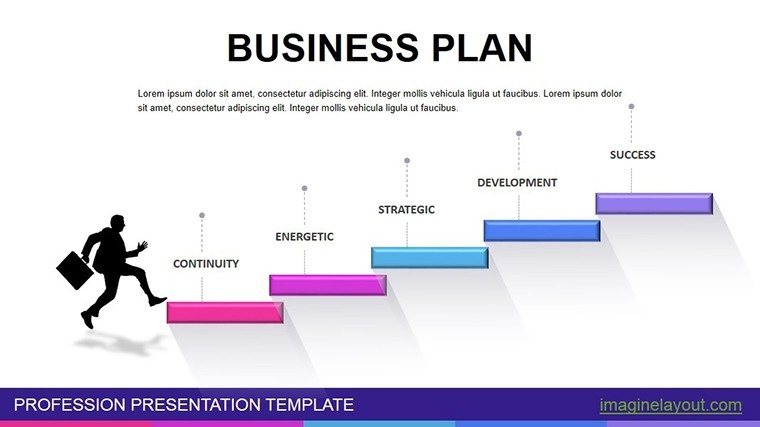
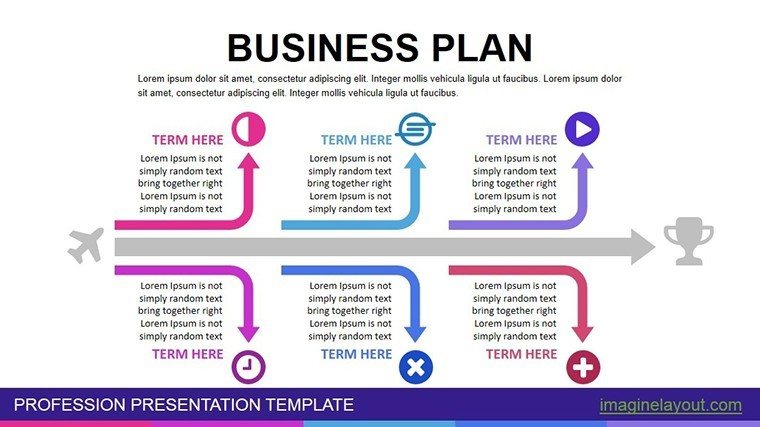
Unlike single-service layouts the design here uses structured frameworks with clear flow direction to segment phases. It suits best the task of conveying business plans in investor presentations since the layouts organize abstract strategies into digestible visuals. The single purchase covers the full 27 slides with all frameworks in PPTX.
Editing Capabilities at a Glance
| Feature | Details |
|---|---|
| Slides included | 27 diagrams across plan sections |
| Text placeholders | labels update without unlocking grouped elements |
| Color theme adjustments | compatible with PowerPoint slide master palette |
| Diagram connectors | arrows and lines adjustable in direction and weight |
| Icon layers | icons replaceable without affecting layout |
| Aspect ratio | 16:9 widescreen standard |
Adapting the Template to Your Brand
Moderate difficulty suits users familiar with basic PowerPoint tools.
- Open the .pptx file in PowerPoint 2016 or newer (1 minute)
- Replace placeholder text with your plan details (3 minutes)
- Adjust brand colors through the slide master palette (2 minutes)
- Edit chart data and connectors (4 minutes)
- Export as PPTX or PDF for the meeting (1 minute)
Total time stays under 15 minutes for a branded version.
Who Reaches for This Template
Entrepreneur in Startup
An entrepreneur in a startup prepares an investor deck. These charts cut preparation from three hours to 45 minutes by swapping financial data in the existing projection slides.
Financial Analyst in Consulting
A financial analyst in consulting reviews business models for clients. The same file adapts across three reports by updating color schemes while preserving framework structure.
Download to Begin Editing Your Business Plan
Compared to Starting From Zero
Building equivalent business plan frameworks from scratch demands advanced design skills and three hours minimum. Many users struggle with consistent flow direction or information spacing when starting blank.
This approach requires only moderate skill and under 15 minutes. Icons replace easily without layout shifts to keep focus on data hierarchy.
Flow direction here guides viewers through plan phases rather than static blocks which helps audiences grasp financial projections without overload.
Get the Full Set of Business Plan Charts Now
Which PowerPoint versions does this template support?
PowerPoint 2016, 2019, 2021 and Microsoft 365 on Windows or Mac all open the PPTX file without issues. Earlier versions may lack some advanced chart features but core frameworks remain editable. Test the file in your installed version before full commitment if using legacy software. The slide master ensures consistent layouts across versions.
How do I change the color scheme?
Open the slide master view in PowerPoint. Select the theme colors section and update the palette to match your brand. Apply changes across all 27 slides automatically. Save the file to lock in the new scheme for future use.
What license applies to the purchase?
Commercial use in client work and internal presentations is fully permitted. Resale of the template or any derivative as standalone product remains prohibited. Sublicensing to third parties is not allowed under the terms. Contact support for specific enterprise licensing questions.
Is there a free version available?
The product page does not list a separate free tier. The single purchase includes the complete set of 27 editable slides with frameworks. All features shown in the description come with the paid file. No limitations apply after purchase.
What file formats are included and what opens them?
The download contains only the PPTX format. Microsoft PowerPoint or compatible viewers such as Keynote with import open it directly. PDF export is available after editing for distribution. No additional JPG or other formats appear in the package.
What is the refund policy?
Refunds are processed within 14 days of purchase if the file fails to open in supported PowerPoint versions. Provide proof of compatibility issue for approval. No refunds after successful download and editing. Support assists with any technical problems before refund requests.