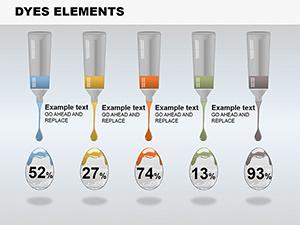
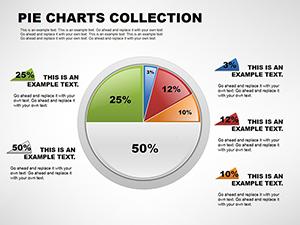
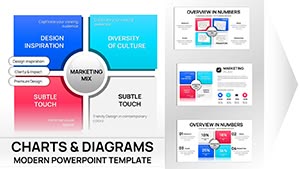
Ecology Tech PowerPoint Charts - Fully Editable




Type: PowerPoint Charts template
Category: Illustrations
Sources Available: .pptx
Product ID: PC00146
Template incl.: 17 editable slides
Package Contents
17 fully editable diagrams come in the download.
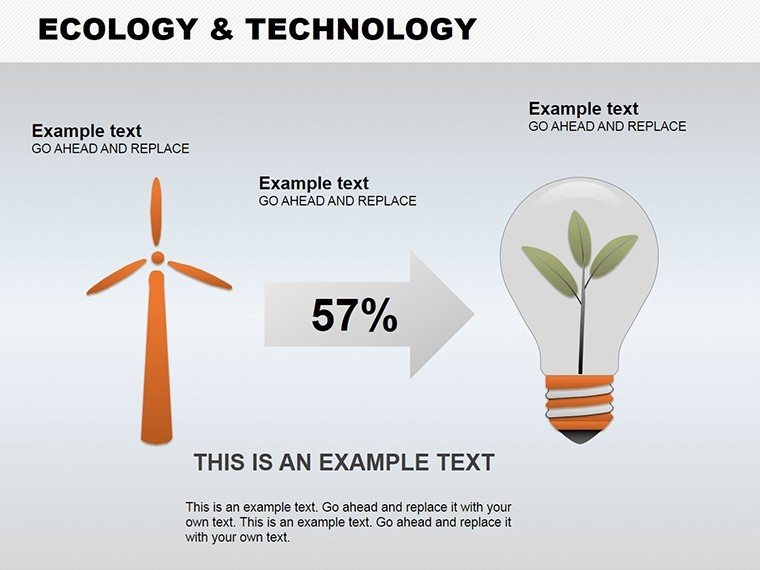
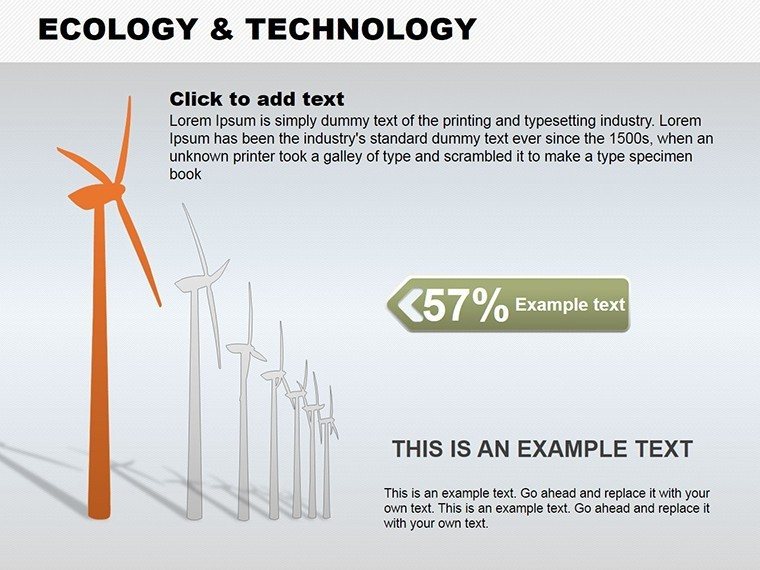
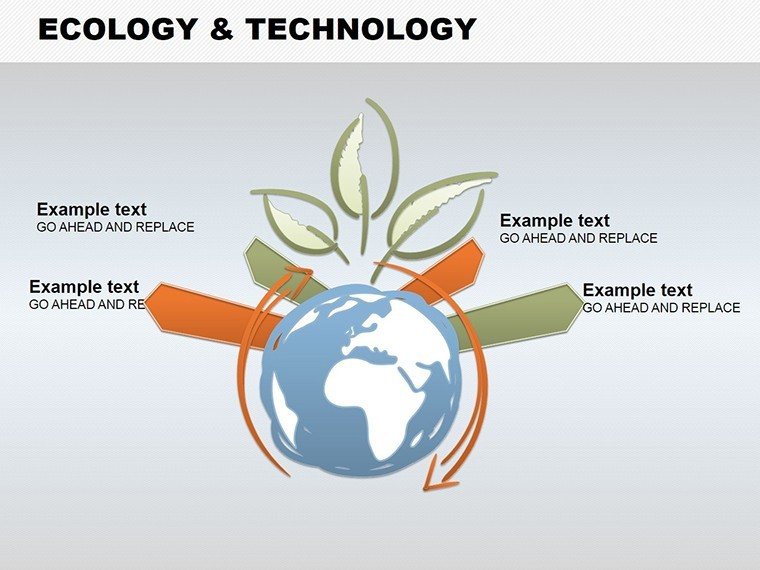
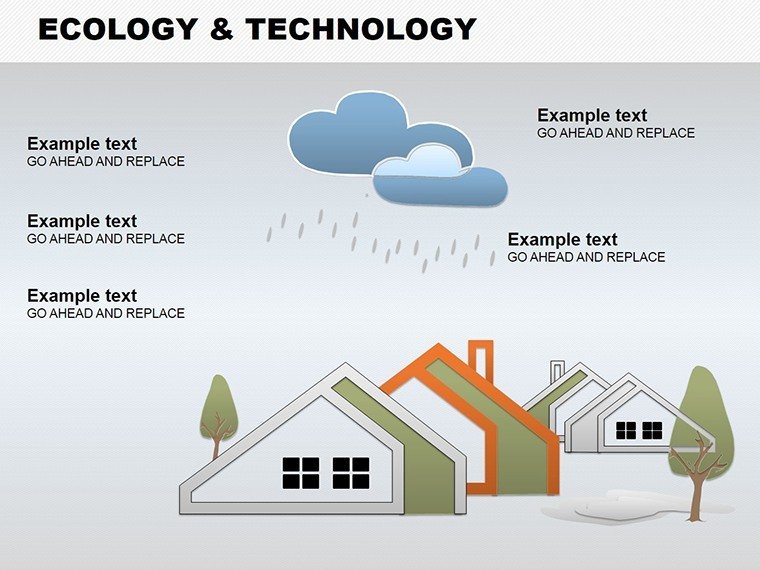
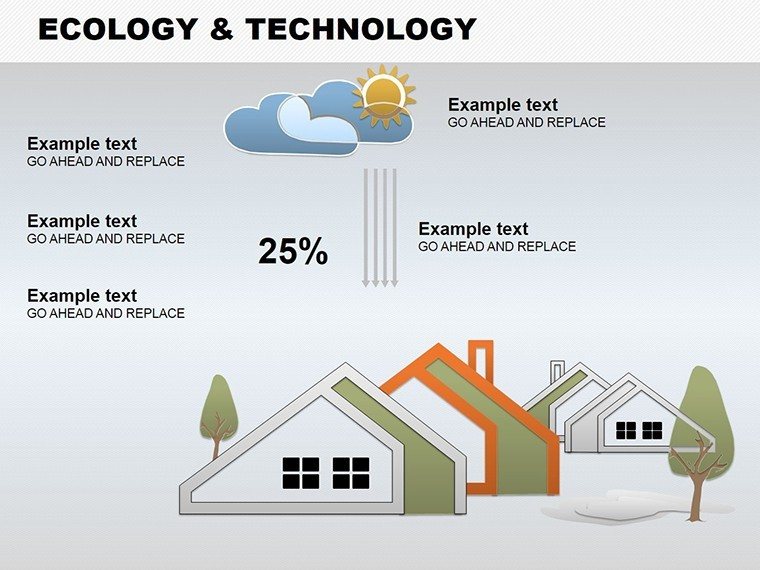
Each blends environmental trends with tech performance visuals.
These support ESG reporting in one view during strategy workshops.
The integrated design sets it apart from pure pie layouts by combining icons with data zones. This enables clear communication in board briefings where sustainability metrics matter most.
Layout composition uses zone segmentation for visual hierarchy.
At a Glance
| Feature | Details |
|---|---|
| Editable shapes | eco segments resize and recolor independently |
| Text placeholders | labels update across all seventeen slides instantly |
| Color theme adjustments | slide master palette applies to all zones |
| Diagram connectors | lines between icons adjust in weight |
| Icon layers | eco icons replaceable in segment areas |
| Export options | .pptx for editing or PDF for distribution |
Who Reaches for This Template
Sustainability Officer in Energy
A sustainability officer reported carbon metrics in an investor presentation. The eco-tech blends clarified green performance. Deck preparation dropped from 3 hours to 45 minutes.
Tech Founder in Startups
A tech founder pitched innovation to stakeholders. The file was reused across five briefings with color swaps.
Consultants often pair these diagrams with a illustration visualization slide when structuring multi-tier strategy decks. Teams in sales presentations combine it with a analysis diagram for investor decks.
Explore additional options in the illustrations powerpoint chart templates category.
Download the Ecology and Technology PowerPoint Charts Template
Edit, Brand, Present: The Workflow
The workflow takes under 12 minutes for moderate skill users.
- Open the .pptx file in PowerPoint (1 minute)
- Replace placeholder text with your content (3 minutes)
- Adjust brand colors via the slide master (2 minutes)
- Edit diagram labels and connectors (4 minutes)
- Export as PPTX or PDF (1 minute)
Editing difficulty: Moderate.
Compared to Starting From Zero
Building equivalent eco-tech diagrams from scratch takes over 90 minutes per slide. Manual alignment of icons often leads to misaligned zones on projection screens. This template provides ready structures so users focus on data only.
Icons sit outside segments connected by thin lines. That placement maintains readability during live meetings without adding editing complexity.
The cost of not using a template includes lost time and inconsistent visual hierarchy in business presentations.
Download Now and Present with Confidence
Which PowerPoint versions are compatible?
The PPTX file opens in PowerPoint 2016, 2019 and Microsoft 365 on Windows and Mac systems. Slide master access works fully in all listed versions. Users on older versions may need to update for full color theme adjustments. The file format compatibility ensures no conversion issues during editing.
How do I change the color scheme?
Open the slide master view in PowerPoint. Select the color palette and update the theme colors. The changes apply automatically to all seventeen diagrams. Save the file and the new scheme appears in every slide.
What license is included?
The purchase allows use in client work and internal business presentations. Resale or sublicensing of the template itself is not permitted. The license covers unlimited projects within one organization. Download once and apply across multiple decks.
Is there a free version?
No free version is listed on the page. The paid download provides the complete set of 17 diagrams in PPTX format. All editable elements and connectors are included. This single purchase covers the full package.
What file formats are provided?
The download contains a single PPTX file. It opens directly in PowerPoint for editing. PDF export is possible after customization. No additional formats like JPG are included.