Promo code "00LAYOUTS"
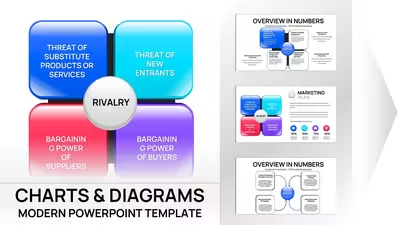
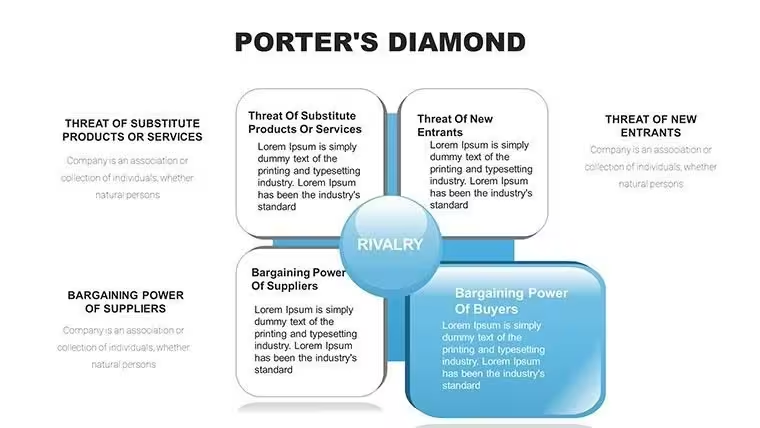
Porter`s Diamond PowerPoint Charts Template - 27 editable slides
As a senior presentation designer who's crafted decks for Fortune 500 strategy sessions and MBA classrooms, I know the challenge of distilling Porter's Diamond into visuals that stick. This infographic-focused template solves that by turning abstract competitive factors into clear, engaging diagrams that drive decisions. With 27 slides tailored for real-world analysis, you'll save hours while delivering insights that resonate with executives and teams alike.
What sets this apart is its emphasis on infographic elements - think bold icons and flow paths that make factor conditions pop without overwhelming viewers. I've used similar layouts to help clients map industry clusters during mergers, proving how effective this can be for conveying national advantages. Professionals in strategy roles will appreciate how it streamlines complex ideas into actionable slides.
In-Depth Look at Each Slide's Structure
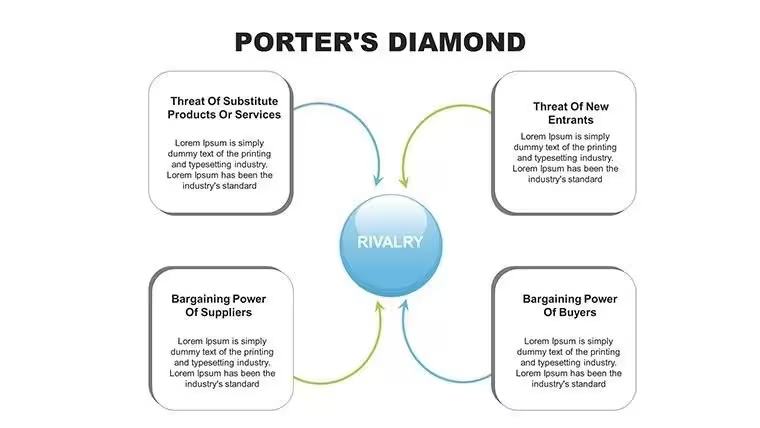
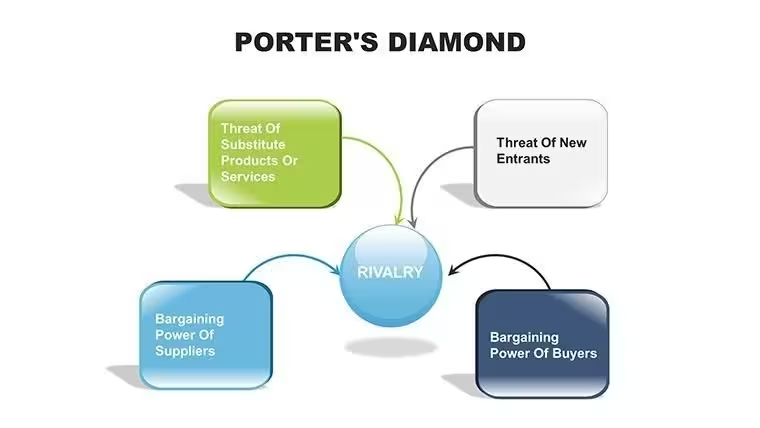
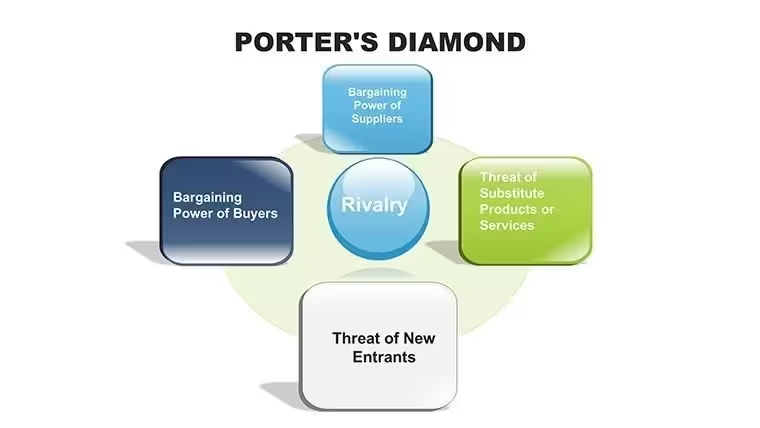
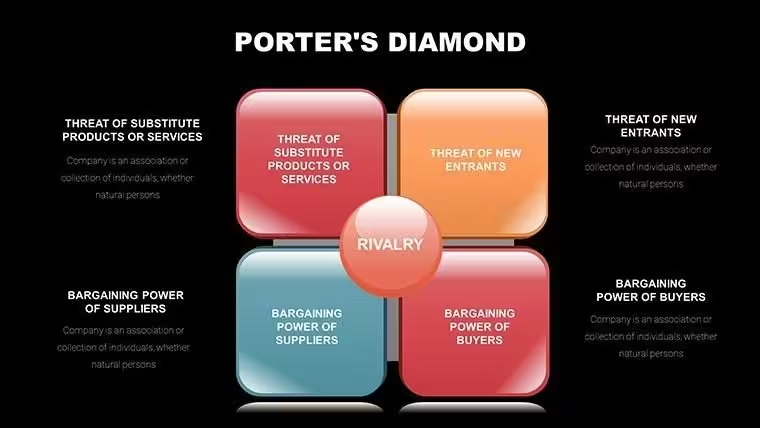
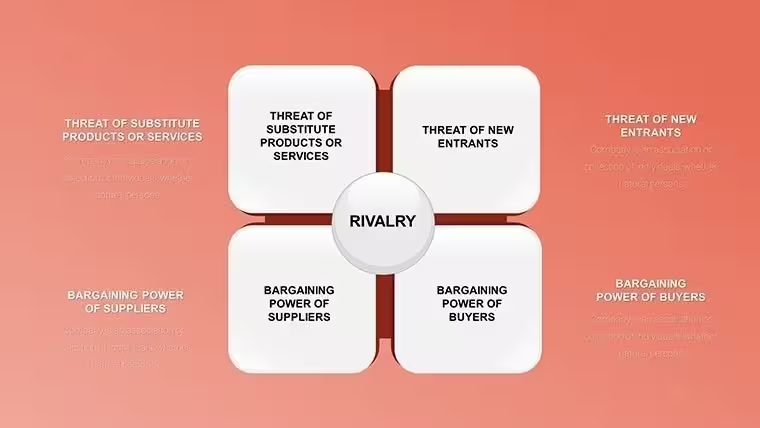
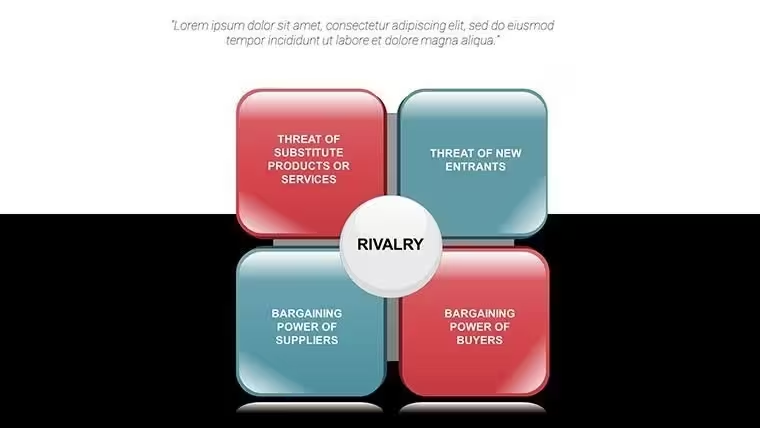
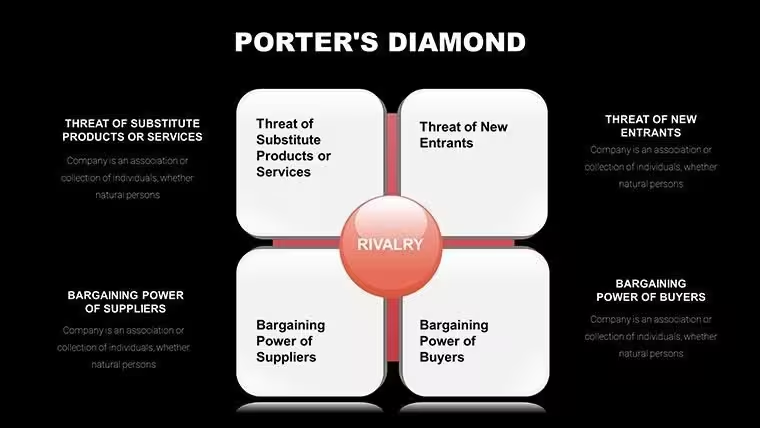
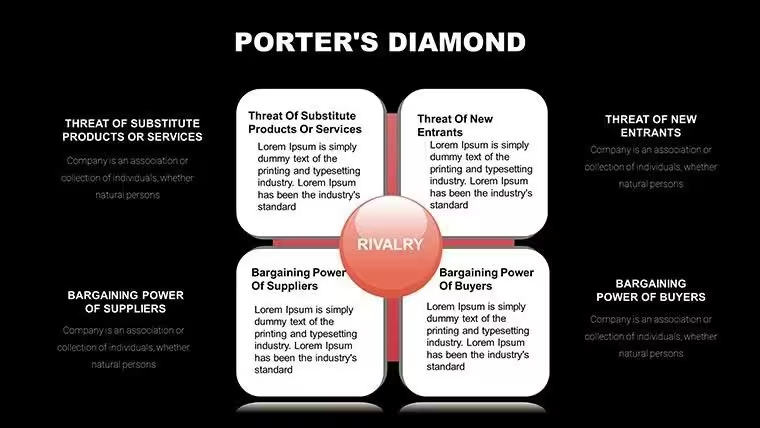
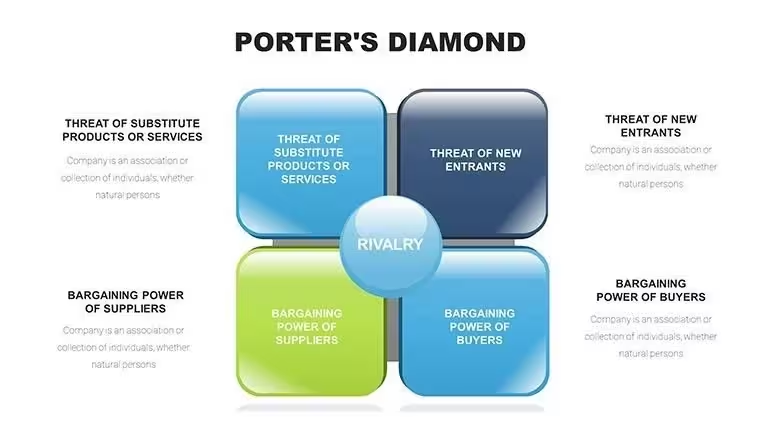
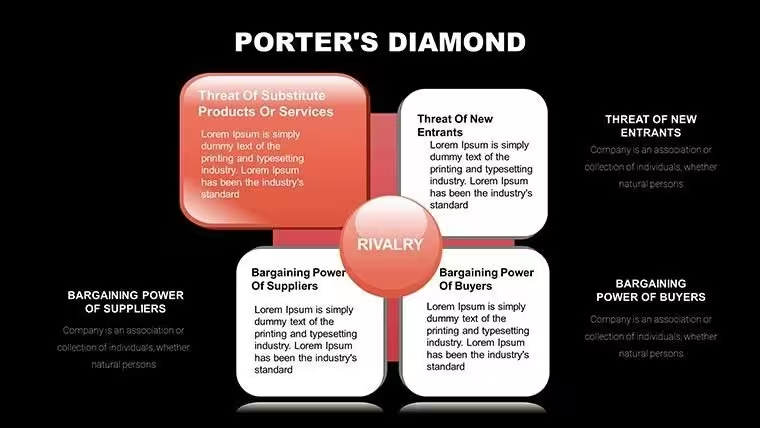
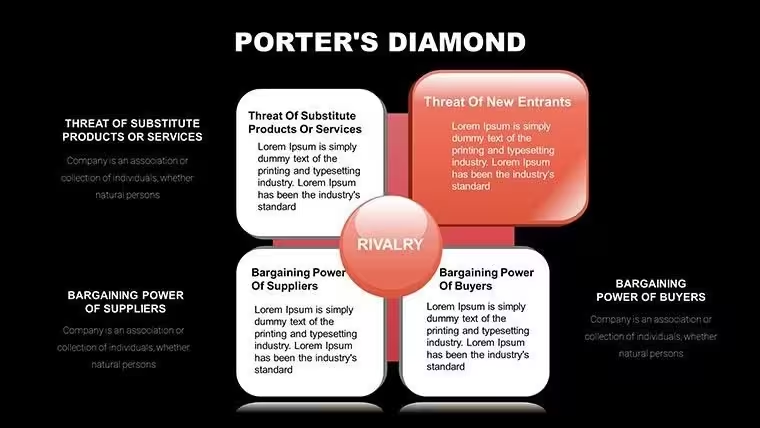
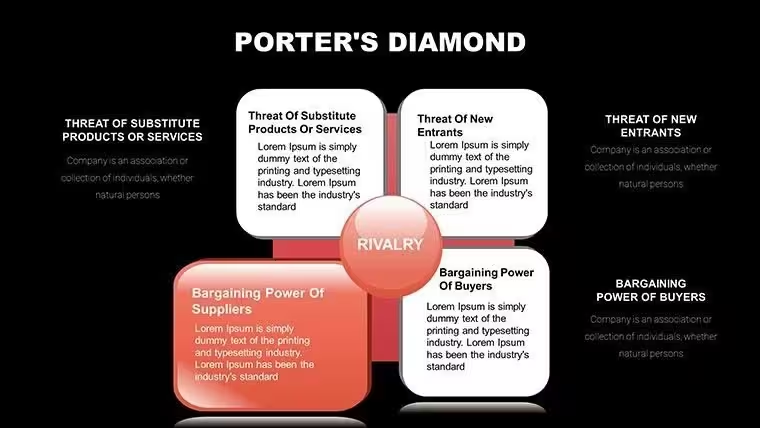
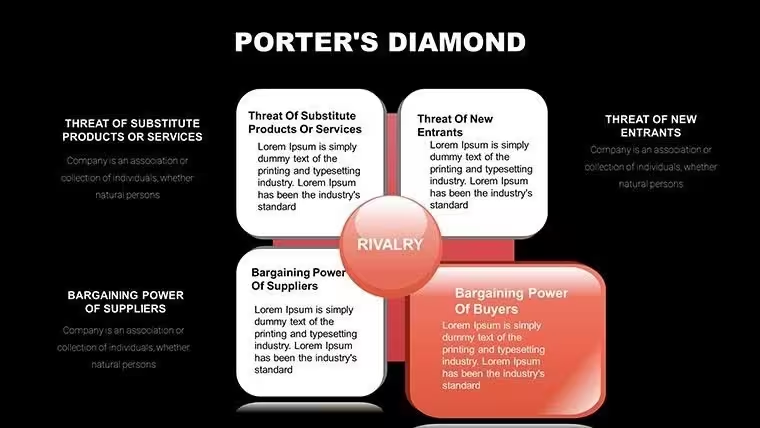
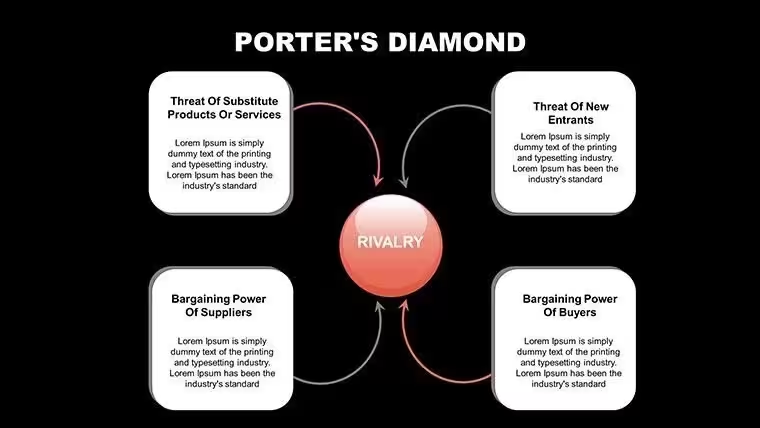
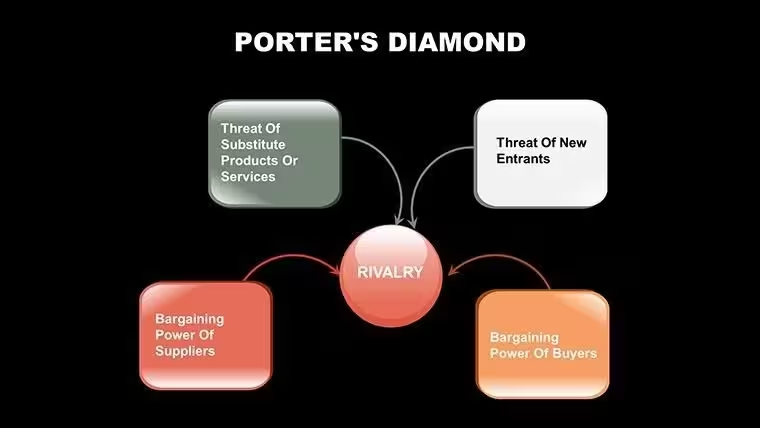
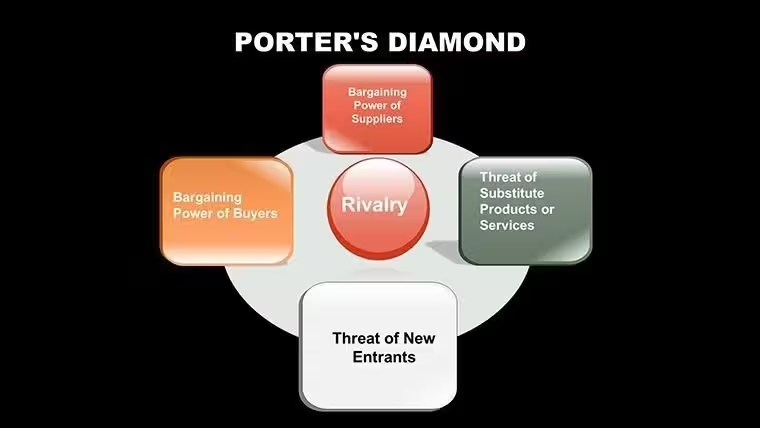
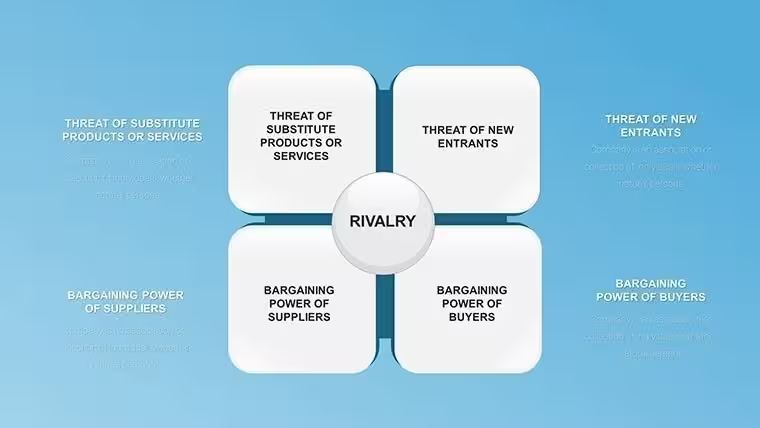
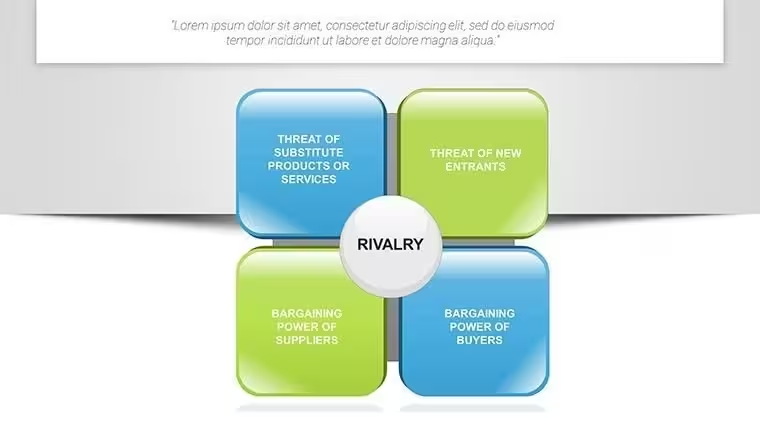
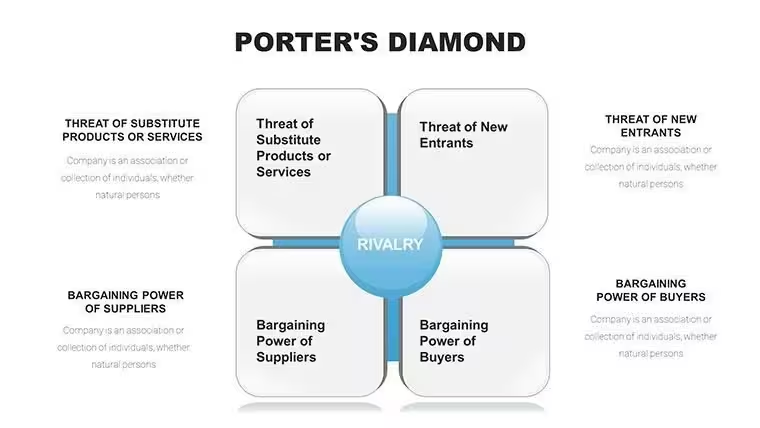
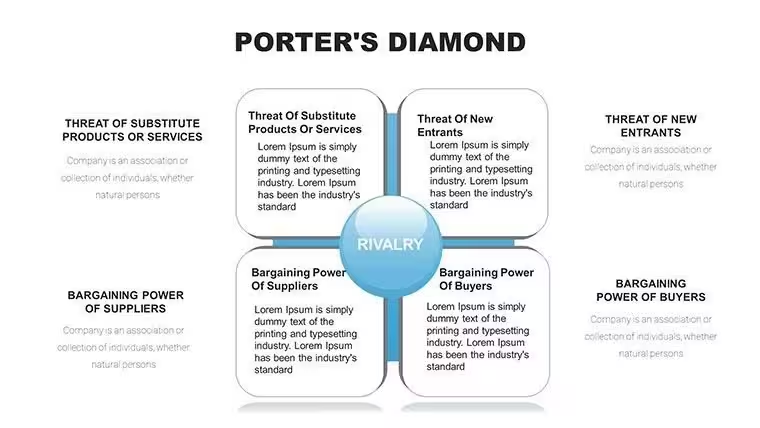
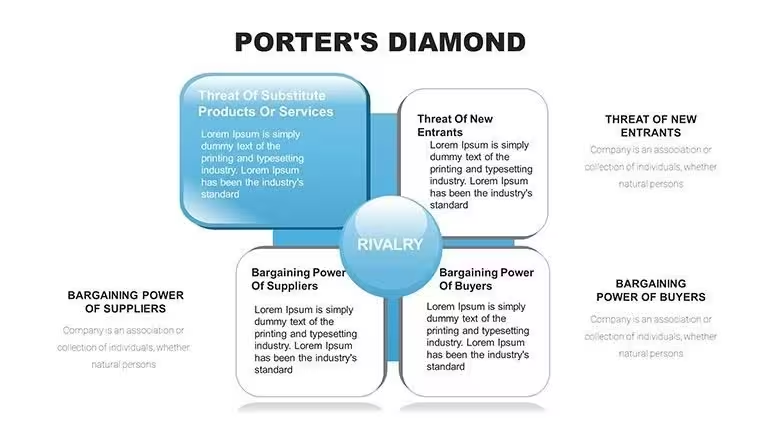
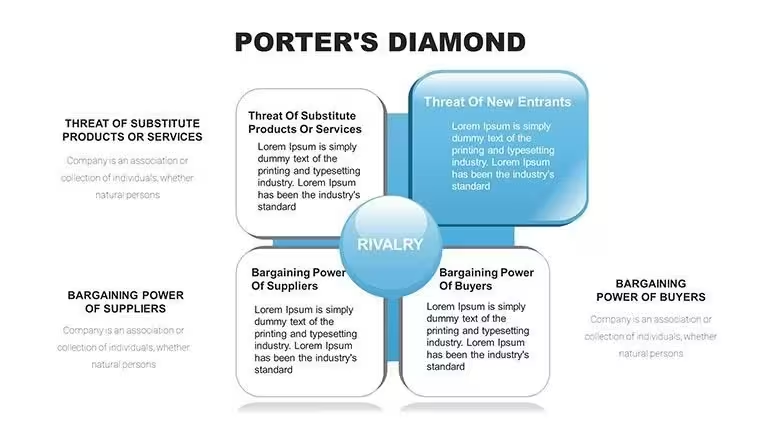
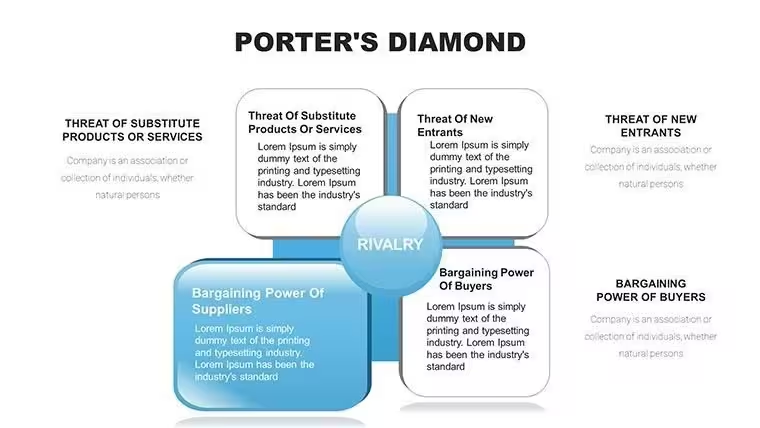
This template's 27 slides provide a comprehensive toolkit for breaking down Porter's Diamond. Starting with the overview slide, it features a central diamond diagram labeling the four main attributes: factor conditions, demand conditions, related industries, and firm strategy. You can input high-level summaries here, using the built-in text boxes for quick customization.
Slides 2-6 dive into factor conditions, with infographics showing resource hierarchies like skilled labor bar charts and infrastructure icons. These allow data import from Excel for real metrics, such as comparing education levels across regions. The design uses color gradients to highlight advanced vs. basic factors, making it easy to illustrate points like technological edge in semiconductor manufacturing.
Demand conditions occupy slides 7-11, incorporating pie charts for market sophistication and line graphs for buyer trends. Customize with your data to show how home market pressures foster innovation, perhaps plotting consumer preferences in the fashion sector. The infographic style ensures dense information remains digestible.
Related and supporting industries are covered in slides 12-16, with network diagrams depicting supplier linkages. Add nodes for specific examples, like automotive parts ecosystems, and adjust arrow thicknesses to represent strength of ties. This visual approach helps audiences grasp cluster dynamics at a glance.
Firm strategy, structure, and rivalry fill slides 17-21, using matrix layouts to compare organizational models. Incorporate SWOT elements or radar charts for rivalry intensity, tailoring to cases like airline competition. The editable icons let you symbolize cultural aspects influencing management.
Government and chance influences round out slides 22-25, with timeline infographics for policy impacts and probability clouds for external events. These are perfect for adding narrative depth, such as regulatory changes in renewable energy.
Final slides 26-27 offer synthesis views, combining all elements into interactive diamonds where clicking reveals details. This feature enhances engagement in live presentations, allowing seamless navigation through the model.
Key Professional Contexts for Deployment
In boardrooms, this template shines for evaluating market entry strategies, helping directors visualize why a tech hub like Boston excels in biotech. I've deployed it to guide investment committees through competitive landscapes, fostering consensus on expansion risks.
Educators leverage it in lectures to teach global economics, using the infographics to break down cases like Japan's electronics dominance. It supports interactive workshops where students populate slides with research findings.
Consultants integrate it into advisory reports, mapping client industries against rivals to recommend alliances. For government bodies, it's ideal for policy briefings on economic development zones.
Seamless Fit Into Daily Workflows
This template slots effortlessly into your existing setup, compatible with PowerPoint 2016 and later, Keynote, or Google Slides for collaborative edits. Start by downloading the .pptx file, then import your data directly into charts - no redesign needed.
Customization is straightforward: adjust colors to match brand guidelines in seconds, or resize elements for emphasis. It cuts preparation time by 70% compared to custom builds, letting you focus on analysis over aesthetics.
With a one-time license, enjoy lifetime access without subscriptions, ensuring it's ready for recurring quarterly strategy updates.
Actual Scenarios From Client Engagements
In a consulting gig for a logistics firm, I used this to dissect rivalry in shipping, highlighting port infrastructure as a key factor - leading to targeted investments. Managers in retail have applied it for team huddles, charting demand shifts to refine product lines.
Educators at business conferences employ it for keynotes, illustrating chance events like pandemics on supply chains. Founders pitching VCs customize it to showcase their startup's position in emerging markets, securing funding through clear visuals.
Analysts in think tanks use it for reports on trade policies, integrating government roles to advise on tariffs.
Template Advantages Over Common Options
| Aspect | This Infographic Template | Default PowerPoint Tools | Building From Scratch | Generic Alternatives |
|---|---|---|---|---|
| Visual Quality | High-res infographics with icon libraries | Basic shapes lacking polish | Custom but time-intensive | Standard diagrams without depth |
| Customization Speed | Minutes for data integration | Moderate, limited options | Hours or days | Varies, often rigid |
| Slide Count | 27 dedicated to model nuances | N/A | As needed, but inconsistent | Fewer, generalized |
| Data Handling | Excel-linked charts | Simple tables | Manual entry | Basic imports |
| Professional Impact | Engages C-level audiences | Functional but bland | High if skilled | Adequate for basics |
Ready to transform your competitive analyses? Download this template and start building impactful decks today.
Industry-Specific Applications
In finance, use it to chart banking clusters, factoring in regulatory environments for investment briefs. Tech teams apply it to software ecosystems, visualizing talent pools in pitches.
Healthcare professionals map pharmaceutical advantages, incorporating R&D support for grant proposals. Educators adapt it for curriculum on global trade.
Marketers employ it for campaign planning, analyzing consumer demands in ads. Consultants tailor it for manufacturing reports on supply chains.
Instantly access this tool to enhance your strategic storytelling.
Frequently Asked Questions
How do I customize the infographics for my data?
Simply select the chart, right-click to edit data, and import from Excel. Adjust colors via the theme panel for brand alignment, ensuring your specific metrics fit seamlessly into the diamond structure.
Is this compatible with older PowerPoint versions?
Yes, it works with PowerPoint 2016 and newer, plus Google Slides for cloud-based teams. Test animations in your version to confirm smooth playback during presentations.
Can I use this for non-business contexts?
Absolutely, educators often adapt it for teaching economic theories, populating slides with historical examples like industrial revolutions to engage students.
What if I need more slides for extensions?
Duplicate existing ones and modify; the template's design consistency carries over, allowing expansion for detailed case studies without losing visual coherence.
How does this handle collaborative editing?
Upload to Google Slides for real-time team input, where multiple users can tweak elements like rivalry charts simultaneously for efficient strategy sessions.
Are there tips for presenting with this template?
Focus on one diamond facet per segment, using transitions to build the full model. Practice narrating data flows to keep audiences engaged in competitive discussions.