Business Silhouettes PPT Charts Template - Editable Slides


















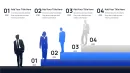

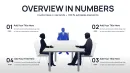
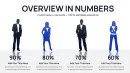




Type: PowerPoint Charts template
Category: Relationship, Organizational, Illustrations, Silhouettes & People
Sources Available: .pptx
Product ID: PC01110
Template incl.: 25 editable slides
X Slides Y Color Schemes: What You Get
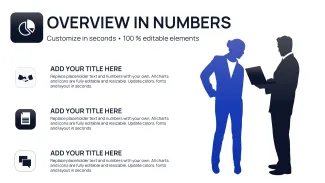
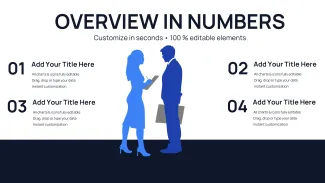
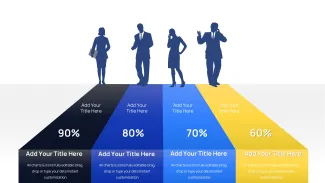
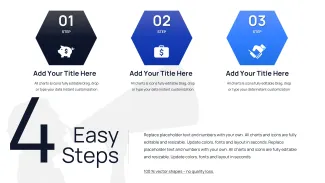
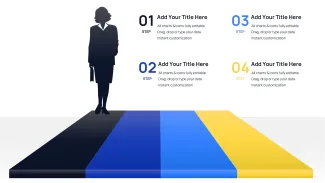
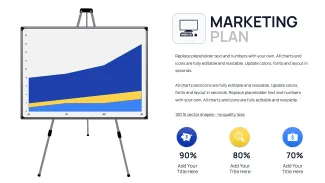
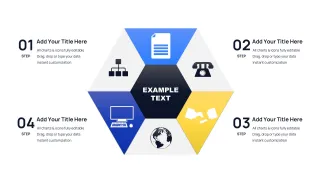
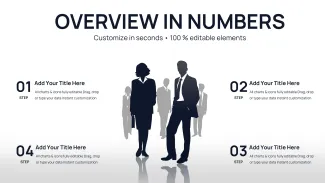
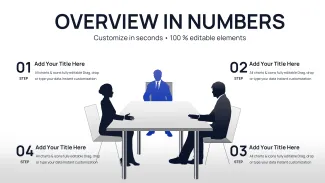
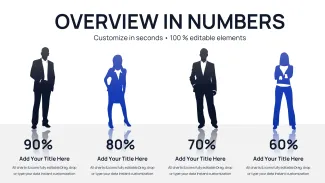
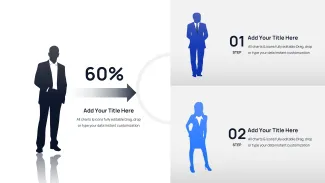
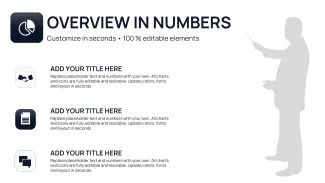
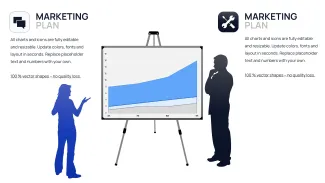
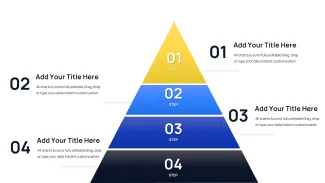
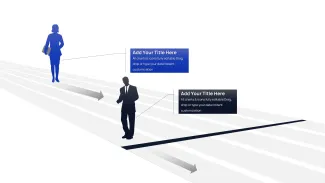
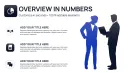
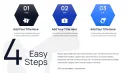
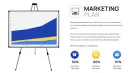
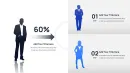
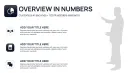
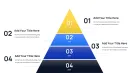
25 slides integrate business silhouettes with bar line and pie chart layouts. The file contains fully editable shapes and text placeholders that update without breaking the overall composition.
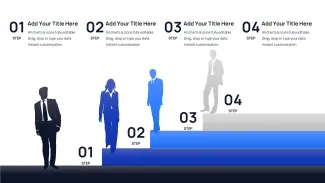
Silhouette figures provide human context while maintaining clean information spacing for investor decks and performance reviews.
Unlike relationship-focused sets or single icon libraries this template pairs silhouettes directly with data charts. The figures anchor abstract metrics to real roles. It works best for corporate presentations because the silhouettes add immediate audience connection without distracting from the numbers.
What is a PowerPoint diagram template? A PowerPoint diagram template is a pre-built .pptx file with editable charts and graphs that professionals customize in Microsoft PowerPoint for business presentations.
Technical Specs
| Feature | Details |
|---|---|
| Slides included | 25 with silhouette chart combinations |
| Editable elements | silhouettes icons and data bars |
| Color theme adjustments | slide master palette |
| Aspect ratio | 16:9 |
| PowerPoint versions | 2016 and newer |
| Export formats | PPTX PDF |
Real Scenarios
Before four hours building from scratch with inconsistent alignment. After 35 minutes all diagrams consistent across six client decks.
A regional sales director used the silhouettes to humanize quarterly performance data and secured immediate stakeholder buy-in.
Download and start editing immediately
Adapting the Template to Your Brand
Open the file and spend the first two minutes orienting to the master slide structure - this is where all color changes happen globally. The most common mistake is editing individual slide colors directly going through the master saves 15 minutes of repeated work. Once content is in place replace any silhouette with your own vector icons or photos through the Format Picture pane.
State editing difficulty: Beginner.
Building From Scratch vs. Starting Here
Manual creation of silhouette-chart combinations takes over three hours and usually results in misaligned figures. Silhouettes in corporate charts add human context only when their scale matches the data bars exactly - too large and they overpower the numbers too small and they disappear on projection. This template keeps that balance automatic so the audience focuses on metrics not layout fixes.
You gain professional visual hierarchy in minutes instead of days.
Download and start editing immediately
Corporate users browsing relationship PowerPoint chart templates pair this set with dynamic business silhouettes charts for board meetings or winners podium silhouettes charts when celebrating team achievements.
Which PowerPoint version works with this template?
PowerPoint 2016 or newer on Windows and Mac supports every silhouette and chart element. The vector icons remain crisp at any zoom level.
How do I change the color scheme?
Update the slide master colors once and all silhouettes and data bars refresh instantly. Targeted overrides on any single element stay independent.
What does the license allow?
Internal use and client deliverables are both allowed. Embed the slides in your presentations and distribute the final deck freely.
What is included in the paid versus free version?
The paid version unlocks all 25 slides with editable silhouettes and full chart data. Free options provide only static previews.
What is the refund policy?
Full refund within 30 days if the silhouettes do not align with your branding needs or the charts fail to open correctly. No file sharing required for approval.
How do I update chart data?
Right-click any chart select Edit Data and input new values. Silhouette scaling and color contrast update automatically.