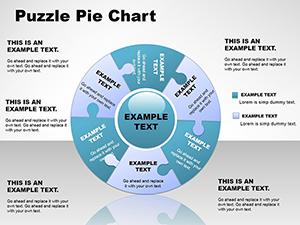
3D Puzzle Pie Charts Template for PowerPoint Presentations

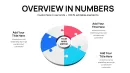
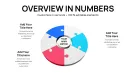
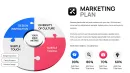
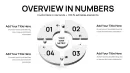
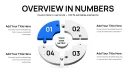

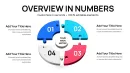
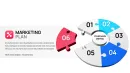
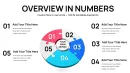
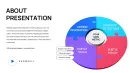
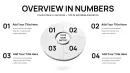
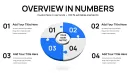
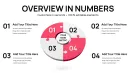
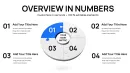
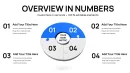
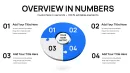
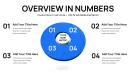
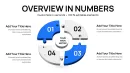
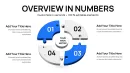
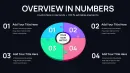
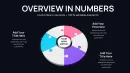
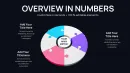


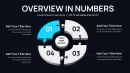
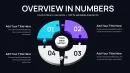
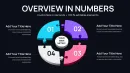
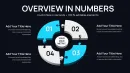

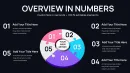
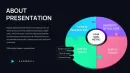
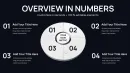
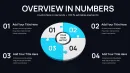
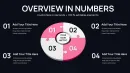
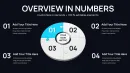
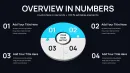
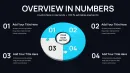
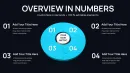
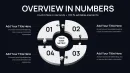
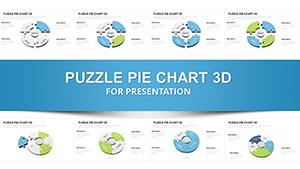
In my years consulting on high-stakes presentations for tech innovators and nonprofit leaders, I`ve seen how traditional pie charts often leave audiences disengaged from multifaceted data. This 3D puzzle pie charts PowerPoint template addresses that by framing segments as puzzle components in a three-dimensional space, emphasizing how elements interlock to form a complete view. Boasting 41 editable slides, it incorporates depth-enhancing features like variable elevations, glow effects, and sequential reveals that draw viewers into the data`s structure.
I`ve integrated it into client sessions to dissect operational efficiencies, where the elevated puzzle design illustrates process linkages clearly. It`s essential for those in analysis, teaching, or strategy who need visuals that go beyond surface-level, promoting deeper understanding and retention in time-sensitive environments.
In-Depth Layout and Element Analysis
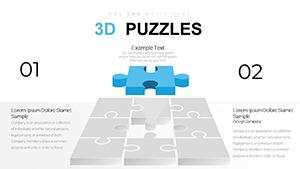
At its heart, this template merges puzzle aesthetics with pie charting, supporting intricate data displays through elevated 3D layers. Slides allow segment-specific elevations, where higher pieces denote priority items, complemented by glow borders for focus and smooth transitions between views.
A key slide type centers on operational metrics, with puzzle layers stacking to show hierarchical data like departmental hierarchies within budgets. Another variant uses glow effects on pieces for highlighting trends, such as growth areas in sales data. Editing involves resizing layers, applying gradients for texture, or integrating tooltips for hover details in digital formats.
The structure accommodates content overlays, like placing metrics directly on elevated surfaces, ensuring the design adapts to narrative needs without overwhelming the viewer.
Contexts for Expert Deployment
During quarterly reviews, this template aids in unraveling performance metrics, with 3D puzzles showing how team efforts layer into company goals. Investor sessions benefit from its ability to elevate funding proposals, visually stacking investment returns.
Training workshops employ it to layer knowledge modules, helping trainees visualize concept buildups. Government presentations use it for program evaluations, stacking impacts for transparent overviews.
In enterprise planning, it facilitates resource mapping, with puzzles illustrating allocation layers for strategic alignment.
Fitting into Your Presentation Pipeline
Designed for effortless adoption, it`s compatible with PowerPoint 2016+, Keynote, and Google Slides, ensuring no loss in 3D fidelity across tools. Upon instant download, populate segments with your figures via intuitive placeholders, then fine-tune elevations and glows for emphasis.
The process accelerates revisions, with pre-set layers reducing setup time, allowing focus on content refinement. It`s particularly useful for collaborative edits, where team members can adjust without disrupting the overall 3D coherence.
Practical Examples from the Field
In consulting proposals, I`ve layered this template to outline service tiers, elevating key benefits for client persuasion. Project reviews for managers stack timelines, showing phase interlocks.
Conference talks by educators build argument structures, with puzzles revealing evidence layers. Partner presentations for founders elevate collaboration models, emphasizing mutual gains.
Insights reports by analysts layer variables, making correlations evident through dimensional stacking.
Evaluating Against Other Options
| Feature | This 3D Puzzle Pie Template | Standard Software Defaults | Custom Creation | Competing Visualization Apps |
|---|---|---|---|---|
| Dimensional Depth | Layered elevations and glows | Flat representations | Achievable but laborious | Often 2D-focused |
| Edit Efficiency | Quick layer adjustments | Basic tweaks | Extensive modeling | Tool-dependent speed |
| Segment Layering | Multi-level support | Single plane | Flexible design | Limited in free versions |
| Viewer Interaction | Enhanced by stacking reveals | Static views | Potential for dynamics | Interactive but complex |
| Cross-Platform Use | Broad compatibility | Platform-locked | Variable | Subscription-based |
Industry-Specific Implementations
Finance experts stack investment layers in reports, clarifying return hierarchies. Tech product demos elevate feature stacks, showing innovation builds.
Medical education layers symptom analyses, aiding diagnostic training. Academic projects stack research components for thesis defenses.
Strategy presentations in marketing layer channel impacts. Analysis deliverables in consulting stack client insights for comprehensive views.
Get started with this template to layer your data effectively and elevate your presentations.
Frequently Asked Questions
How can I adjust the elevation levels in these 3D puzzle pie charts?
In PowerPoint, select individual puzzle layers and modify their 3D format settings to raise or lower elevations. This customization highlights priority data, integrating seamlessly into your storyline for maximum effect.
Does this template support sequential reveals for layered data?
Yes, use animation paths to unveil layers one by one, building narrative tension. It`s great for step-by-step explanations in complex datasets.
Which platforms work best with this 3D puzzle pie design?
Optimized for PowerPoint 2016 onward, it also functions in Keynote and Google Slides, retaining elevation and glow features for uniform results.
Can I add glow effects to specific puzzle layers?
Absolutely, apply glow via the shape effects menu on selected layers to draw attention to key segments, enhancing visual hierarchy.
Is layering suitable for hierarchical data structures?
Definitely, the design excels at representing hierarchies, with elevations denoting levels like in organizational charts or process flows.