 Click to zoom
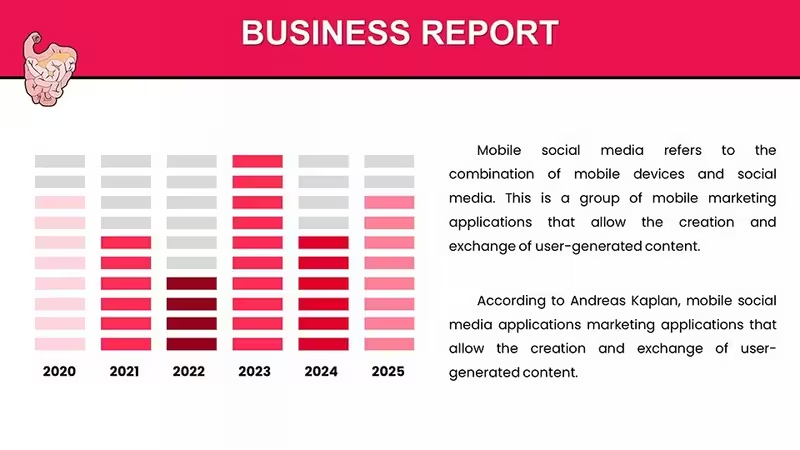
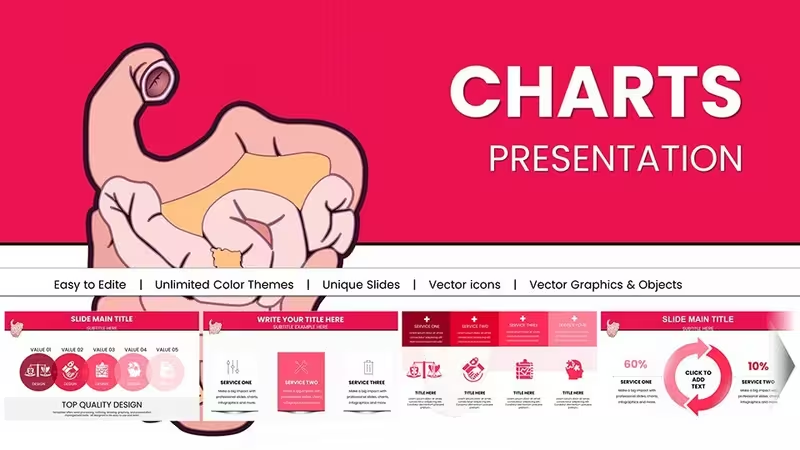
Comparative Data Chart Template for PowerPoint
| Format | .pptx |
| Slides | 59 unique layouts |
| Aspect ratio | 16:9 |
| Compatibility | PowerPoint |
| Animated | No |
| Language | English |
| License | Commercial |
| File size | — |
| Version | v1.0 |
| Last updated | August 2026 |
What's inside
Turn Complex Numbers into Clear Insights
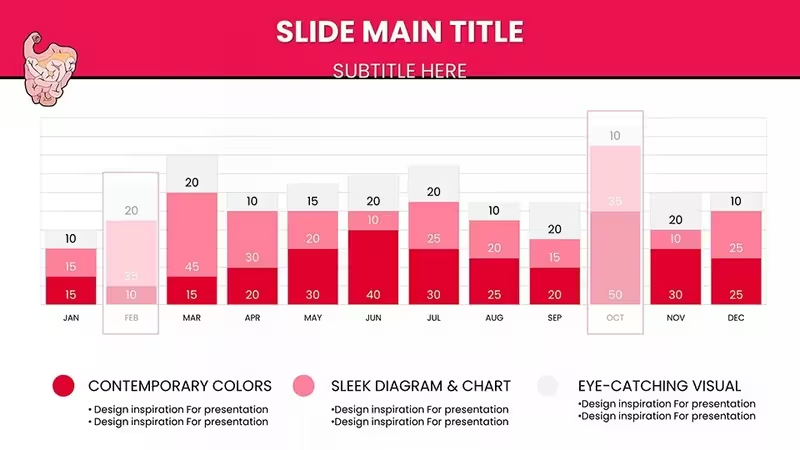
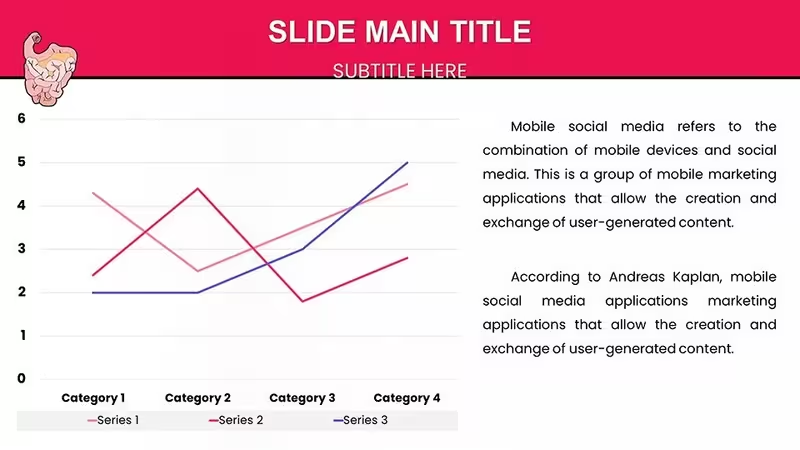
Data density often leads to cognitive overload in high-stakes meetings. When you need to compare performance metrics, year-over-year growth, or regional sales data, default slides rarely offer the necessary visual hierarchy. This Comparative Data Analysis PowerPoint Chart Template solves that problem by stripping away visual clutter and focusing the audience’s attention strictly on the variance between data sets.
Designed for financial analysts, sales directors, and strategy consultants, this layout allows you to present contrast effectively. It is not just about showing numbers; it is about showing the story behind the numbers. Use this template when the goal is to drive a decision based on performance gaps or competitive advantages.
Professional Use Cases for This Layout
This chart excels in scenarios where direct comparison is the primary objective. It prevents the "eye-scanning fatigue" common in dense spreadsheets.
- Quarterly Business Reviews (QBR): Clearly contrast current quarter performance against previous quarters or targets.
- Competitor Benchmarking: Visualize market share or feature sets against key industry rivals.
- Budget vs. Actuals: distinct visual indicators for over-performance or deficits.
Real-World Workflow & Compatibility
We understand that data changes up until the last minute. This template is fully integrated with PowerPoint’s native data engine (via Excel). You do not need to manually drag shapes. Simply right-click the chart, select "Edit Data," and paste your updated figures. The visual elements adjust automatically, preserving the professional spacing and design.
This file is optimized for seamless use in Microsoft PowerPoint, Google Slides, and Keynote. All colors are theme-linked, meaning if you paste this slide into your corporate master deck, it will instantly adapt to your brand's color palette.
Scenario Comparison: When to Use This Template
Industry Applications
While versatile, this comparative layout is particularly effective in FinTech, Retail Analytics, and SaaS Reporting, where granular data comparison is routine. It transforms dry statistics into compelling visual arguments.
Ready to elevate your data presentation? Download this template now to start editing instantly.
Frequently Asked Questions
Is the data linked to Excel?Yes. This is a data-driven PowerPoint chart. You can edit the numbers via the embedded Excel sheet, ensuring 100% accuracy and easy updates.
Can I change the bar colors to match my brand?Absolutely. The template uses theme colors. You can change the colors globally via the Design tab or individually select elements to apply specific hex codes.
Is this suitable for printed reports?Yes. The high-contrast design ensures that the chart remains legible even when printed in grayscale for handouts or physical reports.
Good for
- Project roadmaps and sprint plans
- Product launch timelines
- Quarterly or annual review decks
- Company history and milestone summaries
Licence
reviews
Gasoline pump and refueling car charts visualize automotive data nicely. Fuel consumption bars were key for my fleet management review. Thematic icons add relevance.
Practical for energy cost analysis. Editable gauges for efficiency.
Student auto project - dashboard style slides looked pro.
The template elevates vehicle-related presentations. Clean lines.
Good for sales pitches on efficiency. Minor color adjustments needed.
High utility for logistics teams. Visual fuel metrics stand out.
FAQ
Will it work in Google Slides?
Are fonts embedded?
Can I use this for client work?
What's the refund policy?
Do you update the template after purchase?
Similar templates
See all PowerPoint Charts →


All 59 slides