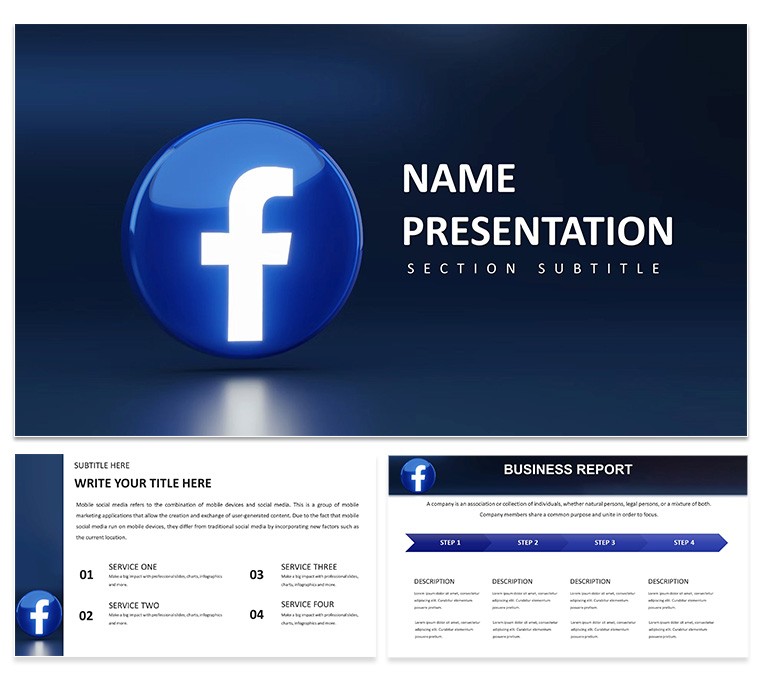
Get the Facebook Business Manager PowerPoint Template with 28 editable diagrams in 7 color schemes. Perfect for digital marketers to explain ad accounts, campaign setup, and optimization strategies to teams or clients. Instant download.
What's Included
The Facebook Business Manager PowerPoint Template contains 28 diagrams built specifically for presenting ad management and optimization workflows. Diagrams are delivered in 7 color schemes that match common digital marketing brand palettes. PPTX, POTX, and JPG files are included. This template is unique compared with the general social media analytics templates in the related section because it focuses exclusively on Facebook Business Manager tools and processes.
Diagram Focus
Visuals cover account structure, pixel implementation, audience targeting, and performance reporting. The layout style prioritizes clarity so complex ad setups become easy to explain in meetings.
Key Features
All diagrams support full editing of text, colors, and icons. The seven color schemes let you align with Facebook`s blue branding or your own agency colors. Unlike broader social media templates, this one includes targeted diagrams for Business Manager dashboards and campaign flows.
| Feature | Details |
|---|
| Diagram Count | 28 |
| Color Schemes | 7 |
| File Formats | PPTX, POTX, JPG |
| Editable Elements | Text placeholders, color fills, icon layers |
| Compatibility | PowerPoint 2016+ |
| License | Commercial use included |
Professional Use Cases
Agency Client Training
A digital marketing manager at a mid-size agency used the Facebook Business Manager PowerPoint Template to train a new e-commerce client on ad account hierarchy. The step-by-step diagrams reduced onboarding time from three weeks to five days and improved campaign launch accuracy.
Internal Team Workshop
A social media specialist at a retail brand presented optimization strategies using the template`s performance matrix diagrams. Team members reported better understanding of pixel events and audience segmentation, leading to a 22% lift in return on ad spend within the next quarter.
Simplify your next ad strategy meeting. Download the template today.
How to Customize
Download the file, open in PowerPoint, and locate the diagram that matches your workflow. Update text placeholders with your account names or metrics. Choose one of the 7 color schemes to match your brand guidelines. Add screenshots of your actual Business Manager dashboard using the insert picture tool if needed. The entire customization takes 10-15 minutes and produces a deck ready for live screen sharing or PDF export.
Why Choose This Template
Creating ad management diagrams manually can take hours and often results in inconsistent branding. This template gives you 28 pre-designed visuals in 7 color schemes that are already optimized for Facebook Business Manager topics. The clean layout choices prevent information overload when explaining complex account structures. The related general social media templates lack the specific Business Manager focus found here, making this the more targeted choice.
FAQ
Will the diagrams reflect the latest Facebook Business Manager features?
The diagrams use generic process flows and structures that remain valid even when Facebook updates its interface. You simply update text and screenshots with the current version details. The template has been used successfully with both older and newer Business Manager layouts.
Can I add my own screenshots to the slides?
Yes, the editable icon layers and placeholders are designed to accept inserted images without breaking layout. Most users paste screenshots of their ad accounts directly into the diagrams for personalized client presentations.
Is the template licensed for agency client work?
The commercial license covers use in client pitches, training sessions, and reports. You may deliver the finished presentation to clients as part of your service. The original template files cannot be resold.
Does it work with Google Slides or Keynote?
The native format is Microsoft PowerPoint. You can import into Google Slides with minor adjustments or convert to Keynote using online tools, but full editability and color schemes are guaranteed only in PowerPoint.
How quickly can I create a complete deck?
Most users assemble a 15-slide deck in under 30 minutes by selecting relevant diagrams from the 28 available, updating text, and applying a color scheme. The structured layout style speeds up alignment and formatting.