
Math Symbols Diagram Template - Editable PPTX | ImagineLayout

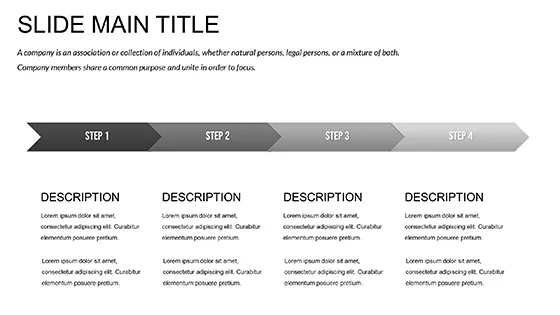

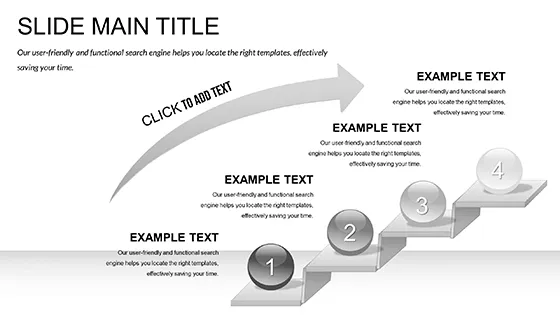

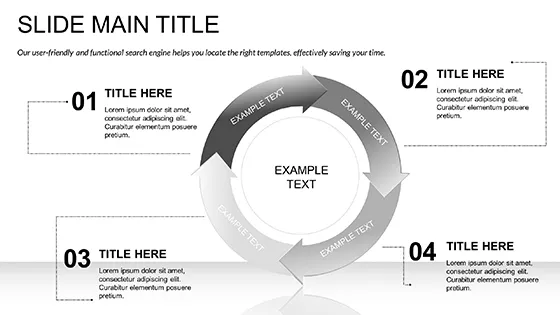
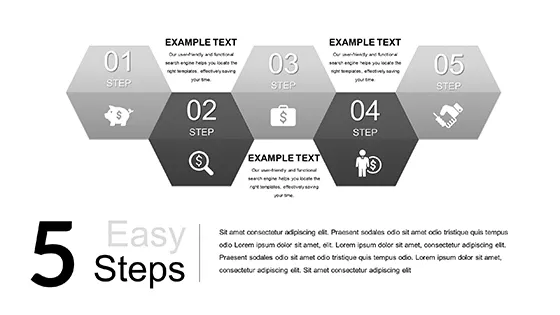
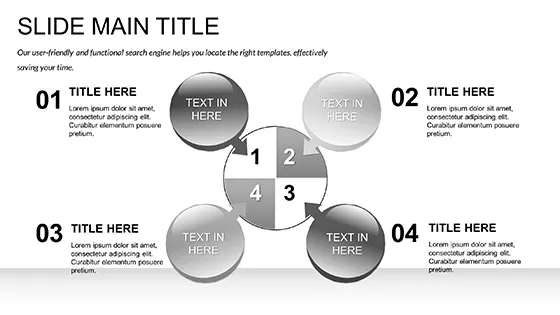
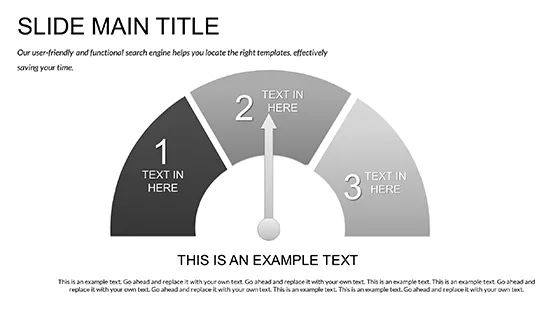
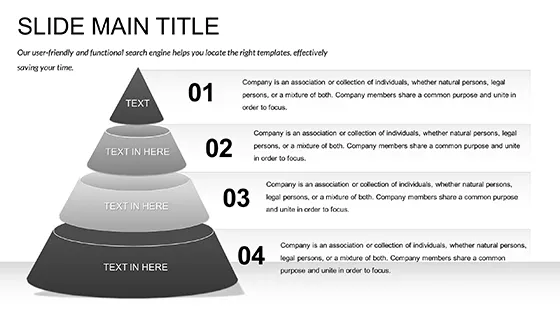
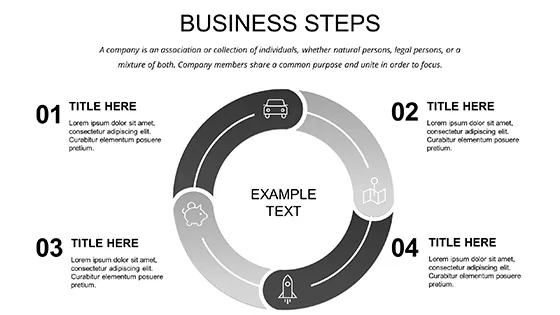
Type: PowerPoint templates
Category: Education & Training
Sources Available: .jpg, .potx, .pptx
Product ID: PP02960
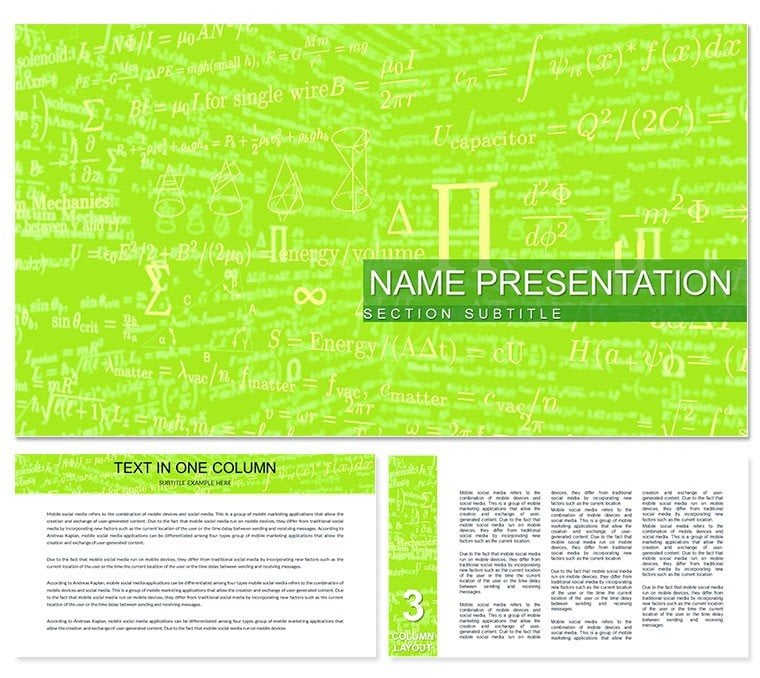
3 Backgrounds
3 Backgrounds,
28 Diagrams,
7 color schemes for diagrams
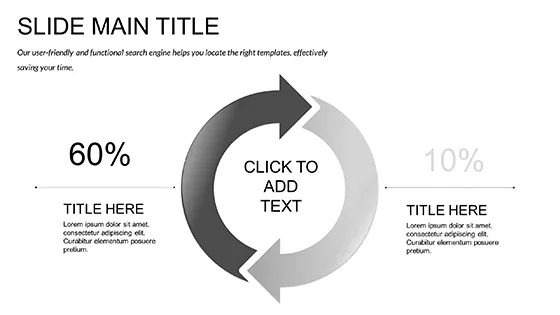
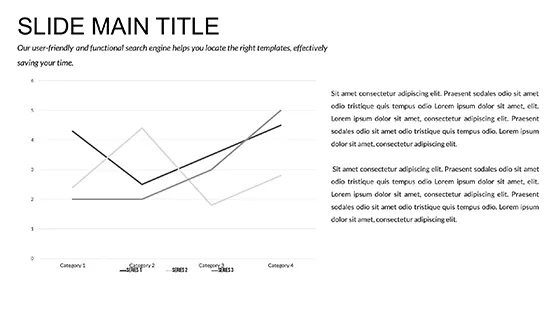
What is a PowerPoint diagram template? A PowerPoint diagram template is a pre-designed POTX file with 28 editable diagrams, shapes, color schemes and connectors built for fast customization in presentations.
28 Diagrams Across 7 Layouts: Full Contents
28 diagrams in 7 color schemes arrive inside the POTX and PPTX files.
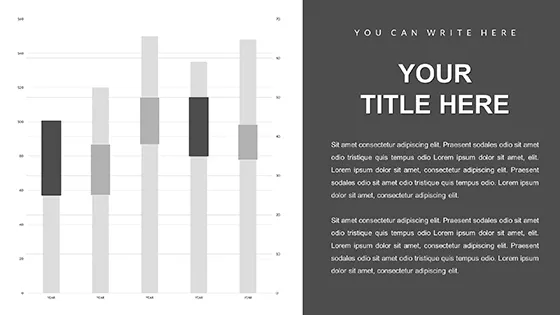
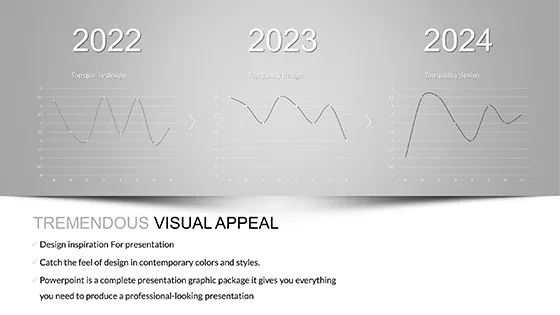
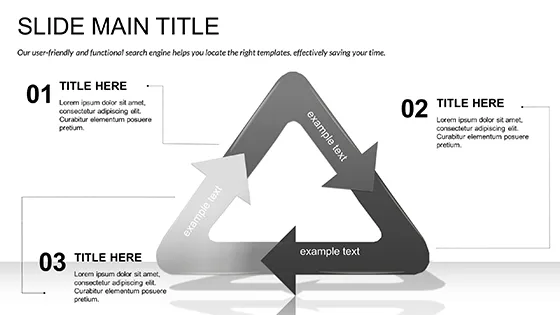
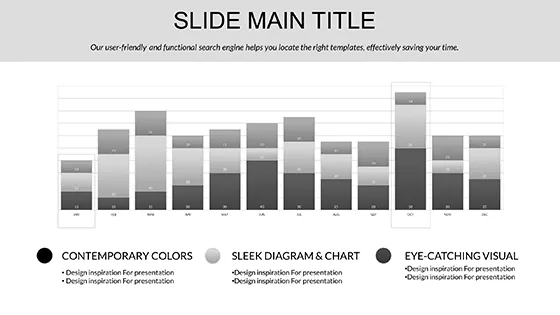
Symbol sets group into operator, function and geometry categories that combine on single slides to show complete mathematical processes from basic addition through calculus steps.
Thin line style and zone segmentation distinguish this collection from single-chart layouts while the paid version supplies the complete slide master system with all presets.
Key Specifications At a Glance
| Feature | Details |
|---|---|
| Slides / diagrams included | 28 diagrams focused on math symbols |
| Diagram categories | Operators, functions, geometry symbols |
| Editable elements | Shapes resize and recolor independently |
| Aspect ratio | 16:9 standard |
| PowerPoint compatibility | 2016, 2019, 365 on Windows and Mac |
| Color schemes | 7 presets via slide master palette |
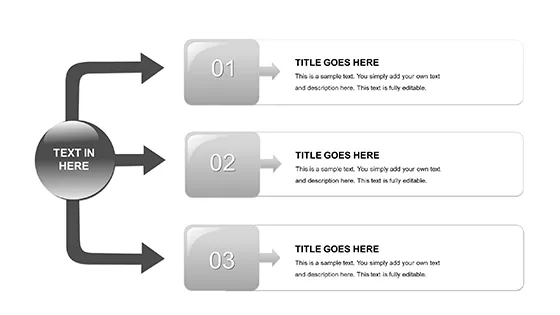
| Diagram connectors | Arrows and lines adjustable in direction and weight |
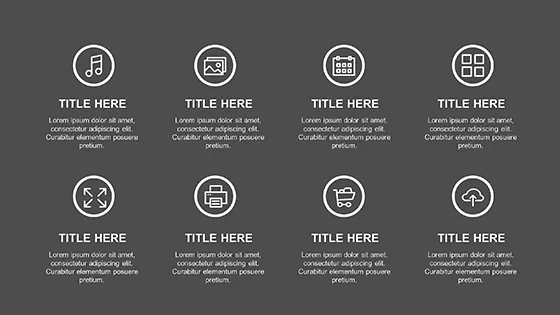
| Icon layers | Math icons replaceable without layout shift |
Real Scenarios
Three hours before the academic lecture the slide deck still lacked any visual for integral calculations.
A mathematics professor at a regional university opened the file, swapped symbols and completed the full 28-slide deck in one afternoon without a designer.
She reused the same file across three consecutive quarterly briefings by swapping color schemes only.
Download and start editing immediately
Customization in 5 Steps
- Open the POTX file in PowerPoint 2016 or later (1 minute).
- Select any diagram slide and click the target symbol shape (30 seconds).
- Replace text or icon via the format pane (2 minutes).
- Adjust global colors through the slide master for all 28 diagrams (3 minutes).
- Export to PDF or keep editable for the strategy meeting (1 minute).
Why This Template, Not a Blank Slide
Building equivalent math symbol slides from scratch requires 4 hours even for moderate skill users.
This template drops that to 20 minutes because every symbol already exists with correct proportions.
Manual versions often suffer from misaligned connectors that break flow direction during live discussion.
Symbols such as the summation sign rely on zone segmentation that communicates magnitude before the audience reads the label.
That pre-attentive encoding matters in classroom lectures where attention shifts quickly between the board and the slide.
Download and start editing immediately
Educators searching the Education & Training PowerPoint templates frequently combine this set with Numbers PowerPoint templates for complete equation decks.
Teams in consulting decks also explore Physics PowerPoint Templates when extending symbol use to physics notation.
How does the template work in PowerPoint 2016 or later?
The template opens without issues in PowerPoint 2016, 2019 and Microsoft 365 on both Windows and Mac. All diagrams rely on native shapes and text placeholders so no extra plugins appear. You click any symbol and edit directly inside the format pane. Slide master updates apply to every diagram automatically.
How do I change the color scheme via the slide master?
Open the slide master view from the View tab. Locate the color palette section at the top. Select any of the 7 presets or create a custom set with exact hex values. Changes propagate instantly to all 28 diagrams on every slide. Close master view and return to normal editing mode. The new colors stay consistent across the entire deck.
What does the license allow for client work and internal use?
The license permits unlimited internal company use and client deliverables. You may embed the diagrams inside paid consulting decks or educational materials. Resale of the original POTX file itself remains prohibited. Multiple team members inside the same organization share the single purchase without extra fees.
What are the differences between free and paid versions?
The page lists only the paid $12 version that contains the complete 28 diagrams and 7 color schemes. No free tier appears in the specifications. The paid POTX file includes editable slide masters and all icon layers. Preview images on the page show only a subset of the full content.
What is the refund policy if the template does not fit?
Refunds process within 14 days if the file fails to open in supported PowerPoint versions. You must contact support with the order number and a short description of the issue. The policy excludes cases where the buyer simply changes their mind after editing. Full details appear in the purchase confirmation email.
Can I apply the diagrams to an existing presentation?
Copy any diagram slide into your current deck then update text placeholders. The color theme matches your existing master after one slide master paste. All connectors remain editable independently. This approach works for both academic lectures and internal reporting without rebuilding layouts.