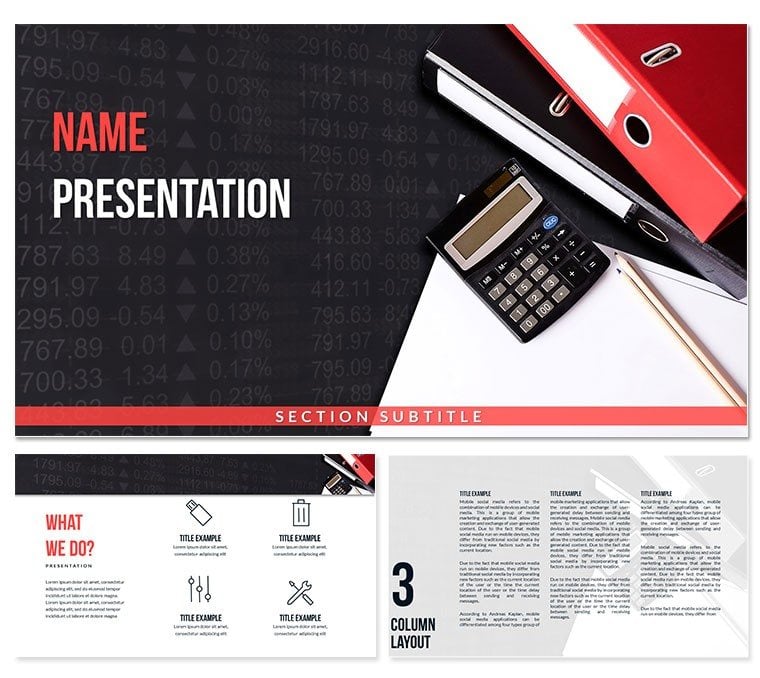
Package Contents
28 diagrams come with 7 color schemes and full POTX PPTX support.
Each diagram type connects through consistent layout composition so one change to the master updates flow direction across the entire deck.
Unlike general document layouts this set uses zone segmentation that keeps information spacing tight for audit-ready visuals.
What is an accounting standards diagram template? It is a ready-to-edit set of 28 PowerPoint diagrams that visualize compliance rules processes and requirements in business presentations.
Key Specifications At a Glance
| Feature | Details |
|---|
| Editable shapes | diagram segments resize and recolor independently |
| Text placeholders | labels update without unlocking grouped elements |
| Color theme adjustments | compatible with PowerPoint slide master palette |
| Diagram connectors | arrows and lines adjustable in direction and weight |
| Icon layers | icons replaceable without affecting layout |
| Export options | PPTX for editing PDF for distribution |
Real Scenarios
Three days before the annual compliance audit presentation the senior accountant still lacked a clear visual for the new accounting standards updates.
Opening the file took one minute. Swapping labels and applying the corporate color scheme took another 34 minutes.
The result cut deck preparation from 3 hours to 45 minutes.
Download and start editing immediately
From Download to Final Deck
Open the file and spend the first two minutes orienting to the master slide structure. This is where all color changes happen globally.
The most common mistake is editing individual slide colors directly. Going through the master saves 15 minutes of repeated work.
Once content is in place the export step depends on the destination audience.
Why This Template, Not a Blank Slide
Color coding in accounting standards diagrams serves a compliance function not a decorative one. Blue for approved standards gray for non-sensitive items follows the classification logic auditors already use mentally.
A diagram that ignores this convention forces the audience to build a new mental model mid-presentation.
Replicating the same layout composition from scratch requires advanced design skill and at least four hours.
Teams that use the template reuse the same file across three client reports by swapping color schemes.
Download and start editing immediately
For more finance accounting PowerPoint templates visit the category page or explore comparable diagram sets.
Which PowerPoint versions support this template?
PowerPoint 2016 2019 365 and Mac versions open the file without issues. The slide master structure works in all listed editions. Older versions may lose some connector formatting but core editable shapes remain intact. Test the free preview first if you run an unsupported release.
How do I change the color scheme?
Open the slide master view. Select any color swatch and replace it with your brand hex value. The change applies globally to all 28 diagrams. Individual overrides on single shapes work independently if needed. Save once and every slide updates automatically.
What does the license allow?
The license covers internal company use and client deliverables. Multiple team members can access the same file under one purchase. You may not resell the template as a standalone product. Commercial work is fully permitted.
What is included in the paid version?
The paid version includes the complete 28 diagrams 7 color schemes and full POTX PPTX files. Free previews show only static JPG versions with watermarks. All editable shapes text placeholders and connectors appear only in the paid download.
What is your refund policy?
Refunds are available within 14 days if the file does not open in your PowerPoint version. Contact support with the order number and version details. Approved refunds process within 48 hours. The policy protects both buyer and seller.
How do I apply this template to an existing presentation?
Copy the master slides from the downloaded file into your current deck. PowerPoint merges the color theme automatically. Replace placeholders on each new slide. The layout composition stays consistent across imported and native slides.