Eco Renewable Energy Keynote Shapes - Instant Download | ImagineLayout
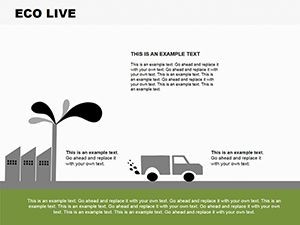
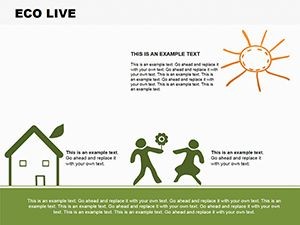
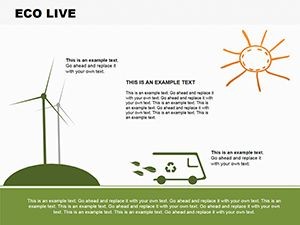
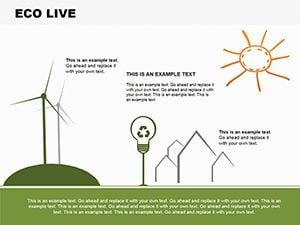
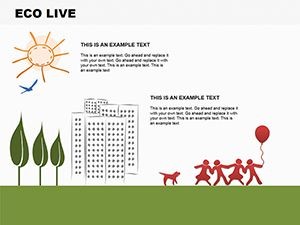
Type: Keynote Shapes template
Category: Illustrations
Sources Available: .key
Product ID: KS00018
Template incl.: 7 editable slides
What is a Keynote illustration shapes template? A Keynote illustration shapes template is a .key file containing pre-drawn vector icons and scene illustrations on editable slides, letting presenters swap text, recolor elements, and adapt thematic visuals for their specific content without building artwork from zero inside Keynote.
What's Inside the Download
7 editable slides arrive in a single .key file, covering four renewable energy sources across dedicated layouts: solar capture, wind generation, hydro power, and geothermal extraction. An opening slide presents a systemic overview with a central earth-form shape branching to the four energy paths. A synthesis slide assembles all four sources into a cycle diagram showing interdependencies. A closing slide provides a call-to-action structure with space for resource references or contact information. Three aspect ratios are included - widescreen 16:9, standard 4:3, and widescreen 16:10 - so the same file adapts to conference projectors, standard displays, and ultrawide screens without re-cropping shapes.
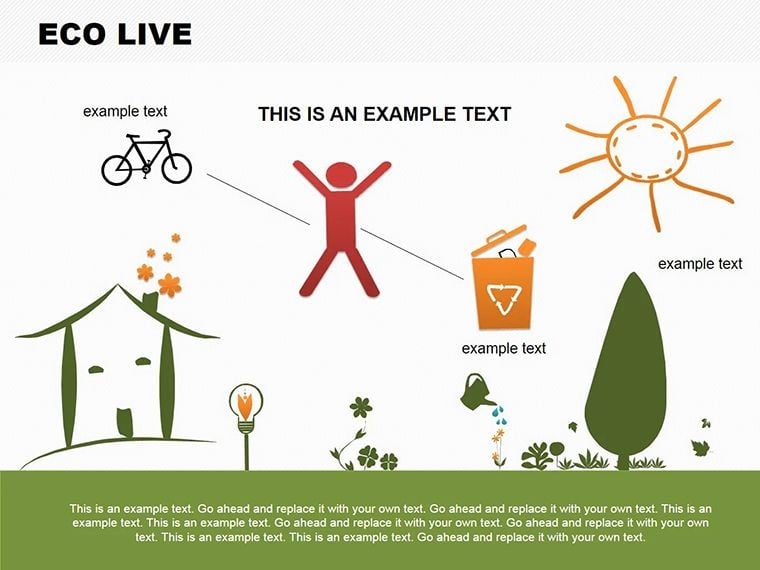
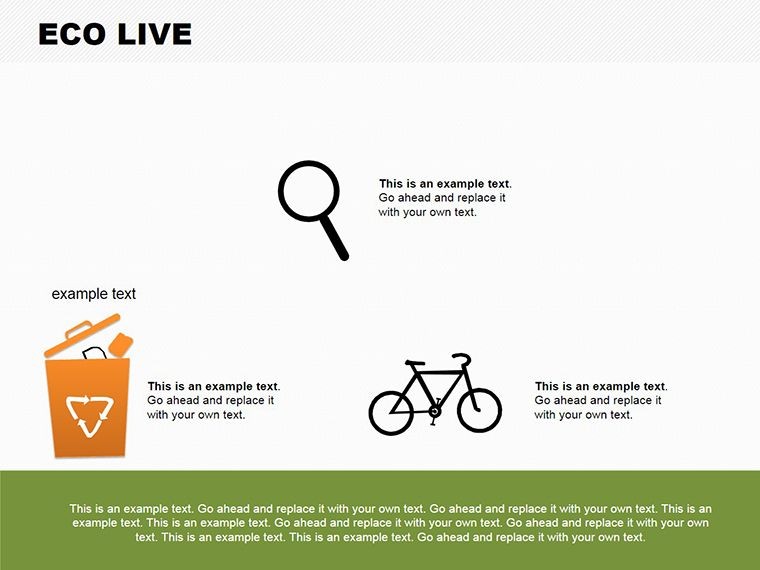
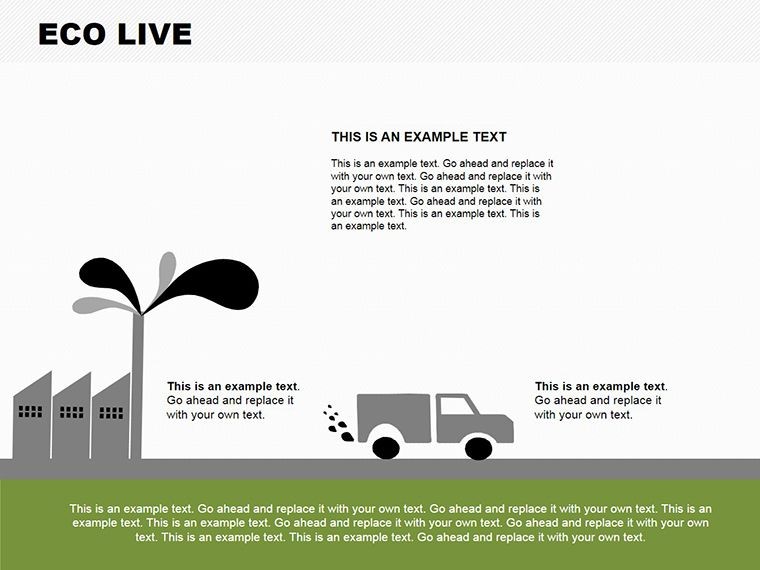
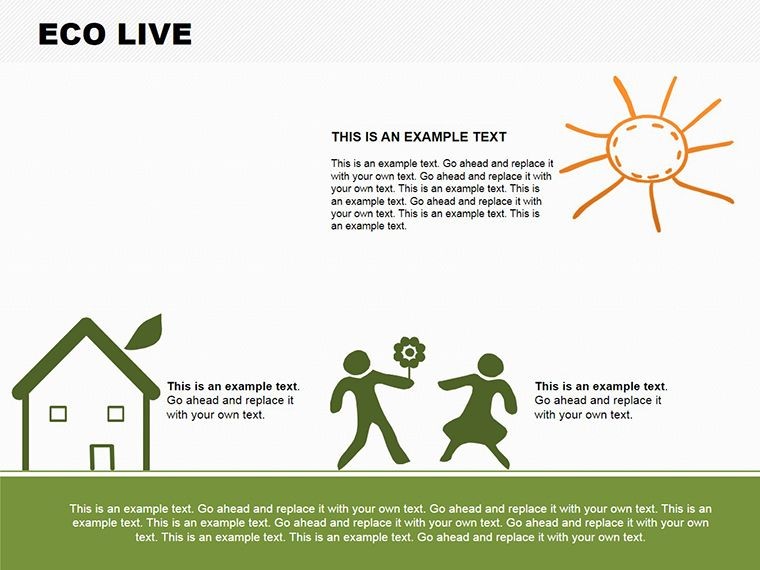
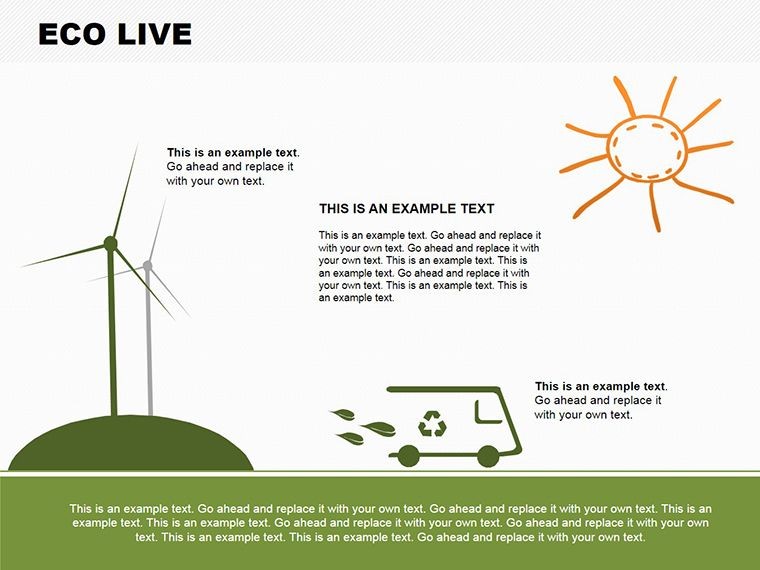
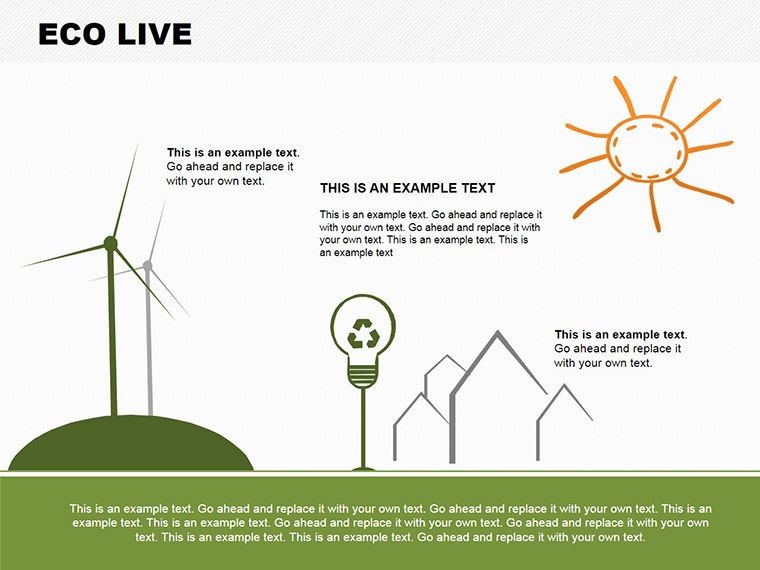
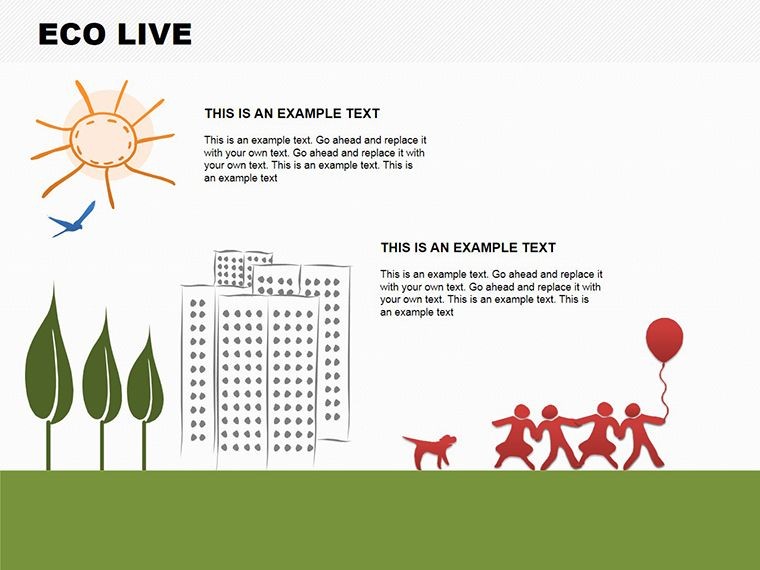
Icon construction uses high-fidelity vectors built on organic forms: curved arc paths for wind turbine sweeps, radial burst shapes for solar panels, wave-form paths for hydro flow, and layered ground cross-sections for geothermal. The earthy color palette - deep greens, sky blues, and warm terracottas - was selected to read accurately under ambient conference lighting rather than washing to gray-green under projector output. Labels and data callouts occupy dedicated text regions separate from icon shapes, so editing a headline or statistic does not require touching the underlying illustration.
Sets built around abstract geometric shapes require a presenter to mentally map geometry to an energy concept, then explain that mapping to an audience. Here, the icons are thematically specific - a turbine arc does not resemble a generic arrow, a solar burst reads as radiant capture rather than a decoration. That specificity means the slide communicates the energy source before any text is read, which is the difference between a conceptual aid and an illustrative one.
Technical Specs
| Feature | Details |
|---|---|
| Slides included | 7 editable slides: 1 systemic overview, 4 energy-source dedicated, 1 cycle synthesis, 1 closing layout |
| Aspect ratios | Widescreen 16:9, standard 4:3, and widescreen 16:10 - all included in one file |
| Vector elements | Over 15 eco-themed icons; each is an independent ungroupable vector object |
| Color palette | Deep greens, sky blues, terracottas; recolor per-icon via Format panel fill controls |
| Text regions | Separate from icon shapes; update without affecting illustration geometry |
| Keynote compatibility | Keynote 2016 and later on macOS; iOS Keynote supported |
| File format | .key for editing; PDF and JPEG export for reports and social distribution |
| Animation | Build effects applicable; wave ripple and arc-reveal sequences possible using Keynote's build tools |
Typical Use Cases by Role
An environmental consultant preparing a feasibility report for a municipal off-grid community project used one dedicated slide per energy source to walk the planning committee through site suitability criteria. Each slide's icon anchored the energy type visually while the callout regions held site-specific output estimates. The committee reviewed a 20-minute presentation rather than a 45-page document, and the consultant reported that questions from committee members were more technically specific than in prior text-only briefings - a sign the committee had absorbed the energy-source distinctions rather than skimming them.
A sustainability educator at a secondary school used the seven-slide set for an off-grid living unit across three consecutive class periods. The cycle synthesis slide served as the period opener in the third session, prompting students to identify which energy source they had studied in each prior lesson before new content was introduced. The educator reported needing to update only the date and one set of efficiency figures across the three-session run - no structural changes to any slide. Pair these slides with a plants and growth shapes set when building a broader environmental science deck, or browse the full Illustrations Keynote shapes library for complementary thematic icon sets.
A nonprofit coordinator running a community webinar on renewable energy transitions adapted the wind and solar slides for a 30-minute session, using the icon regions as anchors for live Q&A - pointing to a shape to frame each question. The closing slide's resource reference region held links to three partner organizations. Post-event feedback noted that remote attendees found the visual anchors easier to follow than the narration alone in a screen-share context, where audio compression sometimes reduced clarity.
Download and start editing immediately - 7 slides, three aspect ratios, one .key file.
Edit, Brand, Present: The Workflow
Editing difficulty: Beginner for text and color changes; Moderate for icon-level restructuring such as replacing or repositioning individual vector elements.
- Step 1 - Open the .key file in Keynote 2016 or later; select the aspect ratio version that matches your venue display (1 minute)
- Step 2 - Open the master slide via View > Edit Master Slides and update the two primary accent colors to match your organization's brand palette (3 minutes)
- Step 3 - Click into each text region and replace placeholder content with your site-specific data, efficiency figures, or program messaging (3-4 minutes per slide)
- Step 4 - To recolor an individual icon - for example, shifting the solar burst from terracotta to your brand orange - click the icon shape and update the fill in the Format panel (1 minute per icon)
- Step 5 - Export as .key for live presentation or as PDF for report inclusion; export as JPEG for social media assets (1 minute)
The three aspect ratio variants are stored in the same file. Switch between them by selecting the appropriate slide group in the navigator. Shapes maintain their proportions across all three ratios - no rescaling or repositioning required when switching from a 16:9 venue screen to a 4:3 room projector.
Compared to Starting From Zero
Drawing a thematically accurate renewable energy illustration in Keynote without a reference template involves two separate problems: creating recognizable icons for each energy source, and arranging those icons in a spatial layout that communicates systemic relationships rather than a random collection. The first problem alone - making a Keynote-native turbine arc that reads as a wind turbine rather than a generic curved shape - takes most non-designers 1-2 hours of shape manipulation. The spatial arrangement problem takes additional time.
A design consideration specific to sustainability presentations: many manual builds in this topic category default to bright greens and saturated yellows because those colors read as environmentally themed. Under standard projector output, high-saturation greens shift toward lime and yellows wash toward white. The palette here uses darker, more saturated variants specifically calibrated to retain their hue under projection, which keeps the color-to-energy-type associations (green for earth/geothermal, blue for hydro) readable without a calibrated monitor.
The three included aspect ratios also eliminate a rework step that manually built decks regularly encounter: a slide built at 16:9 for a conference venue needs manual shape repositioning when repurposed for a 4:3 classroom projector. Having all three ratio variants pre-built in the file removes that rework entirely.
Download and start editing immediately - three display formats and 7 illustration slides in one .key file.
What specific energy sources are covered in the 7 slides?
The template covers four renewable energy sources: solar, wind, hydropower, and geothermal. One slide is dedicated to each source, featuring thematic vector icons and a labeled layout with data callout regions. An opening overview slide places all four sources in a systemic diagram. A sixth slide synthesizes all four into a cycle showing energy interdependencies. The seventh and final slide is a closing layout with space for resource links, contact details, or a call-to-action relevant to your specific program or organization.
Which aspect ratios are included, and how do I switch between them?
Three aspect ratios are included in the file: widescreen 16:9 (standard for most modern conference rooms and external monitors), standard 4:3 (common for older projectors and classroom setups), and widescreen 16:10 (used in some MacBook and external display configurations). All three are stored within the same .key file as separate slide groups. To switch, select the relevant group in the Keynote navigator and use that group for your presentation. Shapes are pre-positioned for each ratio; no manual rescaling or repositioning is needed when moving between formats.
What Keynote version is required to open this file?
Keynote 2016 and all later macOS versions open the file correctly. Keynote 12 or later is recommended for full animation build support and the most accurate color rendering. The file also opens in Keynote for iOS and iPadOS, which is useful for tablet-based presenting or on-the-go editing. If you are using Keynote on an older macOS, the vector shapes and text regions remain fully editable; only advanced build sequences may need to be manually reapplied if they were originally set in a newer Keynote version.
What does the purchase license allow - can it be used in nonprofit and educational contexts?
The single-purchase license covers use in educational presentations, nonprofit advocacy sessions, corporate sustainability reports, community workshops, and conference talks. You may export slides to PDF for printed handouts and include static exports in published reports or grant applications. The license does not permit resale of the original .key file, redistribution to third parties, or inclusion in commercially sold course or template packages. For multi-user nonprofit or institutional licensing, contact ImagineLayout through the site's contact form to discuss extended license options.
What is the refund policy for this purchase?
Refunds are available when the delivered file is technically defective - for example, a .key file that fails to open in a supported Keynote version on a compatible operating system. Refund requests based on design preference after the file has been downloaded are reviewed on a case-by-case basis. Review the current and full Refund Policy at ImagineLayout.com before completing your purchase. Pre-purchase compatibility questions can be directed to the support team via the contact form on the site.