Search Optimization Keynote Diagrams - Editable | ImagineLayout






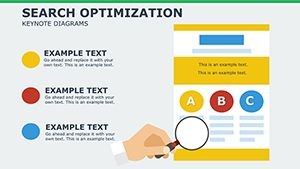
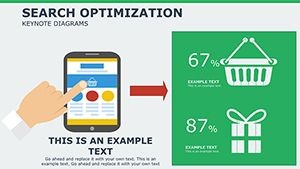
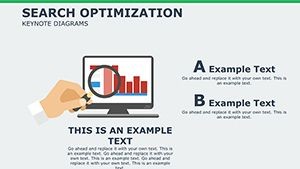


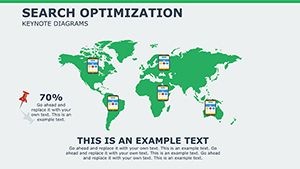


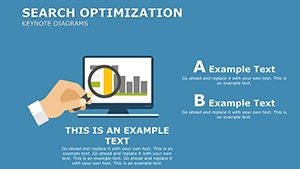


Type: Keynote Diagrams template
Category: Business Models
Sources Available: .key, .kth
Product ID: KD00207
Template incl.: 13 editable slides
13 Slides: Package Contents
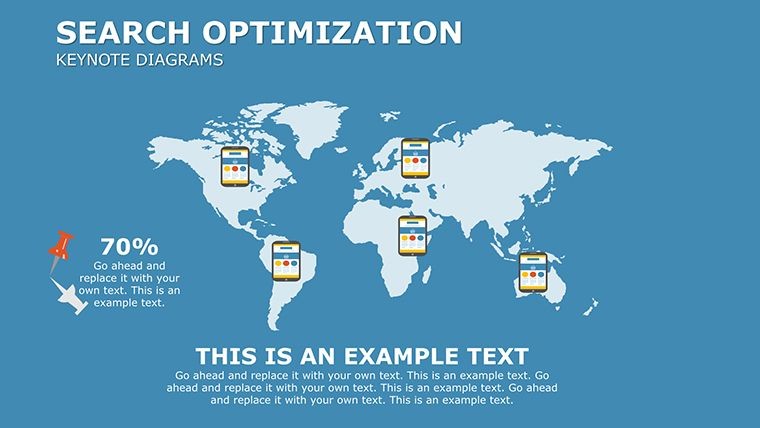
13 editable slides deliver the complete search optimization workflow.
Keyword research diagrams connect directly to on-page factors and link building visuals through adjustable connectors.
Unlike workflow-focused sets this structure segments phases with zone segmentation that keeps information spacing readable on projection screens.
Key Specifications
| Feature | Details |
|---|---|
| Slides included | 13 diagrams focused on SEO phases |
| Editable elements | shapes resize and recolor independently |
| Text placeholders | labels update without unlocking groups |
| Color theme adjustments | slide master palette compatible |
| Diagram connectors | arrows change direction and weight |
| File formats | .key and .kth for Keynote |
Who Reaches for This Template
Digital marketing managers in agencies prepare client SEO reports.
They cut deck preparation from three hours to 45 minutes by swapping color schemes across quarterly reviews.
SEO consultants reuse the same file for five consecutive strategy workshops by editing icon layers.
Download the template for your next board briefing
Customization in 5 Steps
- Open the .key file in Keynote 12 or later (1 minute)
- Replace placeholder text with your content (3 minutes)
- Apply brand colors through the master slide palette (2 minutes)
- Edit diagram labels and connectors (4 minutes)
- Export as .key or PDF (1 minute)
Editing difficulty remains moderate.
Why This Template, Not a Blank Slide
Building equivalent SEO flows from scratch requires 90 minutes and advanced design skill.
Labels often end up inside shapes which reduces readability during live meetings.
This layout places labels outside connected by thin lines while color contrast segments phases rather than decorating.
Many presentations lose hierarchy perception when manual alignment fails.
Get the editable Keynote diagrams now
Will this open in my version of Keynote?
The .key and .kth files work in Keynote 12 and newer on macOS. Earlier versions may show limited compatibility for advanced connectors. Test the free download option if available on the site before full purchase. Contact support for any version-specific questions.
How do I change the color scheme?
Open the slide master palette in Keynote. Select any diagram shape and update the theme colors directly. All connected elements inherit the change automatically. Save the file and the new scheme applies across all 13 slides.
What does the license allow?
You may use the diagrams in paid client work and internal presentations. Resale or sublicensing of the original files is prohibited. The paid version grants full commercial rights for the 13 slides. Review the exact terms on the download page for any updates.
What file formats are included?
The download contains .key and .kth files for Keynote editing. PDF export works for distribution after customization. No PowerPoint version exists for this template. Open directly in Keynote for best results.
Is animation support available?
Basic entrance animations appear on connectors and labels. Remove or modify them through the Keynote animation pane. The core diagram structure stays intact after changes. Export without animations for static PDF versions.