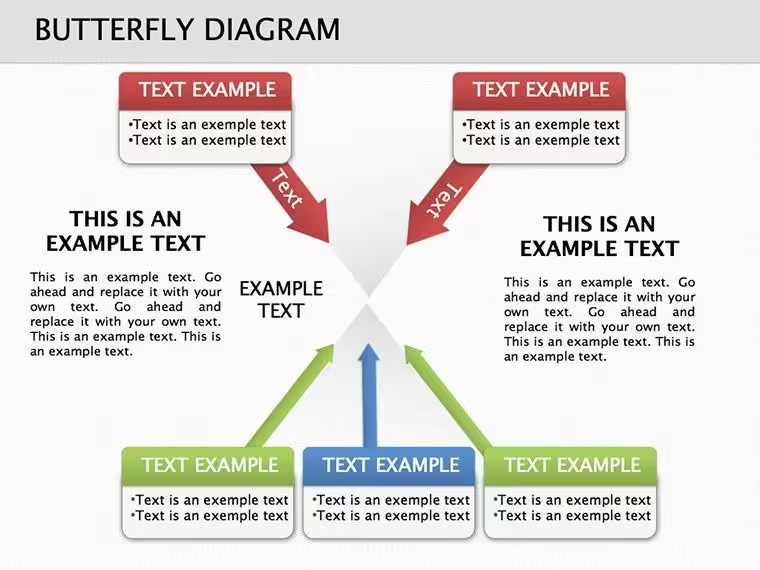
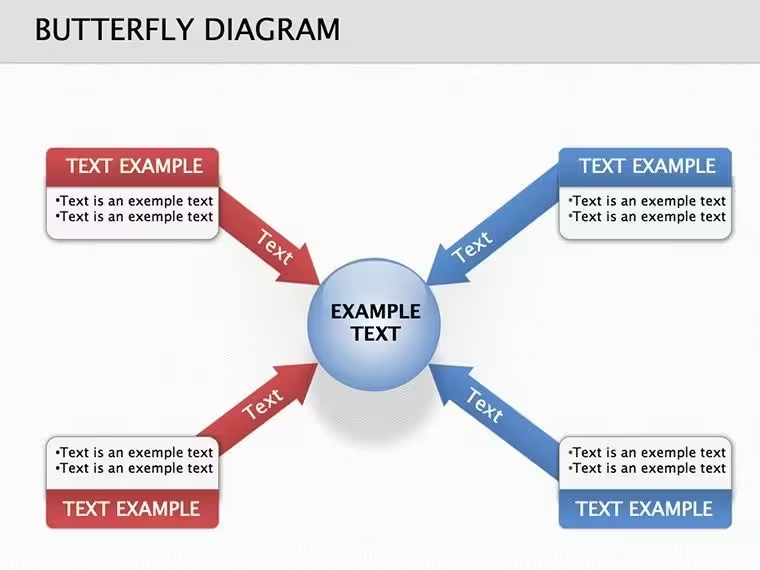
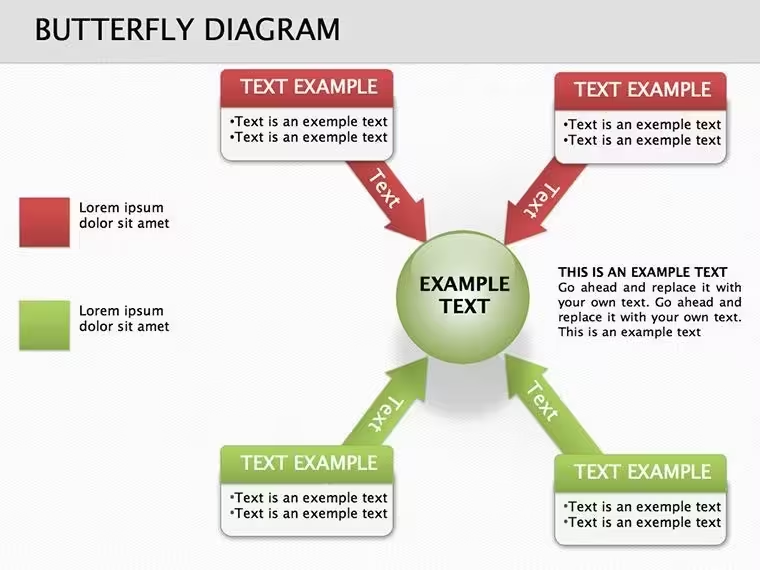
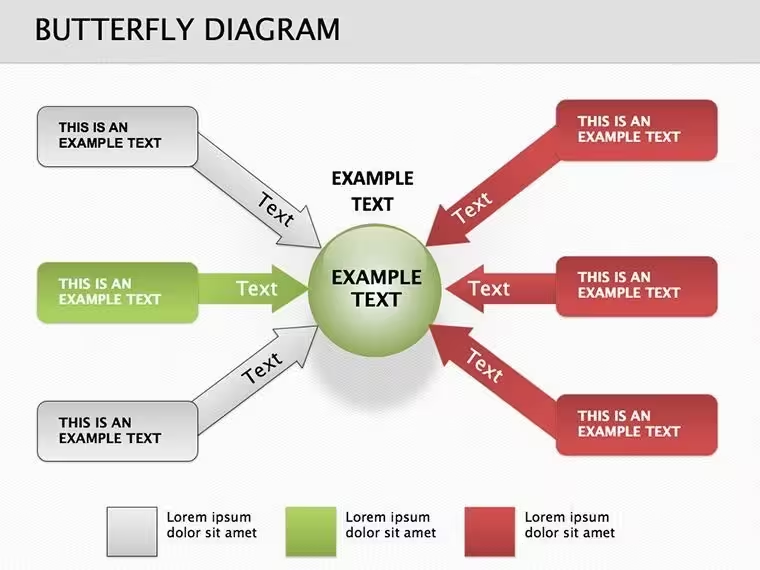
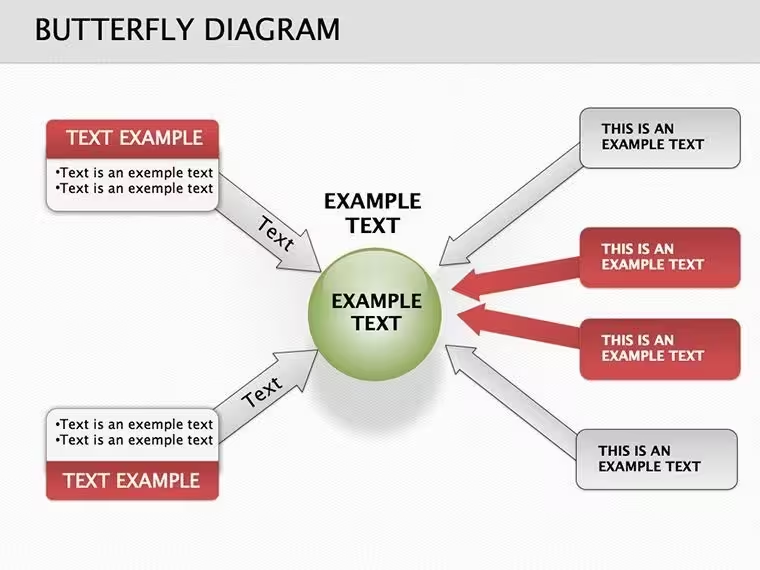
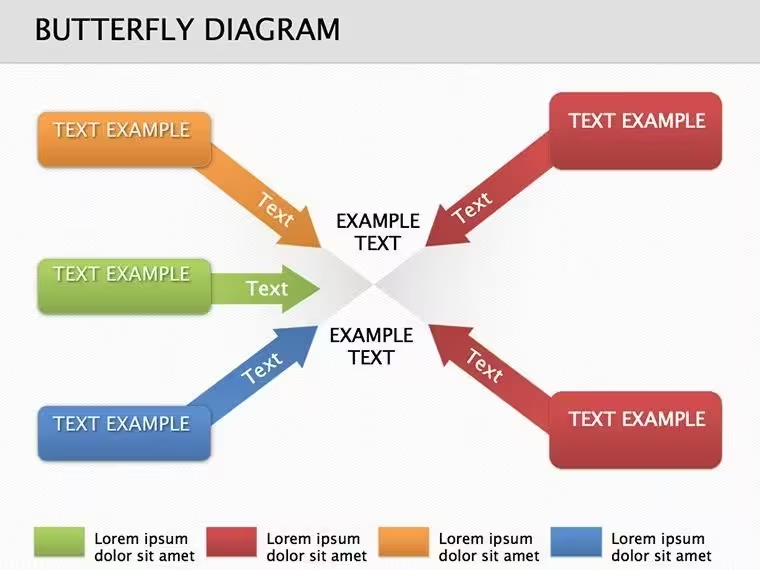
 Click to zoom
Stunning Butterfly Keynote Diagrams Template - Fully Editable Slides for Board Meetings & Presentations
| Format | .pptx |
| Slides | 10 unique layouts |
| Aspect ratio | 16:9 |
| Compatibility | PowerPoint |
| Animated | No |
| Language | English |
| License | Commercial |
| File size | — |
| Version | v1.0 |
| Last updated | August 2026 |
What's inside
Introduction
Communicate complex workflows, relationships, or processes with clarity using the Butterfly Keynote Diagram Template. This professionally designed template allows executives, educators, marketers, and consultants to create visually compelling slides that engage audiences and simplify understanding. Save time with pre-built layouts while maintaining full control over text, colors, and shapes.
Feature / Slide Breakdown
- Editable Layouts: Customize text, colors, and shapes to align with your brand.
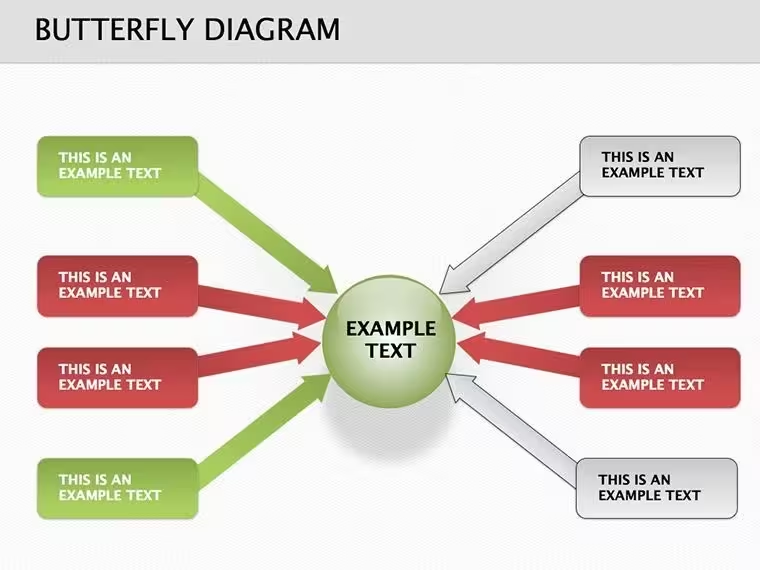
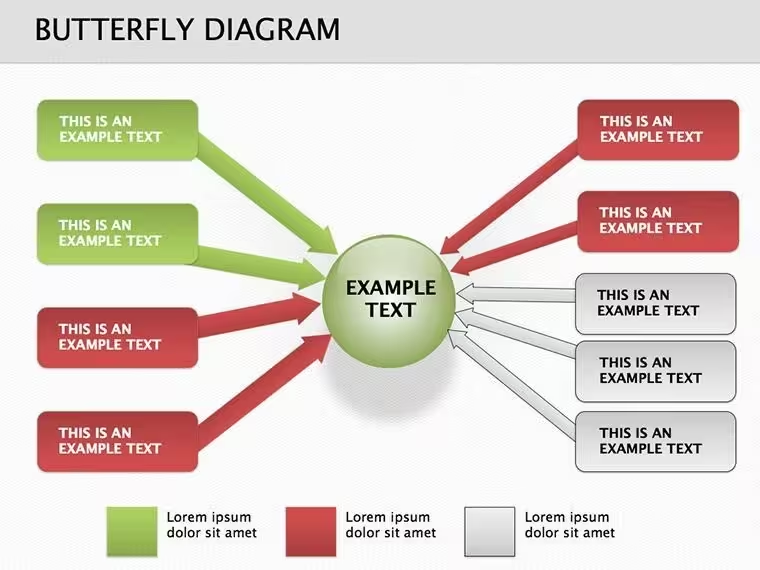
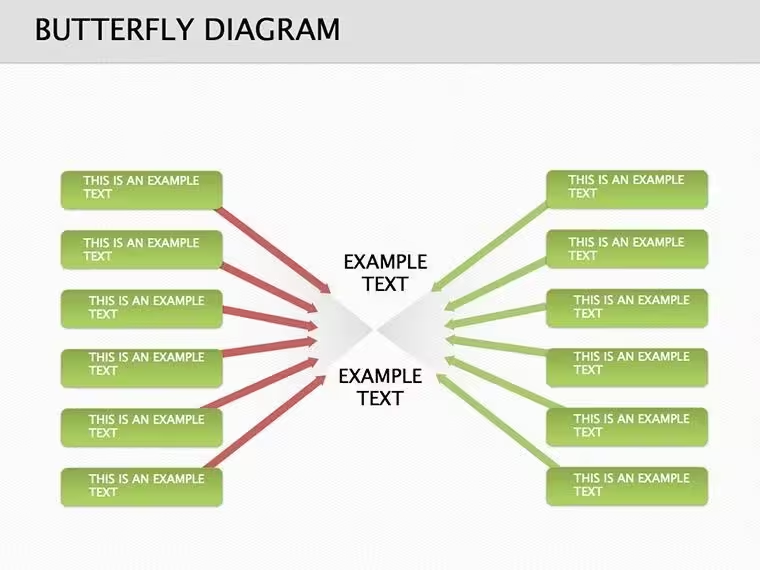
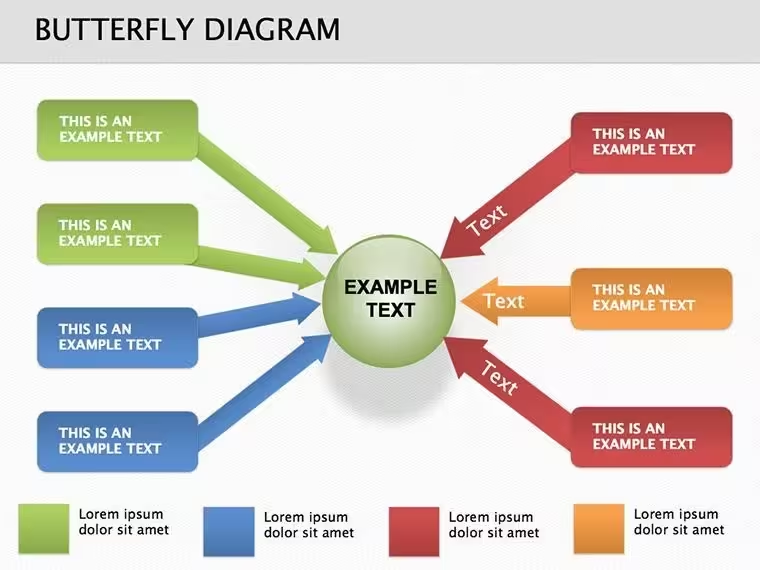
- Unique Butterfly Slides: Visually map processes, comparisons, or relationships.
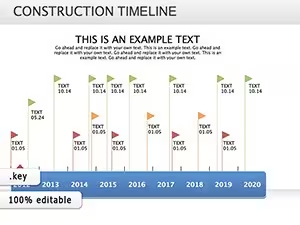
- Infographic Elements: Includes charts, timelines, and diagrams for data visualization.
- Cross-Platform: Compatible with Apple Keynote, exportable to PowerPoint or Google Slides.
Professional Use Cases
- Board Meetings: Present strategy plans and process flows clearly.
- Marketing Presentations: Visualize customer journeys or campaign structures.
- Educational Lectures: Explain complex concepts or cause-effect relationships.
- Consulting Reports: Showcase workflows, analyses, and recommendations effectively.
Workflow Integration
Seamlessly integrate this template into your existing workflow. Replace placeholders with your content, adjust diagrams to reflect your data, and export for team reviews or client presentations. Its responsive design ensures readability on Mac, iPad, or shared screens.
Real-World Scenarios
Use the butterfly diagrams to compare project milestones, visualize process dependencies, or illustrate dual-perspective analyses. Whether prepping for a client pitch or internal strategy review, the symmetrical layout guides audience focus and enhances comprehension.
Internal Comparison Table
Slide TypeAudienceOutcomeButterfly DiagramExecutivesClear process visualizationTimeline & ChartsTeam ReviewsTrack progress and milestonesInfographic SlidesClients / StudentsEngaging, memorable insightsIndustry Applications
- Business & Marketing
- Education & Training
- Project Management
- Consulting & Advisory
Frequently Asked Questions
When should I use the Butterfly Keynote Diagram Template?Use it for visualizing processes, comparisons, or relationships where clarity and audience engagement are priorities.
Can I customize colors and text?Yes, all slides are fully editable to match your brand or presentation style.
Is this template compatible with PowerPoint or Google Slides?Absolutely, you can export from Keynote to PowerPoint or Google Slides while retaining design integrity.
Who is this template best suited for?Ideal for professionals, educators, marketers, and consultants who need to present complex information clearly and attractively.
How quickly can I prepare a presentation using this template?With pre-designed slides and editable placeholders, you can have a professional presentation ready in minutes.
Good for
- Project roadmaps and sprint plans
- Product launch timelines
- Quarterly or annual review decks
- Company history and milestone summaries
Licence
reviews
Used this for a nutrition presentation.
The food group icons are at each level.
Better than a text list.
FAQ
Will it work in Google Slides?
Are fonts embedded?
Can I use this for client work?
What's the refund policy?
Do you update the template after purchase?
Similar templates
See all Keynote Diagrams →
All 10 slides