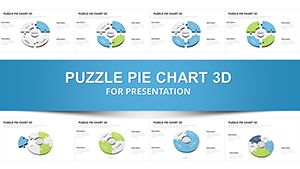
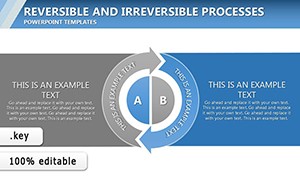
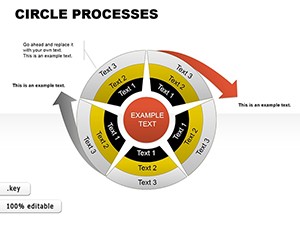
Keynote Relationship Diagram Charts - Editable Keynote | ImagineLayout

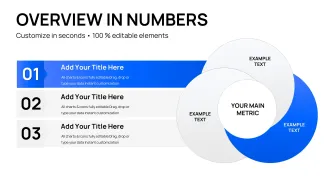
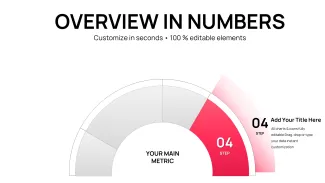
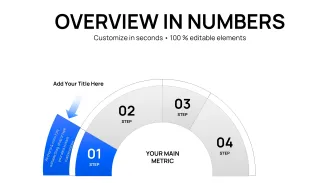
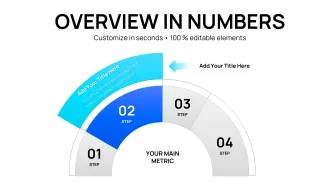


























































Type: Keynote Charts template
Category: Relationship
Sources Available: .key
Product ID: KC01115
Template incl.: 44 editable slides
44 Relationship Diagram Slides for Keynote - .KEY Format
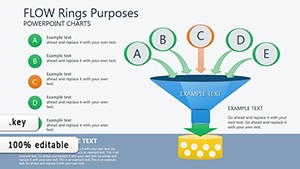
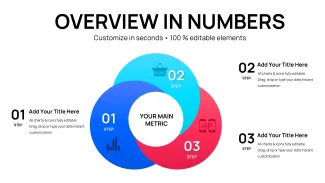
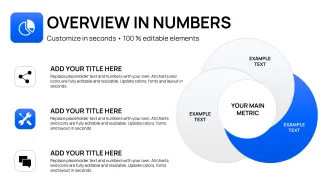
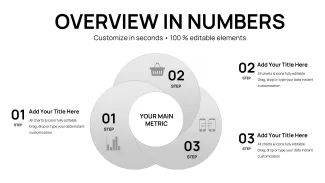
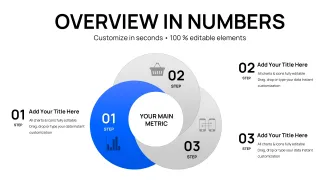
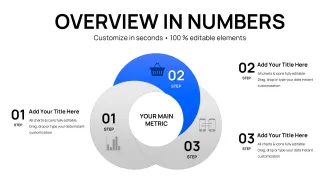
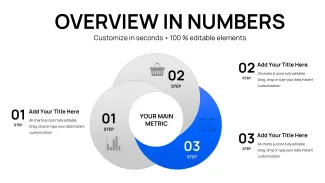
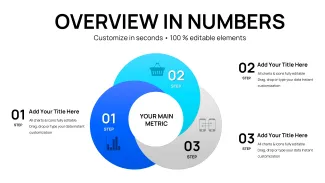
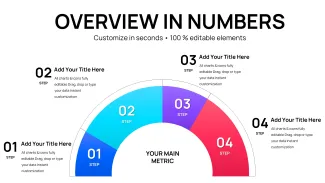
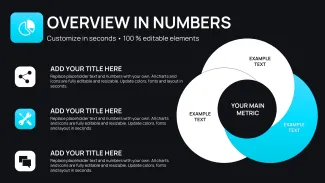
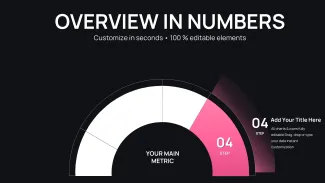
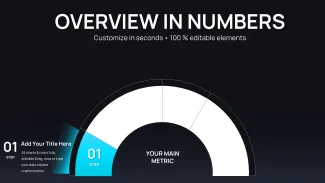
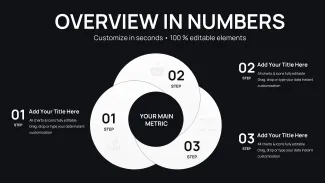
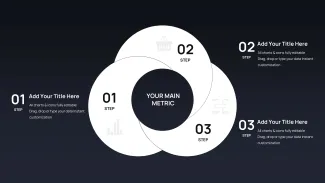
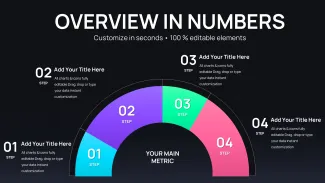
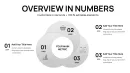
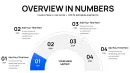
Forty-four editable slides built specifically for relationship mapping, available as a .key file compatible with Keynote on macOS - useful when you need to show connections between entities, stakeholders, or business components without drawing diagrams from scratch. The file covers node-and-link structures, hierarchical relationship maps, and modular radial layouts, each sitting on its own slide with independently editable shapes and text labels.
The visual structures are flat-style - no gradients, no drop shadows - with outlined connector lines linking labeled nodes in hub-and-spoke and branching configurations. Layouts alternate between centered radial arrangements (one core node surrounded by connected elements) and bilateral tree structures that extend left-to-right across the slide. Spacing is airy rather than compact, which keeps each relationship visible when projected. In practice, you replace the placeholder labels and adjust connector paths; the positions are already set.
This Keynote diagram template is suited for analysts and consultants who need to visualize stakeholder relationships, product ecosystem maps, or integration dependency charts. The relationship diagram format supports mapping analysis - identifying how entities depend on or influence each other - so a viewer can quickly see which nodes are central and which are peripheral. For example, a business development team presenting a partner integration model can map each partner as an outer node connected to a central product hub, making the dependency structure clear in a single slide.
Use this instead of manually arranging shapes in Keynote each time you need a new relationship diagram. The predefined node placements mean you do not spend a presentation-morning aligning connectors. The same layouts can be reused across multiple client reports by duplicating slides and swapping text - no need to redraw the structure. Not ideal for data-heavy dashboards or sequential process flows; the diagrams are designed for relationship and dependency visualization, not step-by-step workflows.
Color changes apply per shape - there is no confirmed slide master color-switch mechanism listed on the page, so in most cases you update fills individually or use Keynote's Format panel to change all matching styles at once. All shapes are vector-based and resize without quality loss. The file works with current Keynote versions on macOS; the page does not specify a minimum version number, but the standard .key format is compatible with Keynote 12 and later installations.
Tags on this product include business development, integration, investments, and target market - the diagram types reflect those use cases directly. Typically, teams working on investor decks or partnership presentations reuse the same relationship layout across several slide decks by keeping one master copy of the file.
Everything is already structured. Download and start editing immediately
Specifications
| Feature | Details |
|---|---|
| Slides | 44 editable relationship diagram slides |
| File format | .key (Keynote) |
| Software version | Compatible with Keynote 12+ on macOS; exact minimum not specified on page |
| Color schemes | Not specified on page; colors editable per shape via Format panel |
| Editable elements | All nodes, connector lines, and text labels resize and recolor independently |
| Aspect ratio | Not specified on page |
| Free vs Paid | Single paid version at $14.00; no free tier listed |
| Category | Relationship Keynote Charts |
Frequently Asked Questions
Is this file compatible with Keynote on Mac, and which version is required?
The file is delivered in standard .key format, which works with Keynote on macOS. The product page does not state a specific minimum version, but .key files of this type are generally compatible with Keynote 12 and later. If you are running a current macOS installation, the file should open without issues. For older Keynote versions (prior to version 10), compatibility is not guaranteed, and it is worth updating Keynote via the Mac App Store before downloading.
How do I change the colors across all slides?
Open the .key file in Keynote and select the shape or connector whose color you want to change. Use the Format panel on the right to adjust the fill color. To apply a consistent color across multiple slides, select all matching shapes using Edit > Select All, then update the fill in one step. If the file includes a slide master, you can edit it via View > Edit Master Slides to change base colors globally. This avoids updating each slide individually and keeps the deck consistent.
Can I use this template for client work or commercial presentations?
A single license covers use in client presentations and internal business decks. You can edit the diagrams, add your client's branding, and include the slides in a deliverable. Redistribution of the original file or resale of the template itself is not permitted. For multi-seat or team use, review the Terms of Use at imaginelayout.com/terms/ to confirm whether additional licenses are needed for your specific situation.
Is there a free version of this template?
The product page does not list a free version or preview download for this specific file. The full 44-slide set is available as a one-time purchase at $14.00. There is no trial or limited free tier mentioned. If you want to evaluate the layout style before purchasing, the thumbnail previews on the product page show the diagram structures across multiple slides.
What is the refund policy if the file does not meet my needs?
ImagineLayout's refund policy is described at imaginelayout.com/refund-policy/. Because the product is a digital download, refunds are generally not issued once the file has been accessed or downloaded. If you experience a technical issue - such as the file failing to open - contact support via the Contact page before downloading again. Reviewing the slide previews carefully before purchase is the best way to confirm the diagrams fit your use case.
Can I apply these diagram layouts to an existing Keynote presentation?
Yes. Open the .key file alongside your existing presentation, then copy the slides you need and paste them into your deck. Keynote will import the slide with its shapes and formatting intact. You may need to adjust the theme or master slide settings if your presentation uses a different color palette, but the diagram shapes themselves will remain editable after the paste. This is faster than rebuilding the node layouts manually.
See more layouts in the Relationship Keynote Charts category, or browse related options like the Process Cycle Charts Keynote template and Interactive Keynote Charts Template.