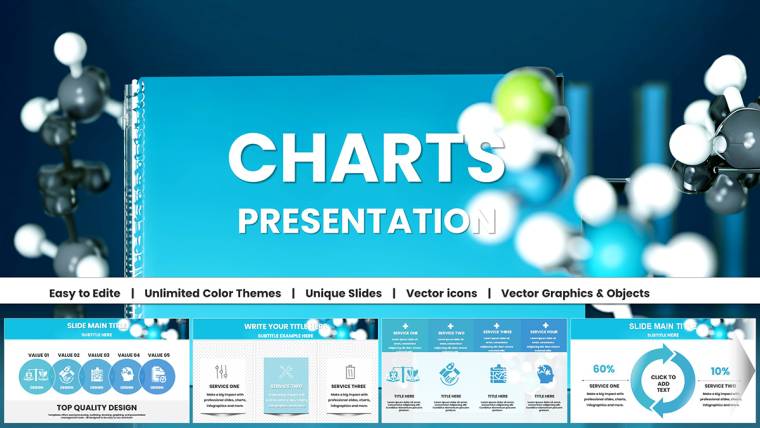
Biomedical Charts Keynote Template for Science
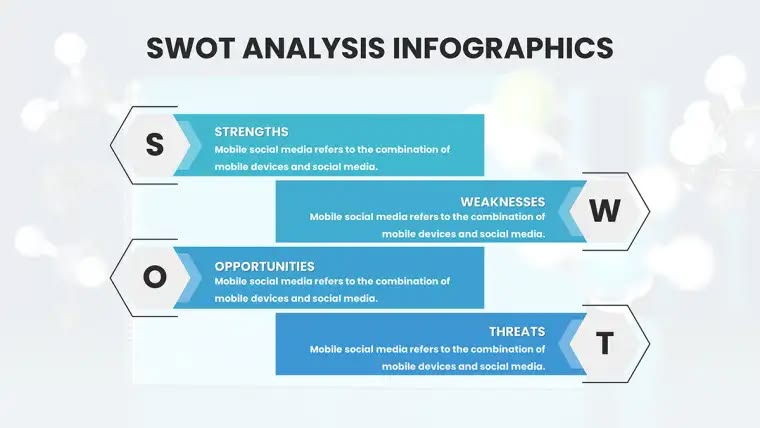
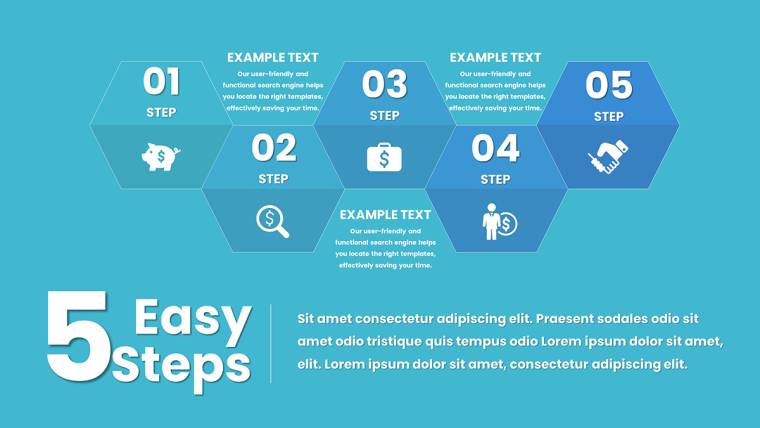
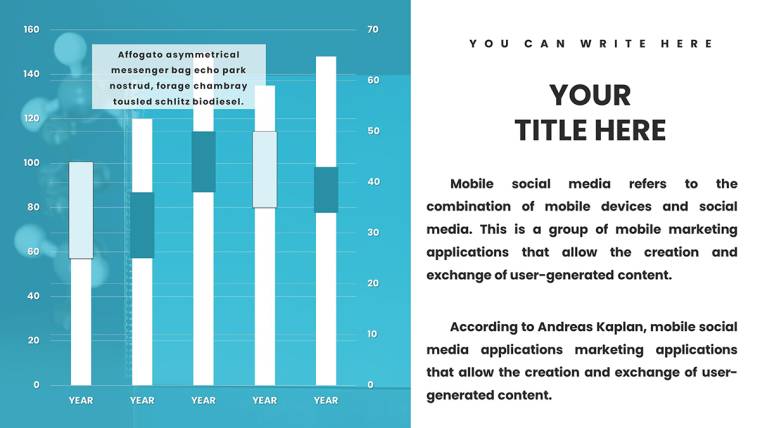
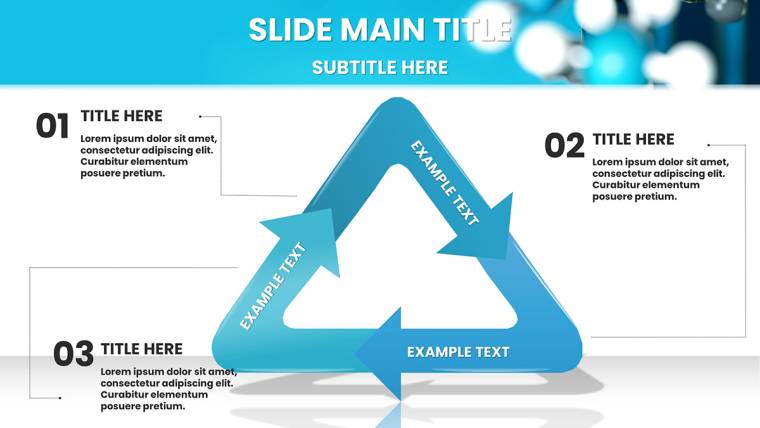
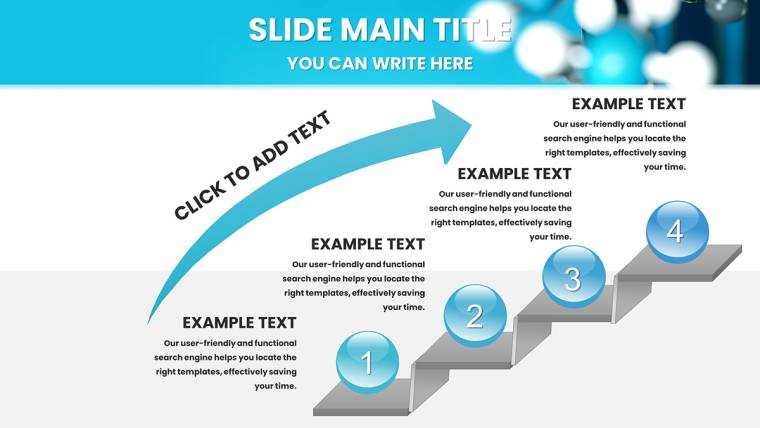
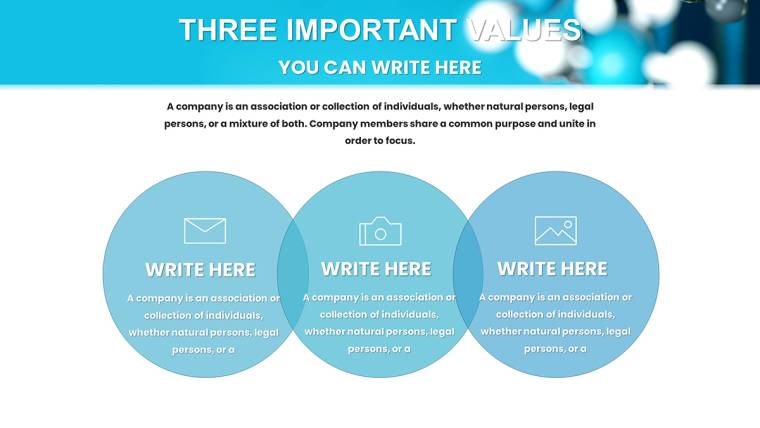
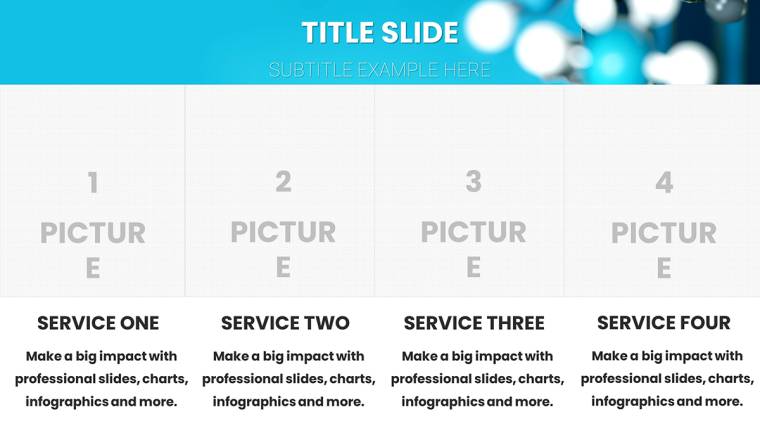
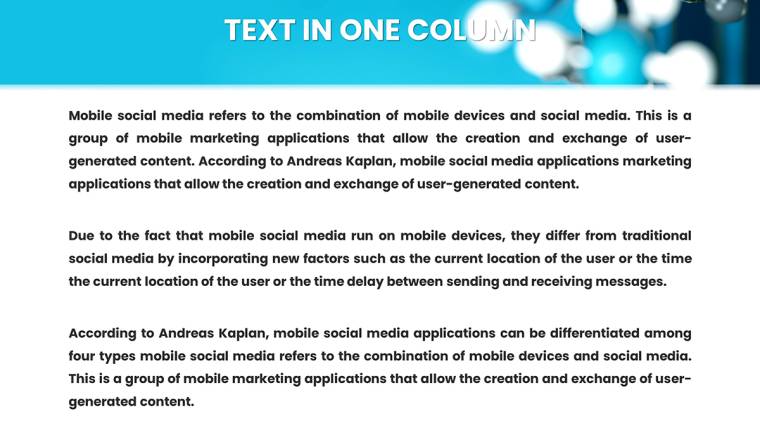
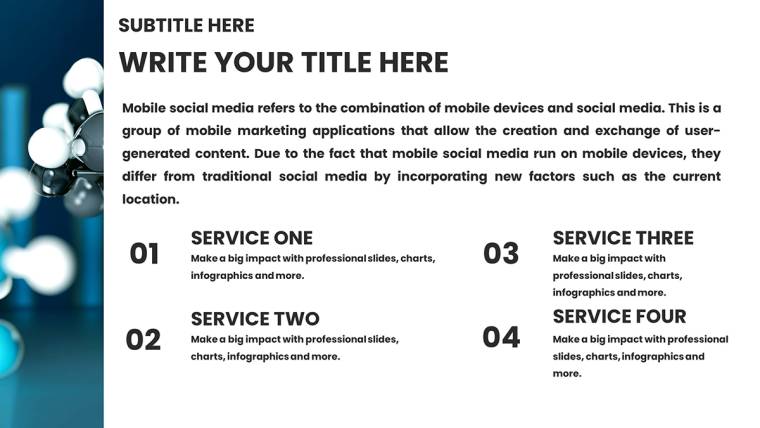
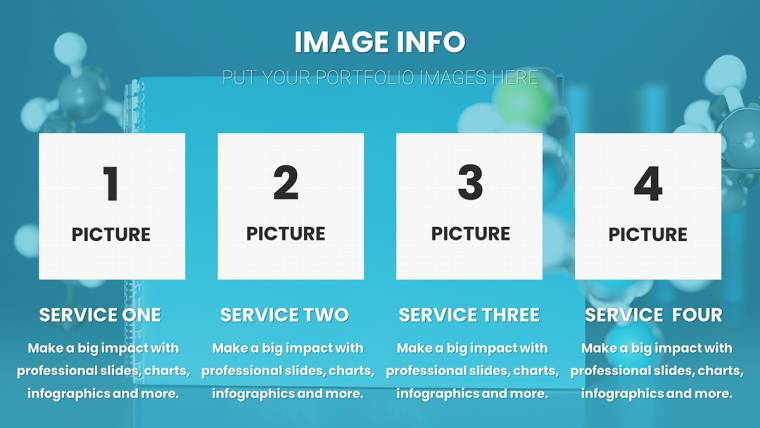
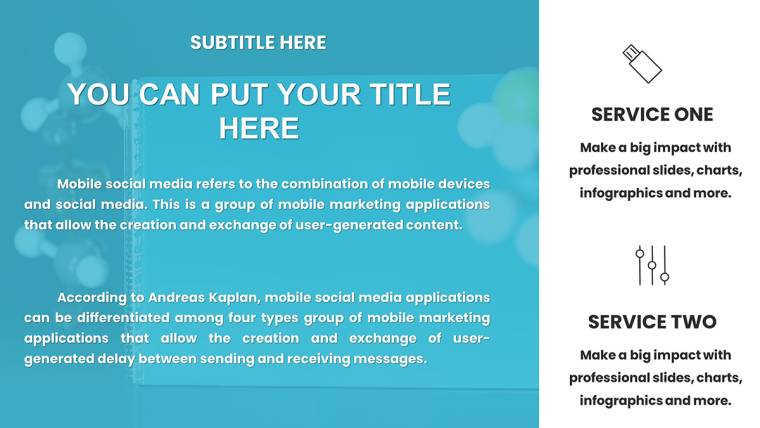
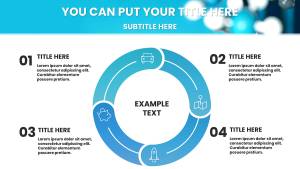

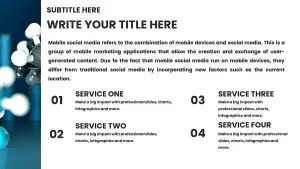

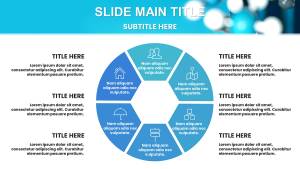
Type: Keynote Charts template
Category: Medicine - Pharma
Sources Available: .key
Product ID: KC01049
Template incl.: 36 editable slides
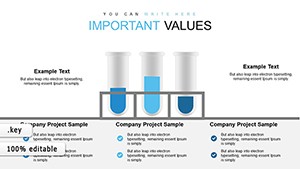
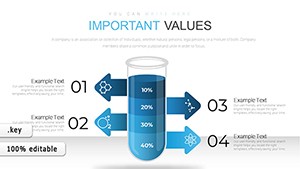
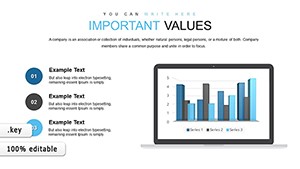
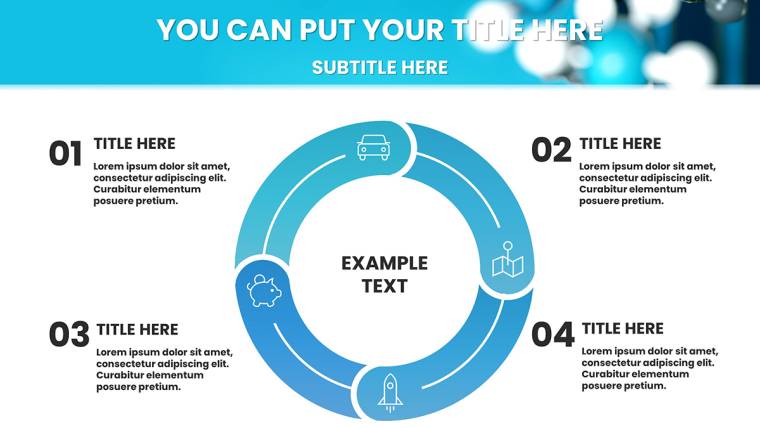
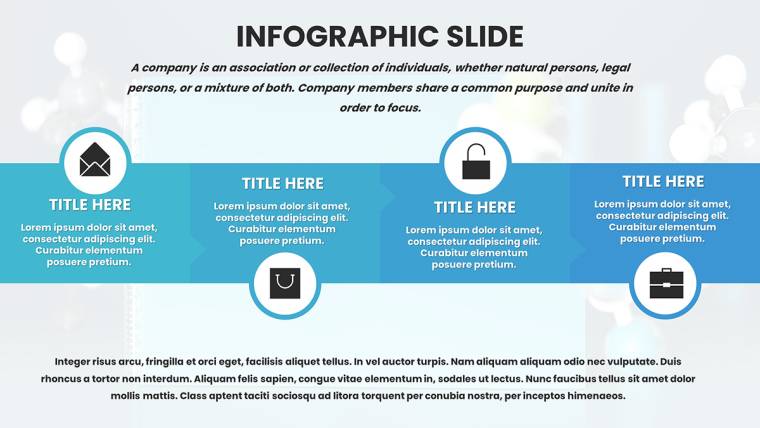
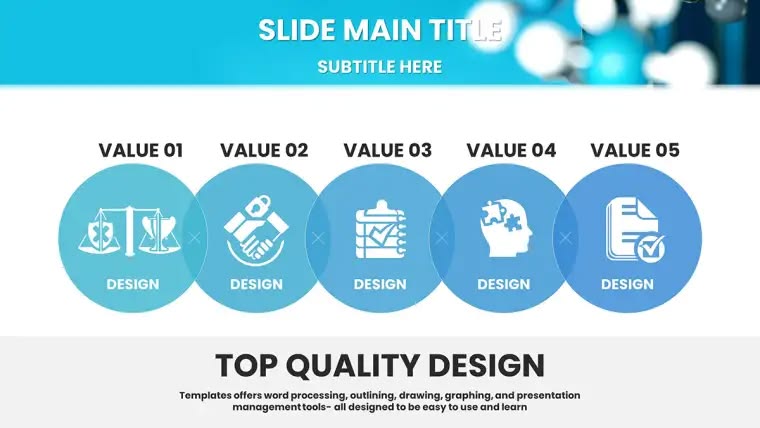
Imagine standing at the podium of a bustling conference hall, your audience-fellow researchers, educators, and industry leaders-leaning in as you reveal groundbreaking insights on molecular interactions or clinical trial outcomes. The secret to holding their attention? Visuals that cut through complexity like a scalpel. Our Biomedical Charts Keynote Template delivers exactly that: 36 meticulously crafted, editable slides designed specifically for the demands of chemical and biomedical fields. Tailored for scientists, biologists, medical researchers, and educators, this template transforms raw data into compelling narratives that drive understanding and spark discussion.
Why settle for generic charts when you can harness precision-engineered visuals that align with professional standards? Compatible with Apple Keynote 2016 and later versions, including seamless integration on iPad for on-the-go refinements, this template saves you hours of design time. Vector-based elements ensure crisp scalability on any screen, while themed icons-like DNA helices and lab pipettes-add authenticity without overwhelming your message. Whether you`re dissecting enzyme kinetics or mapping metabolic pathways, this tool empowers you to focus on your discoveries, not the drudgery of slide creation. In a 2024 survey by the American Association for the Advancement of Science, 78% of researchers reported that high-quality visuals significantly boosted audience engagement in presentations. Step into that league with a download that promises lifetime access and unlimited royalty-free use.
Standout Features: Precision Tools for Biomedical Excellence
Crafted with input from practicing chemists and biologists, this Keynote template goes beyond basic graphing. Each of the 36 slides incorporates data-driven flexibility, allowing you to link charts directly to Excel spreadsheets for real-time updates during live sessions. Pre-set color palettes mimic real-world indicators, such as pH scales in vibrant blues and reds, ensuring your visuals resonate with scientific accuracy. Animations subtly reveal data layers-think sequential build-ups for flow diagrams-keeping viewers hooked without distraction.
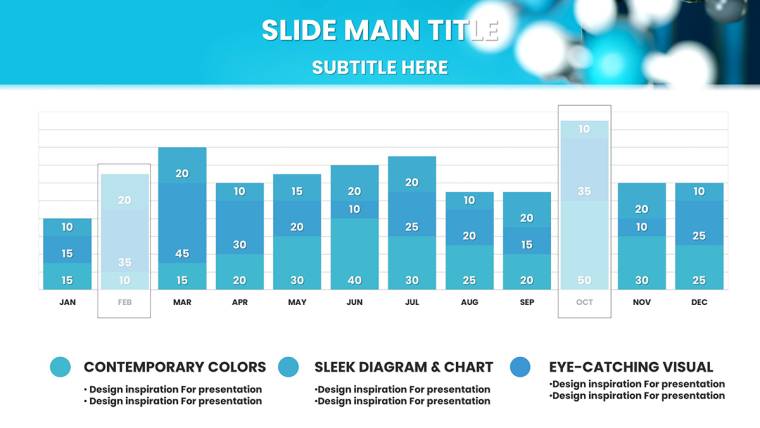
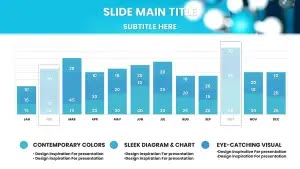
- Vector-Based Editable Charts: Resizable bar graphs, pie charts, and scatter plots that maintain pixel-perfect clarity, ideal for high-res conference projectors.
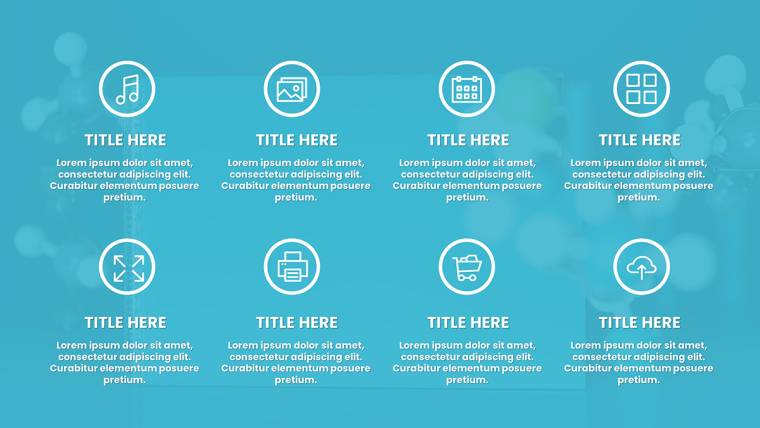
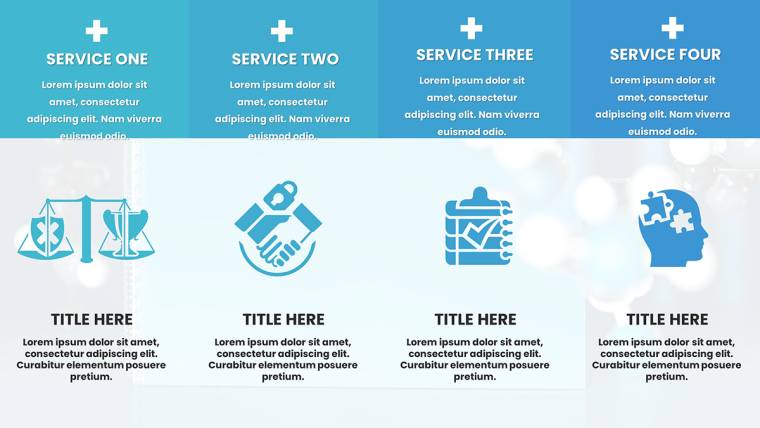
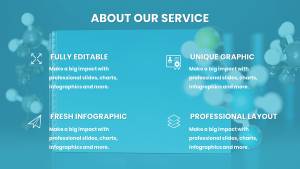
- Themed Icons and Illustrations: Over 50 custom elements, including microscopes, syringes, and molecular bonds, to contextualize your biomedical data effortlessly.
- Intuitive Layer Organization: Grouped elements for quick edits; add annotations or confidence intervals with Keynote`s built-in shape tools in seconds.
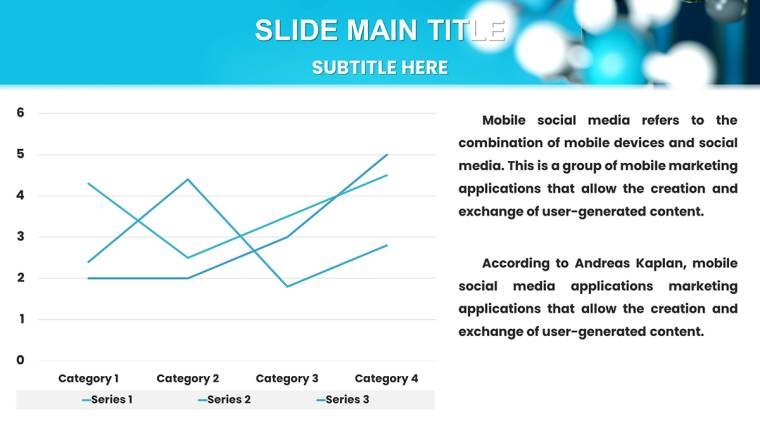
- Dynamic Animations: Smooth transitions for line graphs tracking reaction rates, enhancing the flow of your narrative without overwhelming technical jargon.
- Compatibility and Integration: Works flawlessly with EndNote for seamless citation embedding and supports hyperlinks to PubMed studies for interactive depth.
These features aren`t just bells and whistles-they`re battle-tested solutions drawn from IUPAC guidelines for ethical data representation. For instance, our comparison tables use alternating row shading to highlight compound differences, reducing cognitive load in side-by-side analyses of drug formulations. Customize colors to match your institution`s branding, and watch your slides adapt like a living organism.
In-Depth Slide Breakdown: From Setup to Spotlight
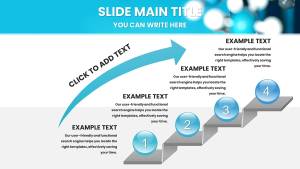
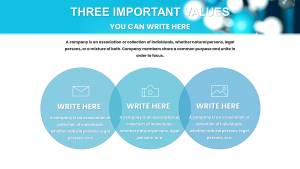
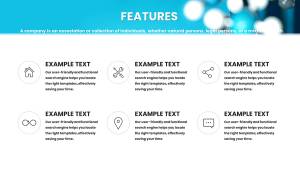
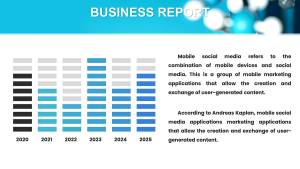
Navigating this template feels like flipping through a well-organized lab notebook-logical, efficient, and ready for your input. The 36 slides are divided into intuitive sections, starting with foundational layouts and building to advanced visualizations. Slides 0-5 establish your presentation`s tone with title pages featuring subtle cell membrane motifs and agenda outlines that forecast your data journey. Transition smoothly into core content with Slides 6-15, where bar graphs dissect enzyme kinetics-imagine plotting velocity against substrate concentration, with editable axes for instant recalibration.
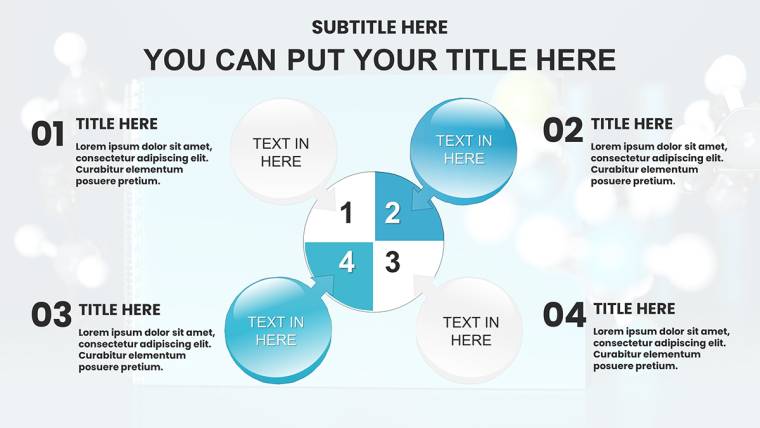
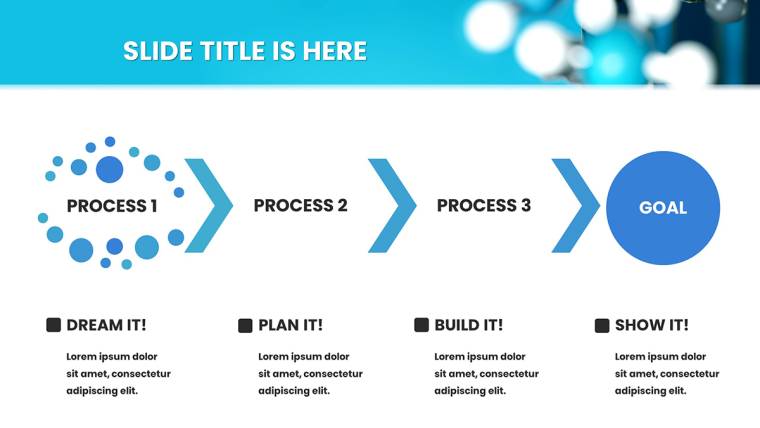
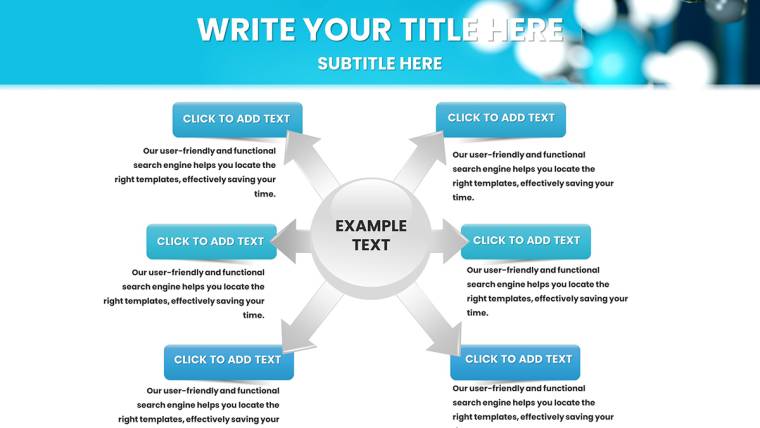
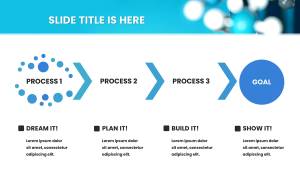
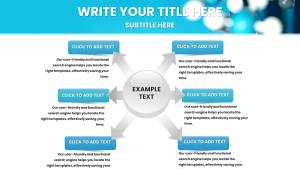
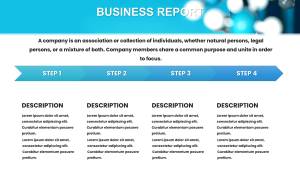
Moving deeper, Slides 16-25 specialize in flow diagrams for processes like glycolysis or clinical trial phases. Color-coded arrows guide the eye through multi-step pathways, complete with draggable nodes for adding variables like inhibitor effects. For correlation-heavy topics, Slides 26-30 offer scatter plots optimized for epidemiological data, such as biomarker distributions in patient cohorts. Finally, Slides 31-35 wrap up with summary infographics and reference placeholders, formatted for APA or Vancouver styles to maintain academic rigor.
- Preparation Phase (Slides 0-5): Customize headers with your research title and embed a quick abstract teaser to hook viewers early.
- Data Core (Slides 6-25): Input variables into pie charts for tissue composition breakdowns-perfect for illustrating protein-lipid ratios in cell studies.
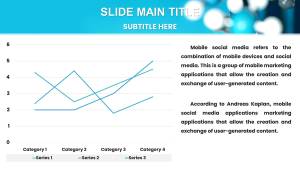
- Analysis Layer (Slides 26-30): Leverage line graphs for time-series data, like tracking pH fluctuations in biochemical reactions over 24 hours.
- Conclusion Suite (Slides 31-35): Synthesize findings with a DNA strand infographic (Slide 32) for mutation highlights, linking to supplementary data via hyperlinks.
A pro tip: Use Keynote`s master slide feature to apply global tweaks, ensuring consistent fonts like Helvetica Neue for readability across all 36 frames. This structure not only streamlines your workflow but also mirrors the scientific method-hypothesis, experiment, analysis, conclusion-making your presentation a natural extension of your research ethos.
Real-World Use Cases: Where Science Meets Impact
In the high-stakes world of biomedical communication, this template shines brightest in scenarios demanding clarity amid chaos. Consider a graduate student defending their thesis on targeted drug delivery: The flow diagrams (Slide 18) map nanoparticle uptake pathways, visually demystifying endocytosis for a mixed academic-industry panel. Or picture a biotech firm pitching to venture capitalists-comparison tables (Slide 12) juxtapose efficacy rates of competing therapies, backed by scatter plots showing statistical significance, turning skeptics into supporters.
Educators find it invaluable for lectures; a biology professor might use pie charts to break down genomic compositions, animating segments to reveal allele frequencies in real-time class discussions. In corporate settings, lab technicians briefing teams on assay results leverage line graphs for yield optimizations, fostering collaborative tweaks on the spot. Even in regulatory submissions, like FDA filings, the template`s precise visuals aid in articulating trial endpoints, where every graph must withstand scrutiny.
Real-world validation comes from users like Dr. Elena Vasquez, a pharmacologist at a leading university, who noted, "This template halved my prep time for ASBMB conferences, letting my data do the talking." With 2025 projections from Statista indicating a 15% rise in virtual scientific events, mobile-optimized slides ensure your iPad edits translate flawlessly to Zoom screens, bridging lab benches to global audiences.
Biomedical Charts Keynote Template vs. Default Keynote Tools: A Clear Winner
| Aspect | Default Keynote | Our Biomedical Template |
|---|---|---|
| Chart Variety | Basic bar, line, pie-limited to generic styles | 36 specialized slides: flow diagrams for pathways, scatter plots for correlations, themed icons for context |
| Customization Depth | Manual reshaping; no pre-linked data | Vector editable with Excel integration, color palettes for pH scales, drag-and-drop annotations |
| Scientific Accuracy | Neutral designs; risk of misaligned visuals | IUPAC-inspired layouts, molecular motifs, confidence interval overlays for credible representation |
| Time Efficiency | Hours building from scratch | Minutes to populate; animations and layers ready out-of-the-box |
| Audience Engagement | Static, prone to overload | Dynamic builds, high-res scalability, accessibility contrasts for inclusive viewing |
As the table illustrates, while default Keynote offers a solid foundation, our template infuses it with domain-specific prowess. It`s not just faster-it`s smarter, aligning with 2024 design trends emphasizing semantic visuals for AI-assisted summaries in tools like Google SGE.
Seamless Workflow Integration: From Lab to Lecture Hall
Integrating this template into your routine is as straightforward as pipetting a sample. Start by downloading the .key file-under 50MB for quick access-and open in Keynote. Import datasets from tools like GraphPad Prism via CSV, watching charts auto-populate with trendlines for reaction kinetics. For collaborative projects, share via iCloud for real-time co-edits with team members, ensuring version control without email chains.
Enhance interactivity by embedding QR codes linking to raw datasets or simulation videos, turning passive slides into discussion catalysts. In educational workflows, pair with learning management systems like Canvas by exporting as PDF with notes pages for student handouts. This frictionless setup means more time for what matters: advancing knowledge in pharmacology or molecular biology. Customize now and experience the shift from mundane to masterful presentations.
Why Choose This Template? Building Trust Through Design
Trust in scientific visuals is paramount-missteps can undermine years of research. Our template earns that trust with royalty-free licensing for unlimited use across personal, academic, and commercial projects, backed by free lifetime updates for Keynote compatibility. Professional designers vetted every element for accessibility, including WCAG-compliant color contrasts to support color-blind viewers in diverse audiences.
Unlike fleeting trends, this tool draws from enduring principles: clarity over clutter, insight over ornament. In an era where 65% of conference attendees (per EventMB 2025 data) retain information better through visuals, investing here yields measurable ROI-stronger collaborations, faster publications, elevated careers. It`s more than slides; it`s a catalyst for your professional narrative.
Ready to Revolutionize Your Presentations?
Don`t let subpar visuals dilute your breakthroughs. Download this Biomedical Charts Keynote Template today and command the room with confidence. Transform data into discovery-start customizing now for your next conference, lecture, or pitch.
Frequently Asked Questions
What makes these charts ideal for biomedical presentations?They feature specialized layouts like metabolic pathway flows and enzyme bar graphs, with vector scalability and animations tailored for scientific precision and audience retention.
Is the template compatible with older Keynote versions?Yes, fully optimized for Keynote 2016+, including iPad support for mobile editing and presentations.
Can I use this for commercial biotech pitches?Absolutely-royalty-free licensing allows unlimited use in investor decks, reports, and marketing materials.
How do I integrate external data sources?Easily link to Excel or CSV files for dynamic updates; charts refresh automatically as you input new variables.
Are there accessibility features included?Yes, with high-contrast options, alt-text placeholders, and readable fonts to ensure inclusivity for all viewers.
What if I need updates for new Keynote features?Enjoy free lifetime updates to maintain compatibility and incorporate emerging design enhancements.