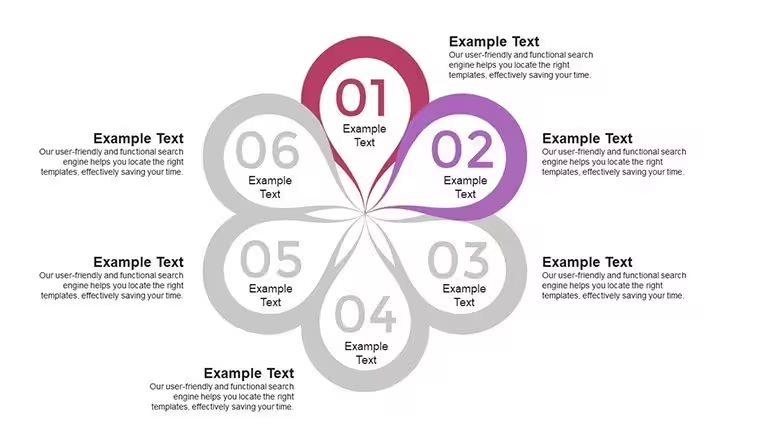
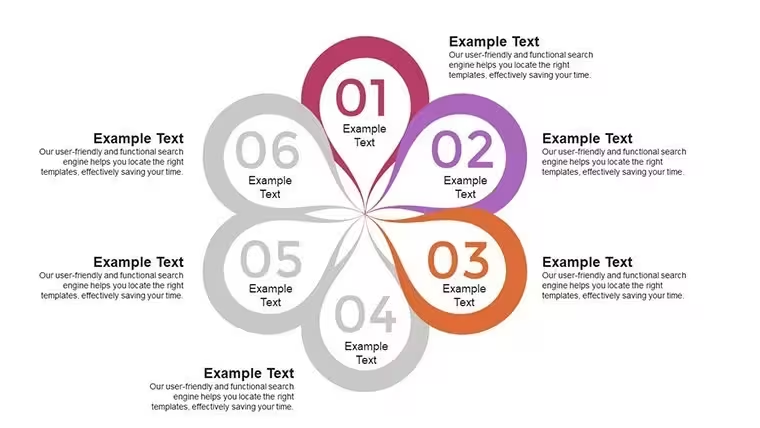
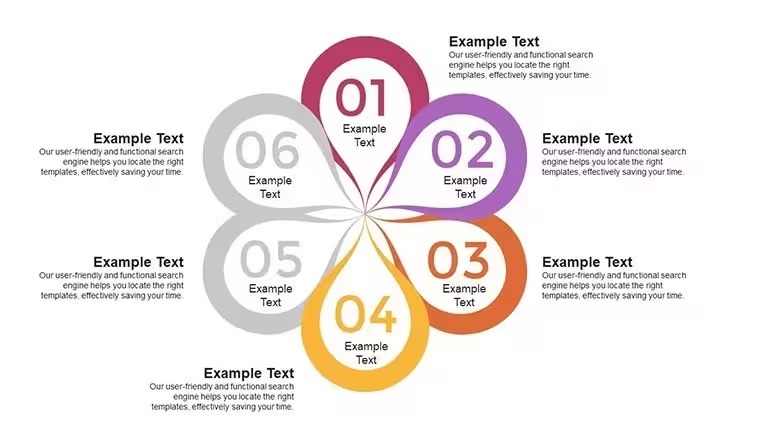
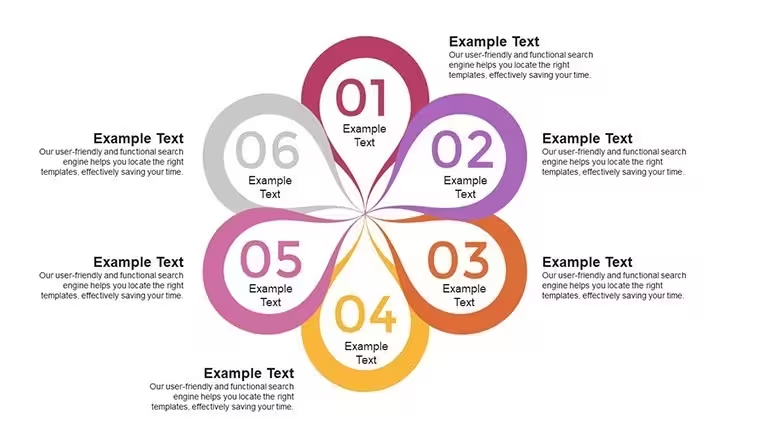
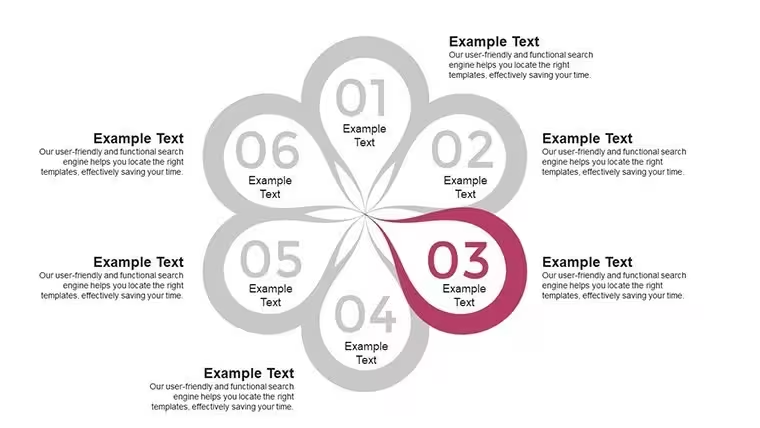
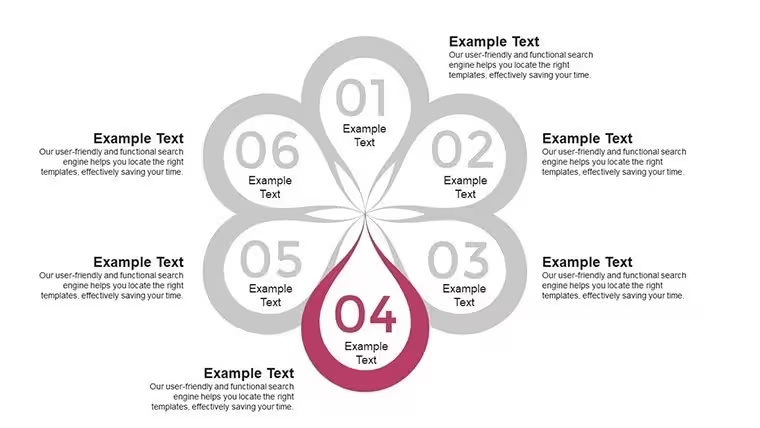
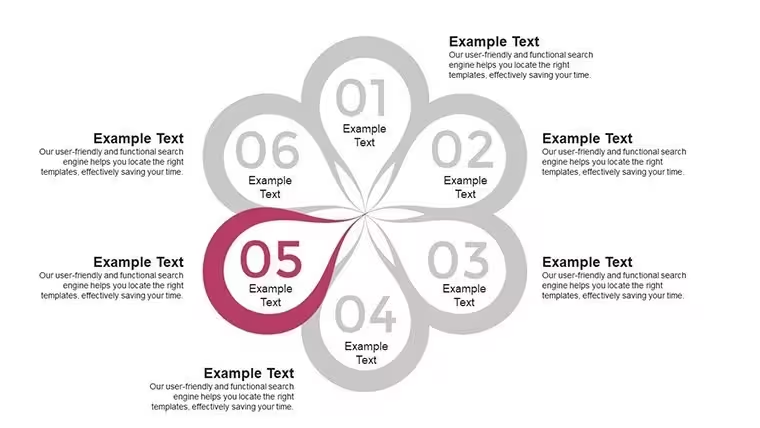
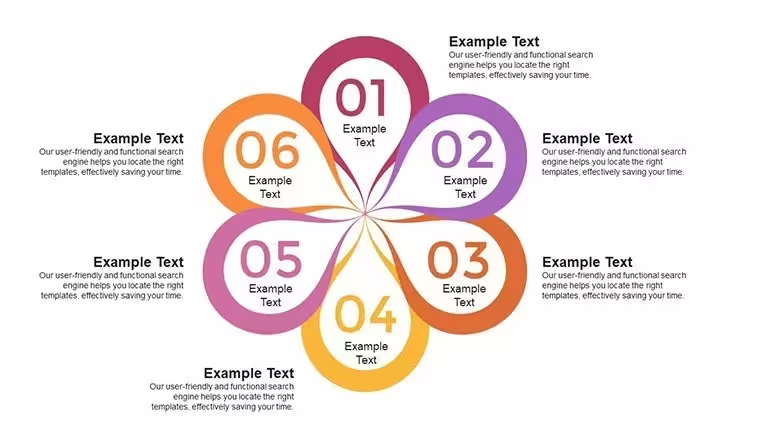
 Click to zoom
Six Sigma Keynote Charts - Fully Editable | ImagineLayout
| Format | .pptx |
| Slides | 24 unique layouts |
| Aspect ratio | 16:9 |
| Compatibility | PowerPoint |
| Animated | No |
| Language | English |
| License | Commercial |
| File size | — |
| Version | v1.0 |
| Last updated | August 2026 |
What's inside
Six Sigma Analysis Keynote Charts: Infographics for Process Excellence
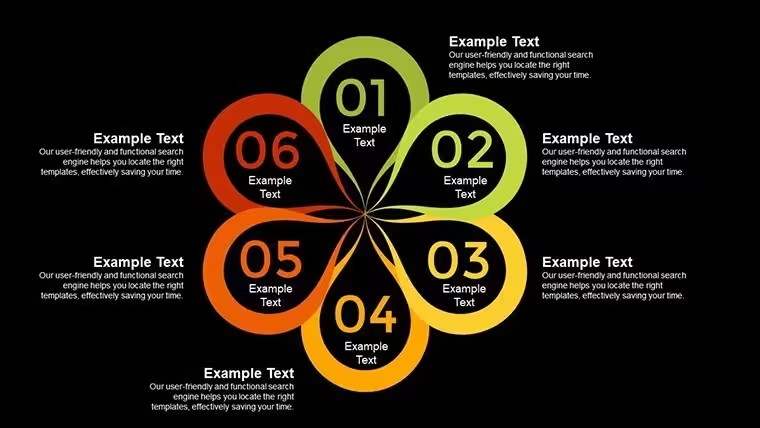
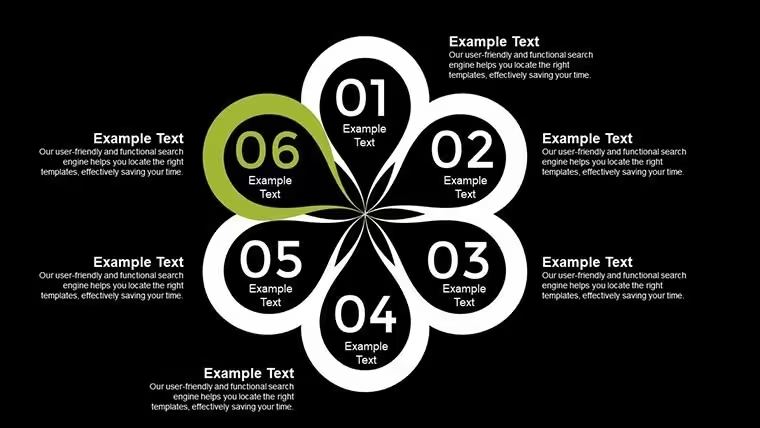
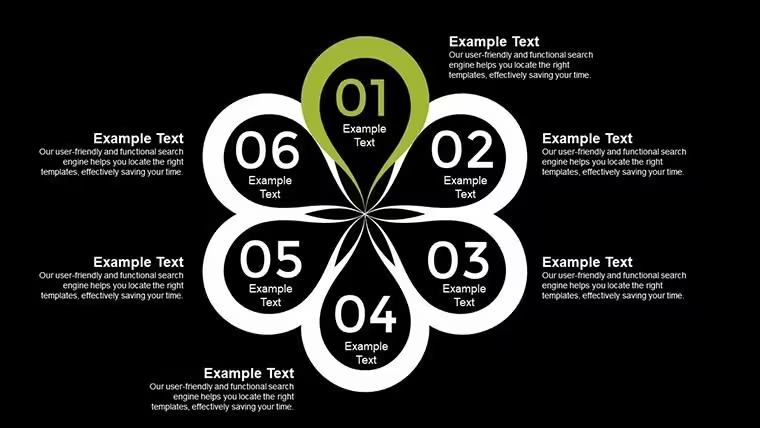
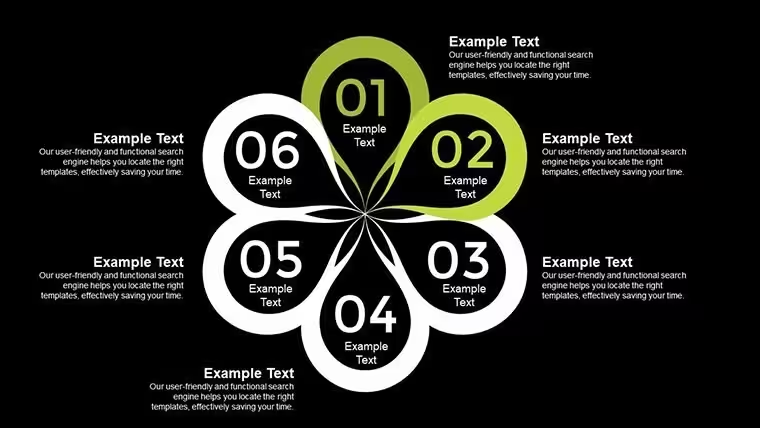
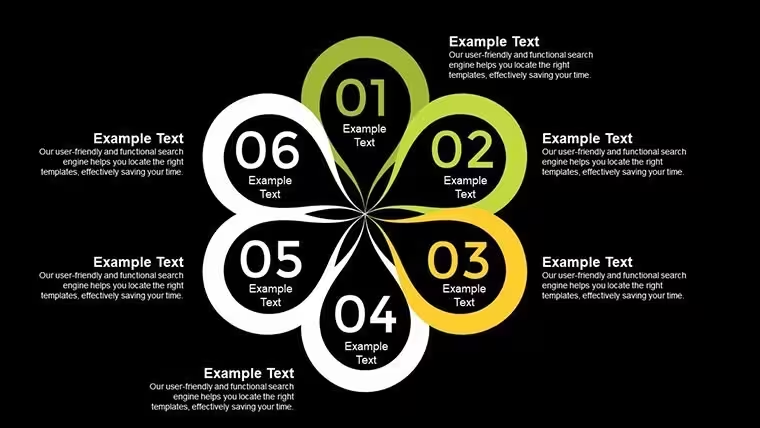
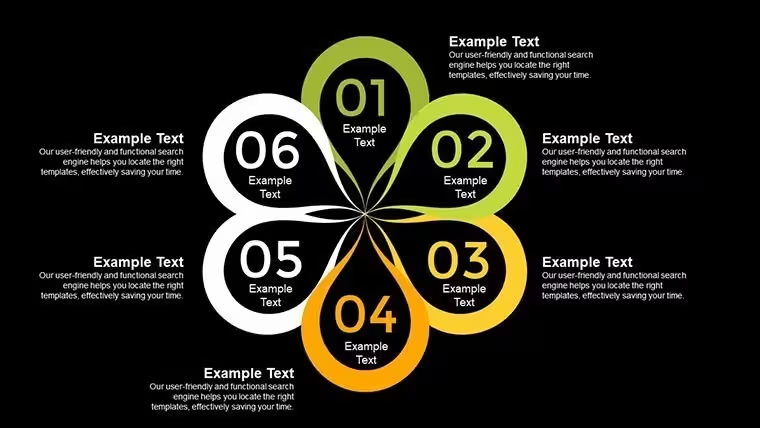
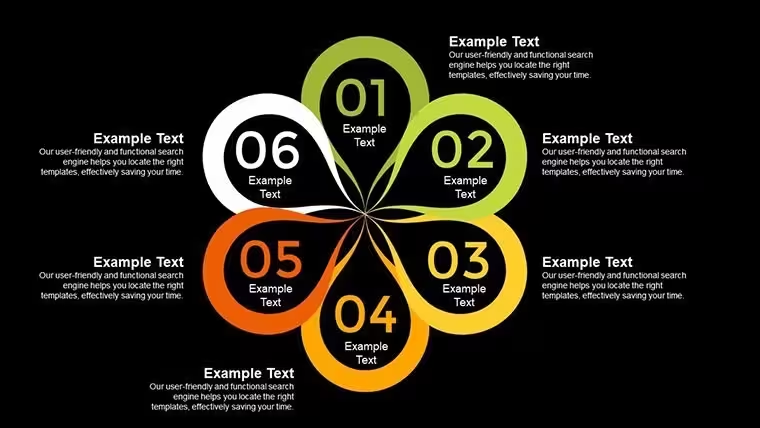
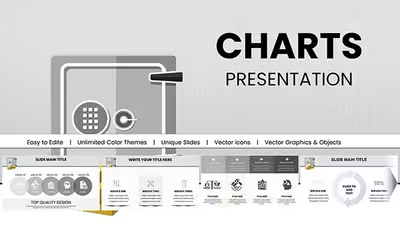
Here you have 24 editable slides full of Six Sigma infographics. Diagrams include horizontal process flows vertical Pareto bars and branching fishbone layouts. Spacing is balanced so labels sit clean without overlap.
And the paid price is $14 with the full set. No free version. You drop in your data and it works as-is.
Icon style mixes outline arrows and filled boxes. The horizontal flow layouts are genuinely well-structured each step connects without crowding the slide. This one layout saved me from rebuilding the whole thing.
Honestly I just opened it changed the colors and it looked fine. Took maybe five minutes. The color switching is slightly confusing the first time but once you find the slide master it takes under a minute.
You know that situation when the deck is due tomorrow - this is exactly when you grab something like this. Quality managers use it for DMAIC reviews all the time.
Not ideal if you need super detailed numerical charts but for process flows yeah it works. If your team regularly presents project updates this set covers most of what you'll need without any redesign.
To be honest the branching diagrams feel a bit dense at first but after you tweak the text it settles nicely. Oh and the aspect ratio is 16:9 by default.
FeatureDetailsSlides/diagrams24 Six Sigma infographics process flows Pareto fishboneFile format.key for KeynoteSoftware versionKeynote 12+ on macOSColor schemesMultiple via slide master one click updateEditable elementsText arrows boxes scales resize independentlyAspect ratio16:9Free vs PaidPaid has full 24 slides animation support no free versionMasters/BackgroundsSlide master for global changesDownload and start editing immediately
What Keynote version and macOS does this need?So basically it runs fine on Keynote 12 and newer which covers most recent macOS versions. The short answer is you are good on anything from the last few years. Oh and you can also export to PDF from there.
How do I change colors via the slide master?Honestly go to View then Edit Master then pick the theme colors and tweak them once. All slides update right away. It depends a bit on your version but usually yes it works that quick.
Can I use this for client work?It's the same license most marketplaces use - one buyer one project commercial use is fine. You can deliver the deck to clients no problem. That's basically it.
What are the free vs paid differences?There is no free version here. The paid one gives you the complete 24 diagrams with animations. In most cases that is all you need and the rest is just the full editable file.
What are the refund conditions?Refunds follow the standard policy so check before you buy but usually they handle it if the file does not open. - actually the easiest way is just contact support if something goes wrong.
Check out similar options like the Flowertype Keynote Charts or the Flow Linear Arrows Keynote Charts.
Good for
- Project roadmaps and sprint plans
- Product launch timelines
- Quarterly or annual review decks
- Company history and milestone summaries
Licence
reviews
The process diagrams helped explain my workflow project clearly.
I changed the colors and it looked much better for my company branding.
Some graphs needed resizing but nothing difficult.
Used this for a statistics class and it looked more polished than my usual slides.
Pretty useful overall for quick presentations.
FAQ
Will it work in Google Slides?
Are fonts embedded?
Can I use this for client work?
What's the refund policy?
Do you update the template after purchase?
Similar templates
See all Keynote Charts →


All 24 slides