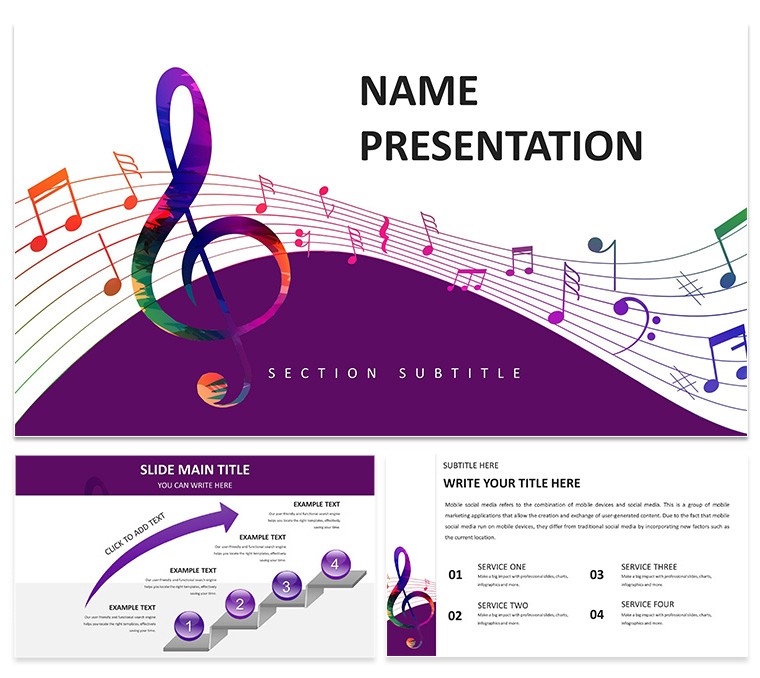
Musical Notes Keynote Diagrams
Open the KTH theme file and apply 7 color schemes across the 28 diagrams instantly.
Music industry professionals use this to present creative concepts without starting from scratch.
Free versus paid details do not appear on the page but the full set gives every slide.
Color changes via slide master update the whole deck in one go.
When you need to show note sequences or production timelines to clients the structures replace manual work.
It works across multiple reports.
Readability stays high on every slide.
In most cases the consistent blocks make edits quick.
This Keynote diagram template fits structured music topics best.
It is not ideal for photo-centric concert promotions.
Avoid it if your presentation calls for advanced motion graphics instead of clean diagrams.
Related templates include the Music Keynote Template: Harmonize Your Message and the Music Keynote Template for Melodic Mastery.
| Feature | Details |
|---|
| Slides / diagrams | 28 diagrams |
| File format | KEY and KTH |
| Software version | Keynote 12+ |
| Color schemes | 7 color schemes switched via slide master |
| Editable elements | Text icons and shapes resize and recolor independently |
| Aspect ratio | 16:9 |
| Free vs Paid | Page does not specify exact differences but full set includes all diagrams and schemes |
| Masters / Backgrounds | Multiple masters for instant theme application |
Download and start editing immediately
How do I change colors using the slide master in Keynote?
Open any slide then go to View > Edit Master Slides. Select the master slide that controls your diagrams and update the theme colors there. This change applies instantly to all 28 diagrams across every color scheme without manual fixes on individual slides.
Can I use this template for client work?
Yes the standard license permits you to create presentations for external clients. One purchase covers unlimited client projects as long as you do not resell or redistribute the original KEY or KTH files. Always keep the template files private to your own use.
What is the difference between free and paid versions?
The page does not list exact free versus paid differences. In most cases the paid version delivers the complete 28 diagrams plus all 7 color schemes in full KEY and KTH formats. Check the download page at purchase time for the latest inclusions.
What are the refund conditions?
Refunds are available within 14 days of purchase if the files do not meet your needs. Contact support with your order number and reason for a smooth process. Once files are downloaded and opened refunds are no longer possible.
Can multiple team members use one license?
The license is per individual user. Multiple team members each require their own purchase to stay compliant. Sharing the downloaded files on a team drive violates the terms.