Keynote Shapes Templates
This category offers Keynote shape templates saved as native .key files for Apple Keynote on macOS and iPadOS. Each set groups related vector shapes — anatomical illustrations, holiday icons, 3D spheres, and sticker-style graphics — into slide decks rather than loose icon libraries.

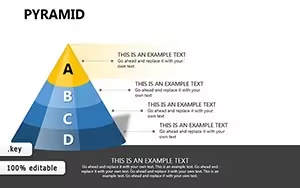
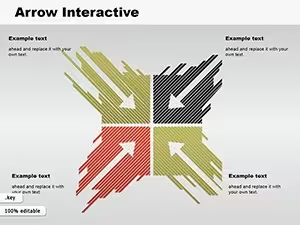

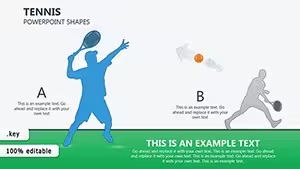

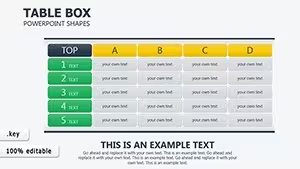
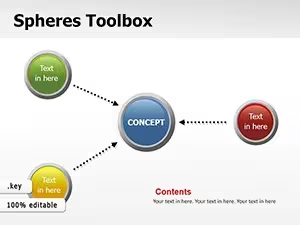








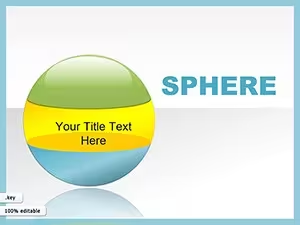
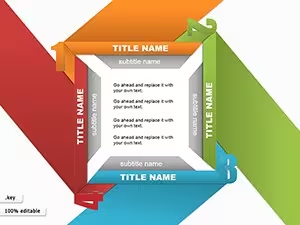





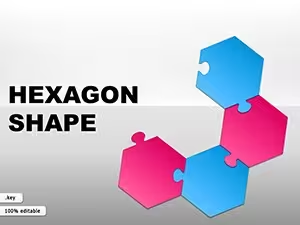
Shape sets range from single-scene compositions to multi-slide collections. Medical and anatomy sets use nested grouping for layered illustrations, while holiday and sticker sets are typically flatter and easier to ungroup. All shapes are vector objects, so fills, strokes, and shadows remain adjustable after import. Exporting to PowerPoint generally preserves outlines and fills, but gradients and drop shadows on 3D-style shapes may render differently.
Because the files are native .key decks, shapes can be ungrouped and restyled inside Keynote rather than used as fixed images. Layered sets may need ungrouping before individual elements can be recolored or repositioned. Check each product listing for its slide count, layout, and tags before downloading.
Related collections: Keynote templates, Keynote Diagrams, Keynote Charts.
Are these shapes editable in Keynote?
They are supplied as native .key files with vector shape objects, so fills, strokes, and shadows can be adjusted after import. Layered sets may need ungrouping first.
Can I open the shape templates on iPad?
The page states the templates are for Apple Keynote on macOS and iPadOS, saved as .key files. Check each product listing for its slide count and layout before downloading.