Keynote Shapes Templates
This category holds 48 Keynote shape templates saved as native .key files, built for Apple's Keynote on macOS and iPadOS. Each shape set groups related visual elements — anatomical illustrations, holiday icons, 3D spheres, sticker-style graphics — into a single slide deck rather than a loose icon library, so shapes arrive pre-arranged on slides instead of as standalone assets to place manually.
Shapes are built as native Keynote vector objects, not embedded images, so fill color, stroke, and shadow settings stay editable after import. Several sets group related pieces into a single composed illustration (layered anatomy, holiday scenes), so ungrouping is often required before repositioning an individual shape without disturbing the rest of the composition.











Layout Structure
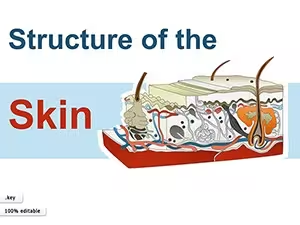
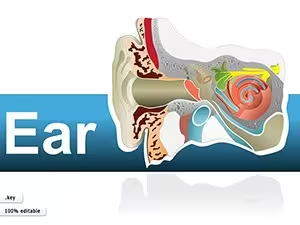
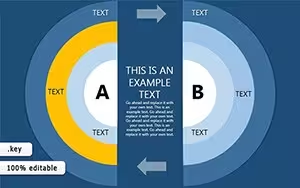
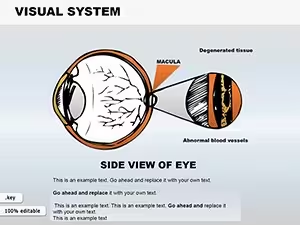
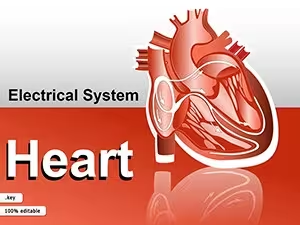
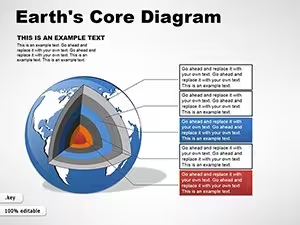
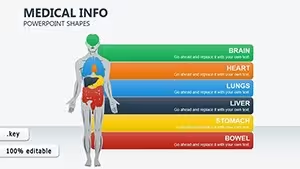
Shape sets in this category are delivered as full slide decks — from 4 slides (Christmas Badges) to 32 slides (Tables Keynote Shapes) in the current listing — rather than a single shape sheet, with each slide typically holding one composed illustration built from several grouped vector shapes. Medical and anatomy sets (skin layers, ear, heart, eye) use the most nested grouping, since layered illustrations need shapes stacked in a specific order to read correctly; holiday and sticker sets are generally flatter, with fewer grouped layers per slide.
Editing Limitations & Formatting Behavior
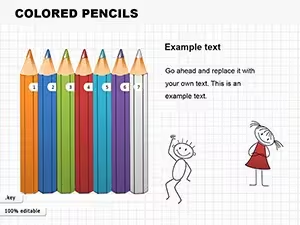
Ungrouping a nested illustration in Keynote works one level at a time, so a multi-layer shape like the skin structure or eye anatomy set may need several ungroup passes before a single piece becomes independently selectable. A custom fill applied to a shape inside a group can revert to the group's inherited style if the group is re-formed afterward. Exporting these decks to PowerPoint (.pptx) generally preserves shape outlines and fill colors, but drop shadows and gradients on 3D-style shapes (Colored Pencils, Earths Core) sometimes render with visible banding, since the two apps calculate gradient shadows differently.
Adjacent Category Comparison
Compared with Keynote Diagrams (220 templates), which structure content around connected process flows, Shapes here are standalone visual elements with no connector lines between them — closer to an illustration library than a diagram builder. Against Keynote Charts (1,106 templates), Shapes contain no chart or data-plotting objects. The parent Keynote templates category (4,017 templates) spans full presentation decks, of which this Shapes set is a narrow slice focused on individual illustrative elements rather than complete slide layouts.
What file format do these Keynote shape templates use?
Each template downloads as a native .key file for Apple Keynote (macOS or iPadOS). Shapes inside are vector objects rather than embedded raster images, so scaling a shape up or down doesn't reduce edge quality, and fill or stroke colors stay adjustable after import.
Can grouped shapes be edited individually?
Most multi-piece illustrations, including anatomy sets and holiday scenes, are delivered as grouped objects. Selecting one shape on its own requires ungrouping first, which may need repeating for illustrations with nested sub-groups, such as the layered skin structure or eye anatomy templates.
Do these shapes convert cleanly to PowerPoint format?
Exporting to .pptx generally preserves shape outlines and fill colors, but drop shadows and gradient fills on 3D-style shapes can render differently, since PowerPoint and Keynote apply different default shadow blur and gradient angle values.
Why do some shape sets have far more slides than others?
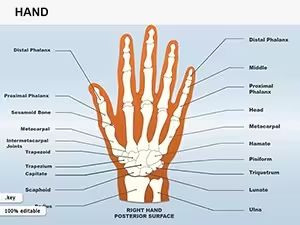
Slide count reflects how many individual illustrations a set contains, not template complexity. A single-scene set like Christmas Toys ships with 11 slides, while a multi-part illustration such as Hand Shapes runs to 25, each slide showing one variation or labeled state.