Keynote Diagram Templates
Keynote diagram templates you can browse by tag: process flows, cycles, relationships, business models, tables and 3D visuals. Each card shows the slide count, product code, tags and rating, and Quick view lets you preview a template before opening it.
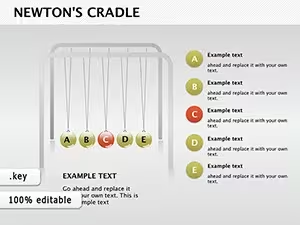
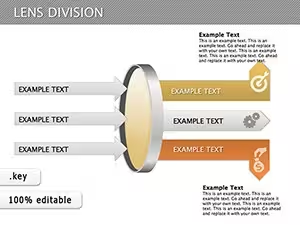
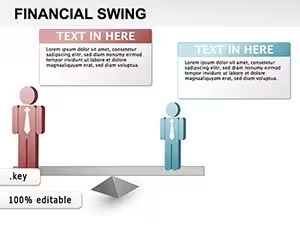
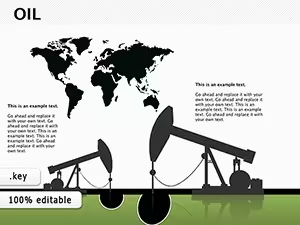
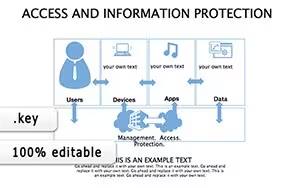

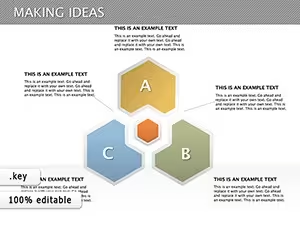



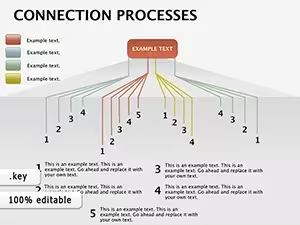
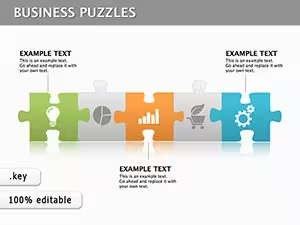

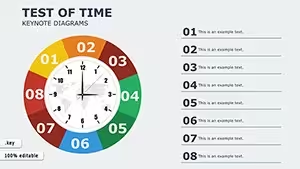

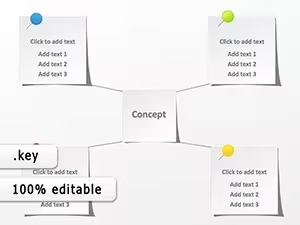
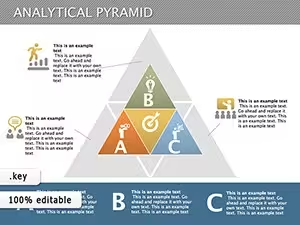


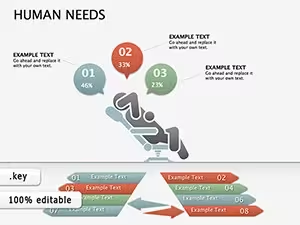

Choosing a Keynote diagram template
- Process and cycle visuals: choose these when you need to show steps, flows or repeating stages. The Process tag is the quickest way in, and Cycle is a separate tag next to it.
- Business analysis and models: choose these when you need to compare options, position competitors or lay out a strategy. Pyramid and competitive-analysis layouts appear here, and the Business Models tag narrows the list.
- 3D illustration style: choose these when you want depth and objects such as blocks or cubes instead of flat shapes. See the 3D tag.
- Subject-specific diagrams: some templates are built around a topic, such as banking and finance or education, so you start from a relevant theme.
What to check before you download
- Slide count and product code on each card.
- Tags and buyer rating on each card.
- Quick view, to preview a template first.
- Sorting by most popular, newest, highest rated or price, and the On sale, New, Popular and Free labels.
When a ready-made template fits
A ready-made template fits when you want to see the finished design before choosing it. It also fits when your text is already drafted, with any tool, and still needs a diagram layout to sit in.
Related collections: Keynote templates and Keynote Charts.
How do I find a specific type of Keynote diagram?
Use the tag list above the grid, for example Process, Cycle, 3D or Business Models, then sort by most popular, newest or highest rated. The On sale, New, Popular and Free labels narrow the results further.
What does each template card show?
Each card shows the slide count, product code, tags and buyer rating, and Quick view opens a preview of the template.