Keynote Map Templates
Keynote map templates for single countries, multi-country regions and the whole world, supplied as .key files. Use the tag filters to narrow the collection by region or country.
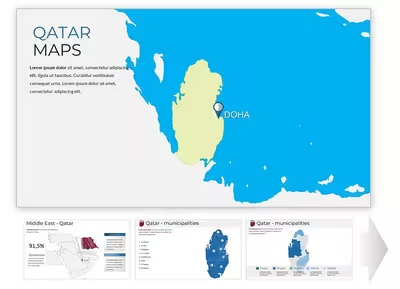
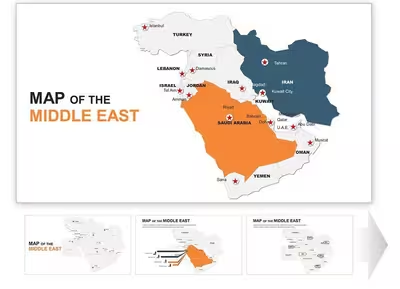
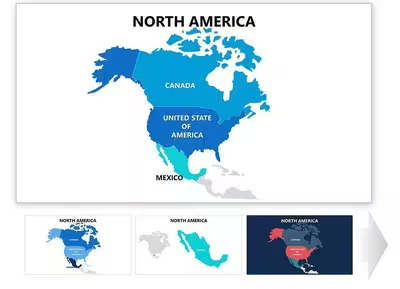
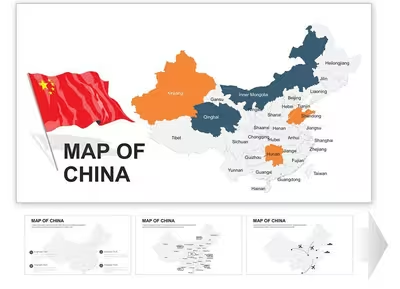
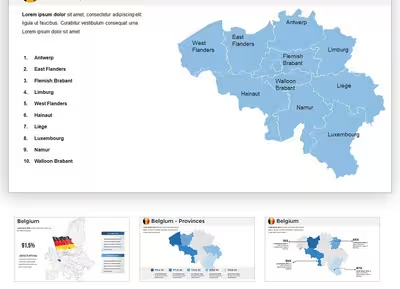
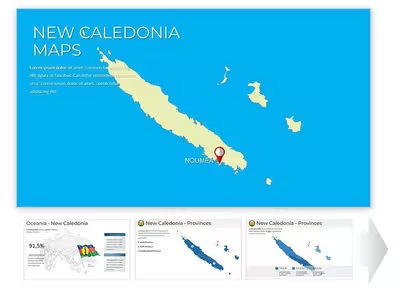
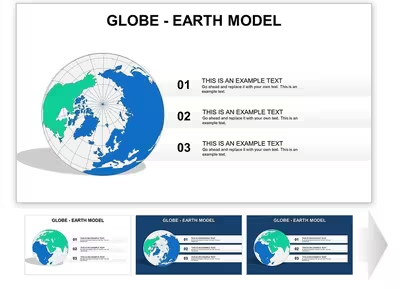
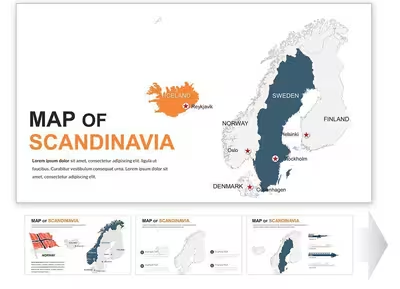
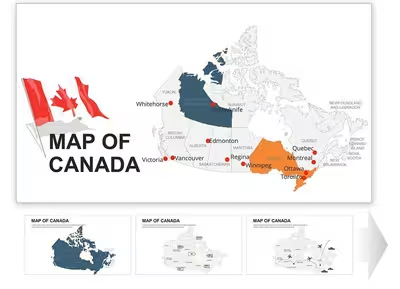
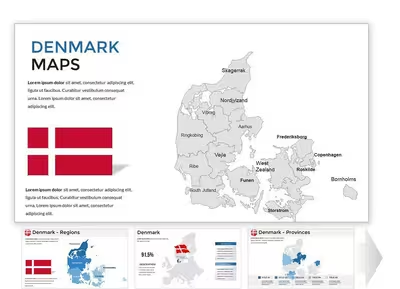
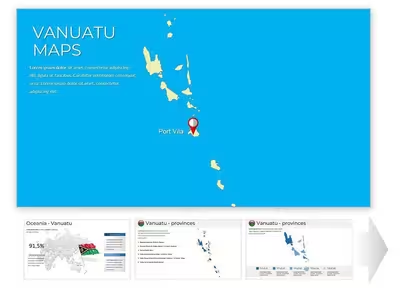
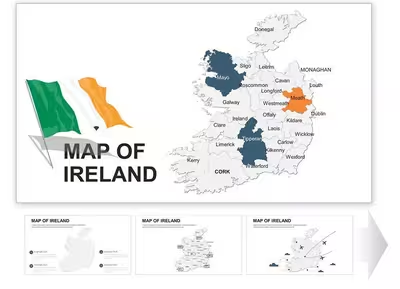
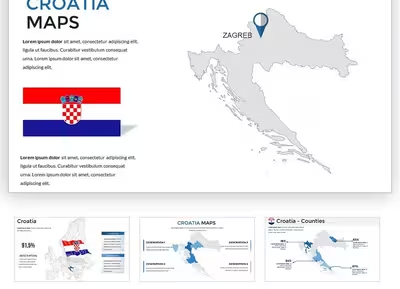
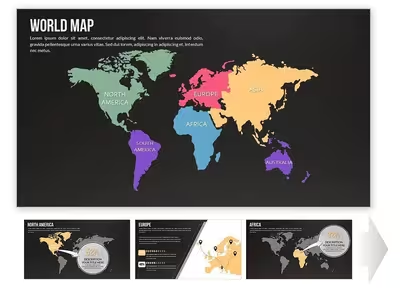
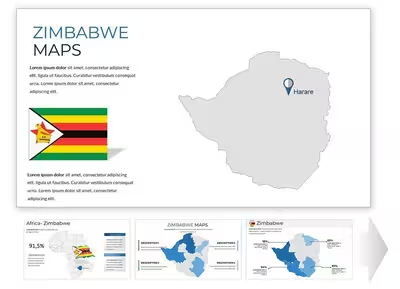
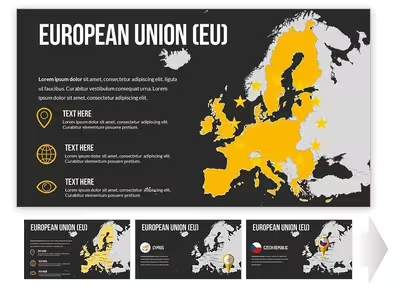
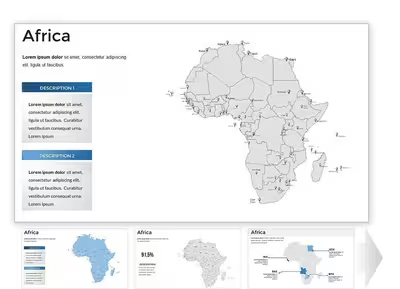
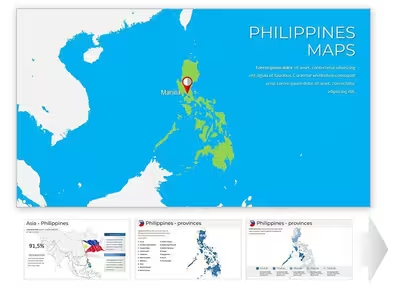
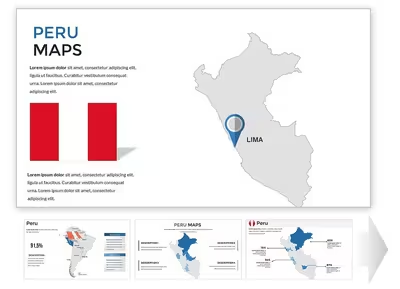
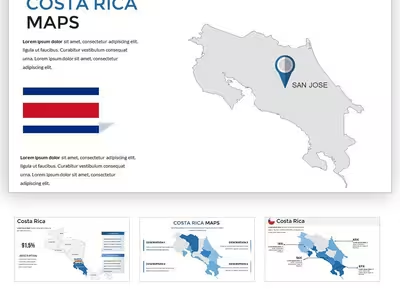
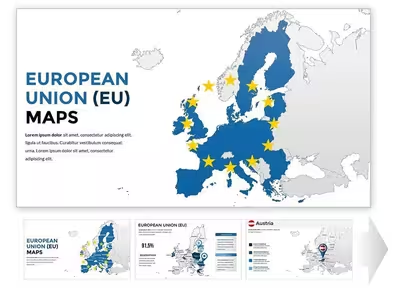
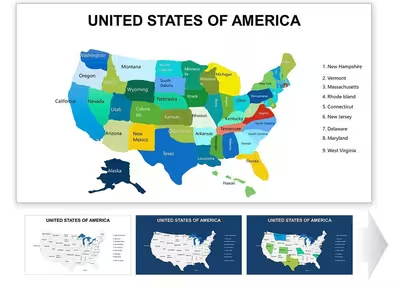
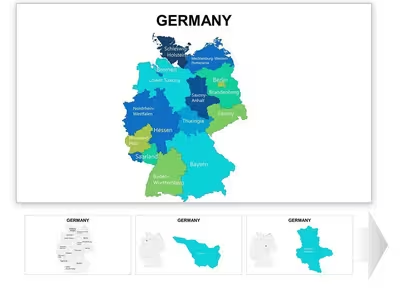
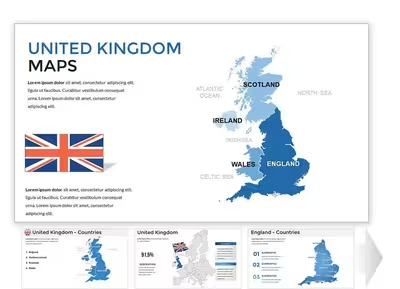
Choosing a Keynote map by scope
- One country: choose a country-named template when the presentation focuses on a single market or location.
- A region or group of countries: choose a regional set, such as Europe, Scandinavia or the Middle East, when several neighbouring countries appear on one slide.
- Areas inside a country: choose a state or regional map when your data is split below country level.
- The whole world: choose a world or globe map for global overviews.
What to check before you download
Each card shows the slide count, product code, tags and buyer rating, and Quick view opens a preview. Results can be sorted by popularity, newest, rating or price, and the On sale, New, Popular and Free labels narrow the list.
Keynote files and PowerPoint
The page describes these templates as native .key files. Keynote can export a presentation to PowerPoint format, but callouts and text boxes can shift after export, so check the exported slides. A separate PowerPoint Maps category is also available.
Related collections
Browse all Keynote templates, or see Keynote Diagrams and Keynote Charts for non-map visuals.
What file format do Keynote Maps templates use?
The category page describes them as native .key files for Apple's Keynote.
Can I use these map templates in PowerPoint?
Keynote can export a .key file to PowerPoint format through its export menu. Layouts can shift slightly during export, so check text boxes and callouts afterwards. The separate PowerPoint Maps category is also available.
How do I find a map of a specific country or region?
Use the Tags filter to pick a region or country such as Europe, USA or Africa, or sort the results by popularity, newest or rating. Quick view previews a template before you buy.