Online Courses Brochure Template - 3 Formats | ImagineLayout
Type: Brochures template
Category: Computer - IT, Telecommunication
Sources Available: .ait, .dotx, .indt
Product ID: BT01530
What's Inside the Download: Panels, Files and Specs
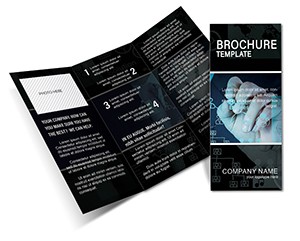
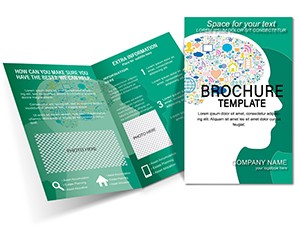
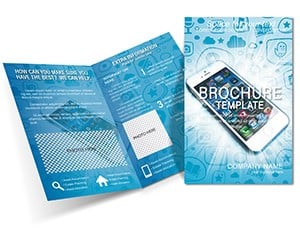
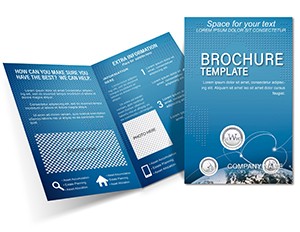
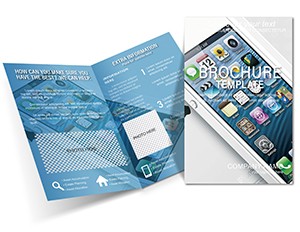
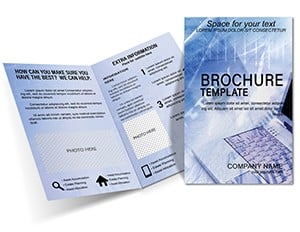
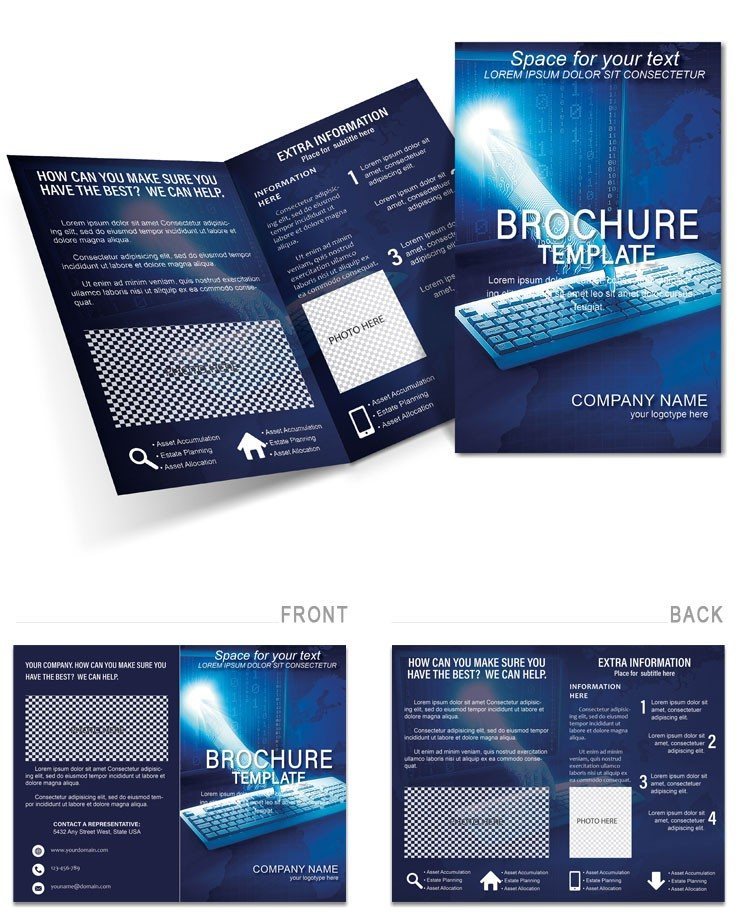
3 editable source files are included: .ait for Adobe Illustrator CC 2018+, .dotx for Microsoft Word 2016+, and .indt for Adobe InDesign CS6+. The layout is built for clean course promotion with a design concept grounded in accessibility and information hierarchy. The cover panel uses a calm, subdued color palette - muted teals, soft whites, and a structured grid background - that positions the course front-and-center without visual noise competing for attention. This is a deliberate choice for the e-learning market, where the audience is evaluating a course commitment and needs to process information quickly. The background works as a quiet stage rather than a graphic statement.
Panel composition separates course benefits on the opening interior panel from course details - schedule, format, prerequisites - on the second interior panel. Visual hierarchy is maintained through typographic contrast: a large headline introduces each benefit, followed by a short supporting paragraph at a smaller weight. This contrast allows a reader scanning at a trade fair or scrolling a digital PDF to extract key points without reading every word, which is how most prospective students actually engage with course promotional materials.
Placeholder image zones accommodate promotional photography - classroom shots, instructor portraits, or digital device mockups - without requiring a fixed aspect ratio. Color mode and DPI are not confirmed on the product page. Bleed and trim guides are not specified. Price is $14.00, Product ID BT01530. Categories: Computer - IT and Telecommunication.
Technical Specifications
| Specification | Details |
|---|---|
| File Formats | .ait (Illustrator CC 2018+), .dotx (Word 2016+), .indt (InDesign CS6+) - all included in a single download |
| Fold Type | Not specified - panel structure and placeholder layout suggest multi-panel format suitable for tri-fold or bi-fold configuration |
| Color Mode | Not specified - dominant palette is muted teal and white; verify CMYK mode before offset printing |
| Resolution / DPI | Not specified - all placed promotional photography must be at least 300 DPI for crisp print output |
| Bleed / Trim Guides | Not specified - add 3mm bleed in Illustrator or InDesign before submitting to print |
| Price | $14.00 |
| Product ID | BT01530 |
| Categories | Computer - IT and Telecommunication - relevant for online academies, e-learning platforms and digital educators |
How Event Planners and Educators Use This Layout
An e-learning platform director at a professional development company uses the layout to produce printed takeaways for corporate training fairs. The clean grid structure allows placing four distinct course tiles on the interior spread - each tile containing a course name, duration, and skill level - without the panels feeling crowded. Printing 150 copies on matte coated stock for the event produces a digital printing output that photographs well for social media coverage of the event, extending distribution beyond the room.
A freelance fitness coach running online training programs uses the .dotx version to create a course overview brochure that doubles as a digital PDF attachment for email campaigns. Word's accessibility makes the update cycle fast - new session dates and pricing require 10 minutes of edits rather than a designer briefing. The muted teal palette reads as wellness-adjacent without being so niche that it limits use across different course types.
A language school coordinator uses the .indt version to create print-ready file materials for a summer program launch. InDesign's paragraph styles lock consistent typography across all panels, and the placeholder image zones accept instructor portrait photography without distorting the surrounding grid alignment. The resulting brochure functions equally as a printed handout and as an email-friendly PDF - covering both distribution channels from one edited source file.
Download and start editing immediately
Edit, Brand, Print: The Workflow
Editing difficulty: low. All three formats use clearly labeled placeholder zones for text and images. The Illustrator workflow offers the most control over visual elements; the Word workflow is fastest for text-only updates.
- Open the file in your chosen application: Use .ait in Illustrator CC 2018+, .indt in InDesign CS6+, or .dotx in Word 2016+. In Illustrator and InDesign, the file opens on the artboard or as an INDD document; in Word it opens as a new document template.
- Replace placeholder text: Click each text frame and type your course names, descriptions, schedules, and instructor bios. In Illustrator, use the Type tool; in InDesign, click inside the text frame; in Word, click the content placeholder directly.
- Insert course photography: In Illustrator, File > Place your images into the placeholder frames. In InDesign, use File > Place and fit the image to frame. In Word, right-click the image placeholder and select Change Picture. All placed images should be at least 300 DPI for professional printing.
- Adjust brand colors: In Illustrator or InDesign, open the Swatches panel and update the global teal swatch with your brand CMYK values. In Word, use the Font Color and Shape Fill tools for element-level color adjustments.
- Export: For print, export as Adobe PDF (Print) with PDF/x-1a settings and 3mm bleed from Illustrator or InDesign. For digital distribution, export as PDF from any application at standard screen resolution.
Why This Template, Not a Blank Document
Building a course promotion brochure from a blank document requires solving typographic scale, image placeholder proportions, grid alignment, and color selection before any course content is placed. A designer builds that foundation instinctively; a non-designer - a coach, a school coordinator, a solo course creator - typically spends more time on layout mechanics than on the content itself.
A specific production detail worth noting: the muted teal palette in this layout sits at a low ink density in CMYK - teal mixes primarily from cyan with controlled magenta suppression, keeping total ink coverage well under 200% on most stock types. Low ink density means the layout prints cleanly on both coated and uncoated paper without bleed-through or drying issues, which is important for educational organizations that often use standard office print services rather than professional print bureaus. A buyer building from scratch would need to know to target that ink density range intentionally.
Typography balance on the cover - large headline, short descriptor, restrained use of font weights - reflects awareness of how print materials are scanned rather than read in depth. That scan pattern is even more pronounced for course brochures handed out at events, where a prospective student typically has 4-6 seconds to decide whether to keep or discard the piece. Starting with a layout that already solves that attention problem removes a design decision that most non-designers do not know to make.
Download and start editing immediately
Frequently Asked Questions
What software is required to open and edit this brochure?
The download includes three source files. The .ait file opens in Adobe Illustrator CC 2018 or any later version - earlier versions may have compatibility issues with certain graphic effects. The .indt file requires Adobe InDesign CS6 or later and is recommended for professional print production because InDesign manages bleed, master pages, and paragraph styles natively. The .dotx file works in Microsoft Word 2016 or later and is ideal for educators who need fast text updates without design software. Verify your installed versions via Help > About before purchasing.
What is the refund policy for this template?
ImagineLayout processes refunds for digital templates when the delivered file is technically defective or does not match the product page preview. Digital downloads are non-returnable once accessed, so change-of-mind refunds are not guaranteed. To initiate a refund request, contact ImagineLayout through the site's Contact page, providing your order number and a description of the defect. Confirm that the file formats listed match your software before purchasing to avoid post-download issues.
Can this template be used for both print and digital distribution?
The layout suits both channels. For professional printing, export from Illustrator or InDesign as a PDF/x-1a file with CMYK color mode and 3mm bleed on all sides. The muted teal palette prints cleanly on coated and uncoated stock due to its low total ink coverage. For digital use, export as a standard PDF from any of the three source applications. The Word .dotx version also exports directly to PDF for email attachment or download-link distribution without requiring Adobe software.
What does the license permit for commercial and client use?
The ImagineLayout standard license covers personal and commercial projects - creating course brochures for your own educational business, for employer projects, or for paying clients. The license does not permit reselling the original source files, distributing them as part of a design resource collection, or sublicensing them to third parties. If you are a design agency creating course materials for multiple clients from the same template purchase, review the license terms on the ImagineLayout website or contact support to confirm your use case is covered.
How do I update the color scheme to match my course brand?
In Adobe Illustrator or InDesign, open the Swatches panel. The teal and white tones are defined as global swatches - double-click a swatch, enter new CMYK values, and every element using that swatch updates simultaneously. Check the Preview box to see changes live before confirming. In Microsoft Word, use the Font Color tool for text elements and Shape Fill for graphic shapes; Word requires color changes to be applied element by element because it does not support global swatches. Limit your palette to two or three CMYK colors for the most consistent printing results.
What are the three file formats included and when should each be used?
Three formats are included. The .ait file (Illustrator template) is best for detailed graphic edits - modifying the background grid, adjusting image placeholder frames, or reworking icon elements with full vector precision. The .indt file (InDesign template) is the preferred format for print production runs, particularly when producing multiple copies with consistent typography across all panels. The .dotx file (Word template) is the most accessible format for educators and coaches who need to update course dates, pricing, and descriptions without design software; all text edits are straightforward, though graphic customization options are more limited than in the Adobe formats.
Explore more designs in the Computer - IT brochure templates category. For a course-adjacent marketing layout in tri-fold format, the Marketing Solutions Tri-Fold Brochure Template provides six panels for more detailed course program communication. The Knowledge Brochure Template covers a complementary educational presentation approach for organizations needing a second format alongside this design.