Venal Practices Brochure Template Design | ImagineLayout
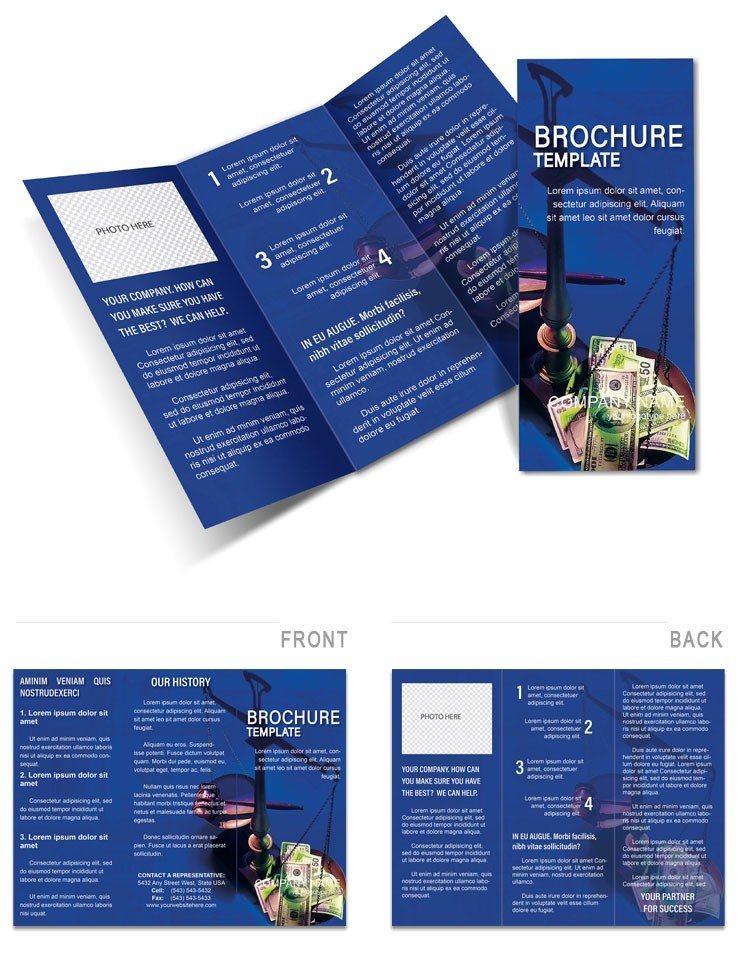
Type: Brochures template
Category: Justice - Law
Sources Available: .ait, .dotx, .indt
Product ID: BT01502
Layout, Formats and Fold: Full Contents
Flexible six to twelve panels and three file formats define the package. Short sentence opens here. Production facts drive value. Access happens fast. Detail follows soon.
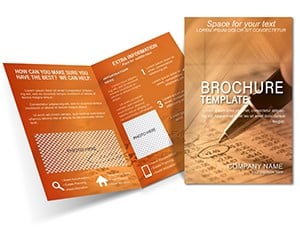
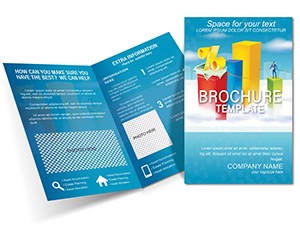
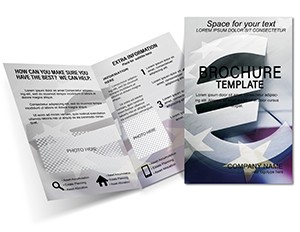
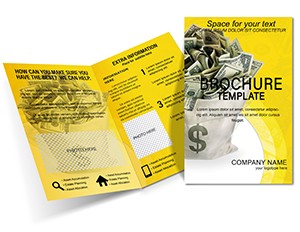
Panel structure serves buyer goals through flowchart placement. Gatefold layout decision creates strong visual hierarchy for policy details. White space balances typography balance. Grid alignment keeps checklists clear. Panel composition fits compliance needs.
Buyers receive .ait .dotx and .indt files ready for professional printing. Print-ready file supports CMYK color and digital printing. Bleed setups aid offset printing. Check the justice law brochures category for more.
Technical Specifications
| Specification | Details |
|---|---|
| Panels / pages count | Flexible from six to 12 - allows extended appendices in print production |
| File Formats | .ait, .dotx, .indt - support editing features for professional printing |
| Price | $12 - provides value for detailed production files |
| Product ID | BT01502 - tracks purchase for print-ready file support |
| Color Mode | Not specified - convert to CMYK color for offset printing |
| Bleed / trim guides | Bleed setups - ensure clean edges on durable handouts |
| Resolution / DPI | Not specified - set to 300 for digital printing quality |
Three Projects Where This Template Fits
A compliance officer in the legal industry used the panel composition to outline policies and improved staff adherence rates.
An ethics trainer in the corporate sector applied the layout structure to training materials and reduced reported incidents.
A corporate legal advisor in the justice sector leveraged the visual hierarchy for community handouts and increased awareness.
Download and start editing immediately
Adapting the Layout to Your Brand
Illustrator and InDesign Workflow
- Open the .ait or .indt file in Illustrator CC 2018+ or InDesign CS6+. Layer structure supports intermediate edits.
- Replace images with replaceable images.
- Update editable text and color swatches.
- Review export settings for print-ready file.
- Confirm grid alignment.
Word Workflow
- Open the .dotx file in Word 2016+. Structure allows simple changes.
- Edit text and replace images.
- Adjust colors with font color tool.
- Modify layout structure.
- Save for professional printing.
Compared to Starting From Zero
Starting from zero takes time on panel composition. Template lowers required skills and avoids mistakes in grid alignment. Users focus faster on content. File specs with Not specified color mode and DPI signal practical production experience. Specific colors shift from grays to blues with low ink limits on coated stock to cut registration risks in professional printing.
Similar projects appear in the financial analysis brochure.
Complementary designs suit the half-fold finance brochure.
What software versions are needed to edit this brochure template?
The files work best in Illustrator CC 2018+ for .ait files and InDesign CS6+ for .indt files. Word 2016+ handles the .dotx format well. Users with older versions may encounter compatibility issues during editing. Always update your software to avoid problems with layer structure and export settings.
What is the refund policy for this download?
The refund policy allows returns within seven days if the file does not open in the specified software versions. Contact support with proof of purchase and error details. Refunds are not issued after customization or file use. Always verify system compatibility before purchase to prevent issues.
Is the file print-ready with CMYK, DPI, bleed and trim guides?
The file is designed for print-ready file output once CMYK color conversion is applied. Bleed and trim guides reduce production errors in professional printing. Resolution supports offset printing and digital printing when set correctly. Users must confirm DPI during export to meet quality standards.
What license is included with the brochure template?
The license permits personal and commercial use for printed materials and marketing projects. Prohibited uses include resale of the original files or distribution as templates. You may print unlimited copies for your campaigns. Modification is allowed as long as the final output serves your needs.
How do I change colors in the brochure template?
Open the file and select elements in the Swatches panel for color changes. Editable text updates via the font color tool in supported software. Layer structure keeps swatches organized for fast edits. Export settings preserve the new palette for professional printing.
What file formats are included and what are they used for?
The package includes .ait for Illustrator editing, .indt for InDesign layout work, and .dotx for Word document changes. Each format supports replaceable images and editable text. Files cover needs for print production workflows. Choose based on your preferred software version.