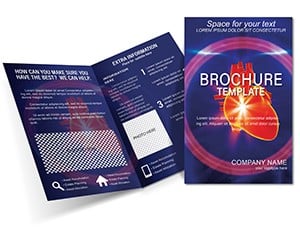
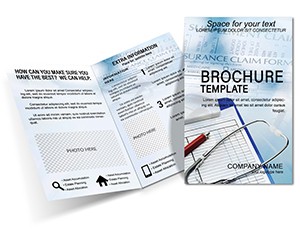
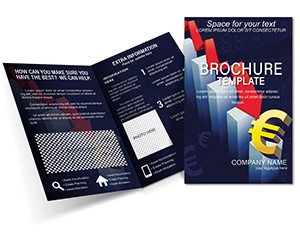
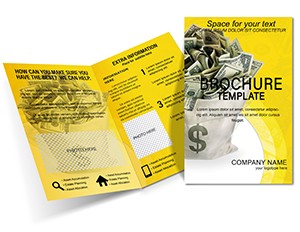
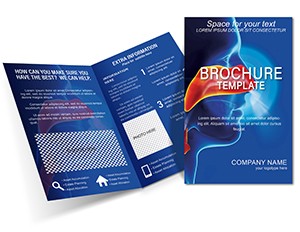
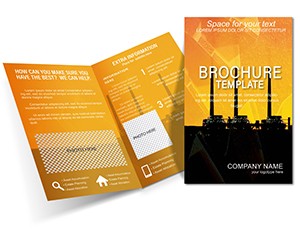
Half Fold Diseases Nose Brochure Template | ImagineLayout
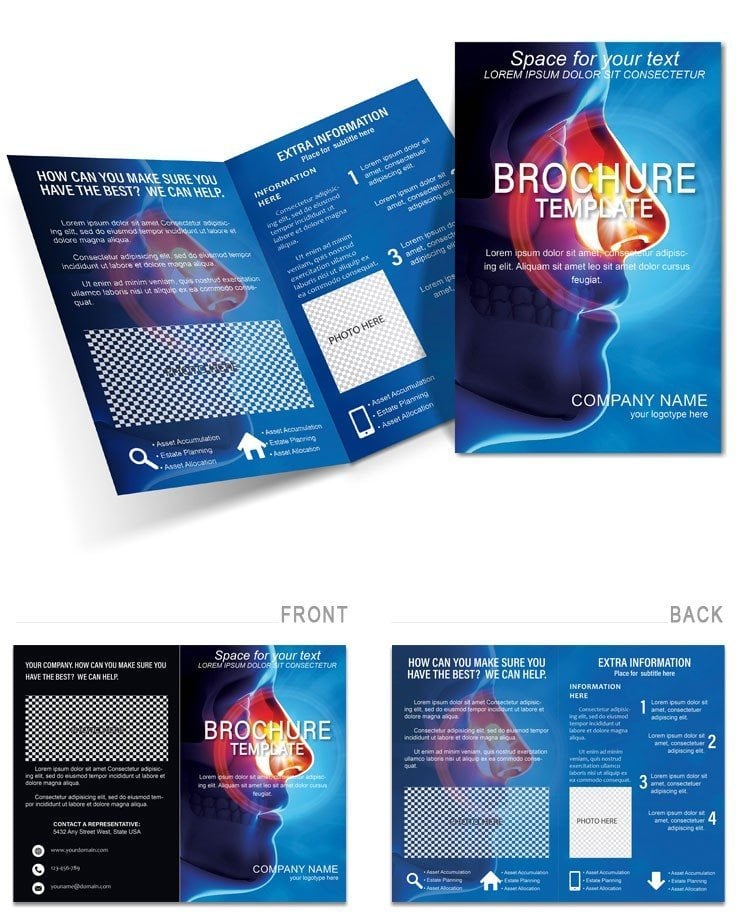
Type: Brochures template
Category: Medicine - Pharma
Fold type: Half Fold
Sources Available: .ait, .dotx, .indt
Product ID: BT01453
X Pages, Y Formats: What You Get
Half fold design comes with .ait .dotx and .indt files.
Panel composition organizes essential medical data while white space aids typography balance.
Buyer receives print production files ready for offset printing and digital printing use.
File Formats and Print Specs
| Specification | Details |
|---|---|
| Fold Type | Half Fold - structures content for quick reader comprehension in print production |
| Page Size | Not specified - suits standard professional printing dimensions |
| Panels / Pages Count | Not specified - fold guides still organize layout structure |
| File Formats | .ait .dotx .indt - provide editing features for every skill level |
| Color Mode | Not specified - set to CMYK for accurate offset printing |
| Resolution / DPI | Not specified - ensure 300 DPI for clear replaceable images |
| Bleed / Trim Guides | Not specified - production experience still shows in fold lines |
| Price | $14.00 - delivers immediate access to color swatches and export settings |
Three Projects Where This Template Fits
Pharmaceutical Sales Representative in healthcare industry educated physicians on treatments and increased prescriptions.
Medical Marketing Specialist in pharma sector raised patient awareness through clear panel composition.
Clinic Administrator in medical services used the layout structure to explain procedures and reduced patient questions.
Download and start editing immediately
Adapting the Layout to Your Brand
Illustrator and InDesign Workflow
- Launch the file in Illustrator CC 2018+ or InDesign CS6+ to inspect layer structure.
- Insert new replaceable images and update color swatches.
- Revise editable text to match brand voice.
- Adjust grid alignment and white space as needed.
- Finalize export settings for print-ready output.
Microsoft Word Workflow
- Open the .dotx file in Word 2016+ and begin editing.
- Change images and text with the font color tool.
- Refine visual hierarchy for better readability.
- Verify export settings before saving.
- Prepare the document for professional printing.
What You'd Need to Set This Up Yourself
Creating the same layout structure manually requires advanced skills and many hours.
This file reduces the workload to minutes for most users.
Common errors in bleed placement and color mode conversion are already avoided.
Practical production experience appears in the multi format support that lowers registration risks during offset printing.
Check medicine and pharma brochures for further choices.
Review heart disease designs for similar medical layouts.
Download and start editing immediately
What software versions are needed to edit this brochure template?
Illustrator CC 2018+ and InDesign CS6+ open the .ait and .indt files with complete layer structure. Word 2016+ handles the .dotx file without issues. All editing features remain available across the programs. Export settings stay prepared for professional printing.
What is the refund policy for this download?
Fourteen day refund window opens if files do not load in the required software. Detailed issue description and receipt are mandatory. Once files are modified the policy no longer applies. Approved refunds arrive within three business days.
Is the file print-ready with CMYK, bleed and trim guides?
Files become print-ready after CMYK conversion and 300 DPI image setup. Fold lines help maintain panel composition accuracy. Users check export settings to match offset printing requirements. The result delivers clean output for digital printing as well.
What does the license permit and prohibit?
License covers personal and commercial print production projects. Text image and color edits stay allowed for end use. Original files cannot be resold or distributed. Multiple copies of the finished brochure remain permitted.
How can I change colors in the template?
Color swatches panel in Illustrator or InDesign lets users update every element quickly. Word users apply the font color tool to text layers. Replaceable images accept new colors while keeping layout structure intact. Typography balance and white space stay consistent.
What are the file formats and what is each used for?
The .ait file supports detailed vector editing in Illustrator. The .indt file works in InDesign for panel composition control. The .dotx file enables fast changes in Word. Each format covers the same editing features for print production.