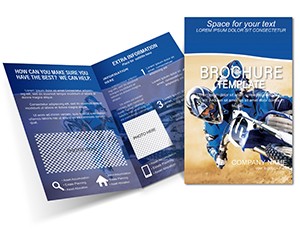
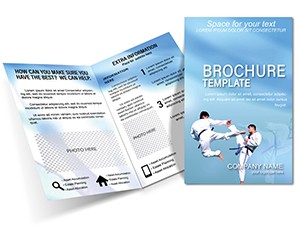
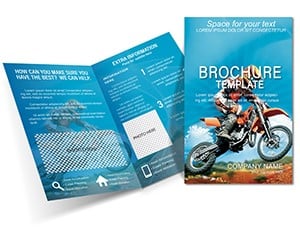
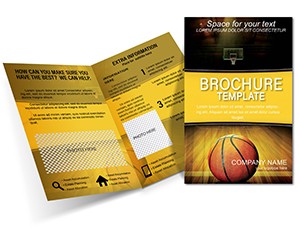
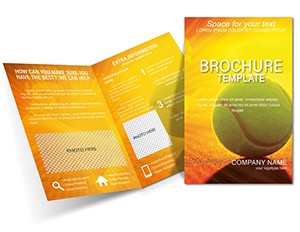
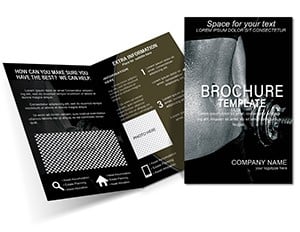
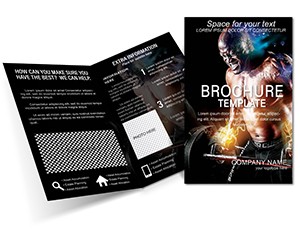
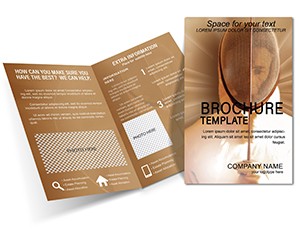
Women's Design Training Brochure Template | ImagineLayout
What's Inside the Download
Three file formats come ready to use.
Bleed guides support clean production.
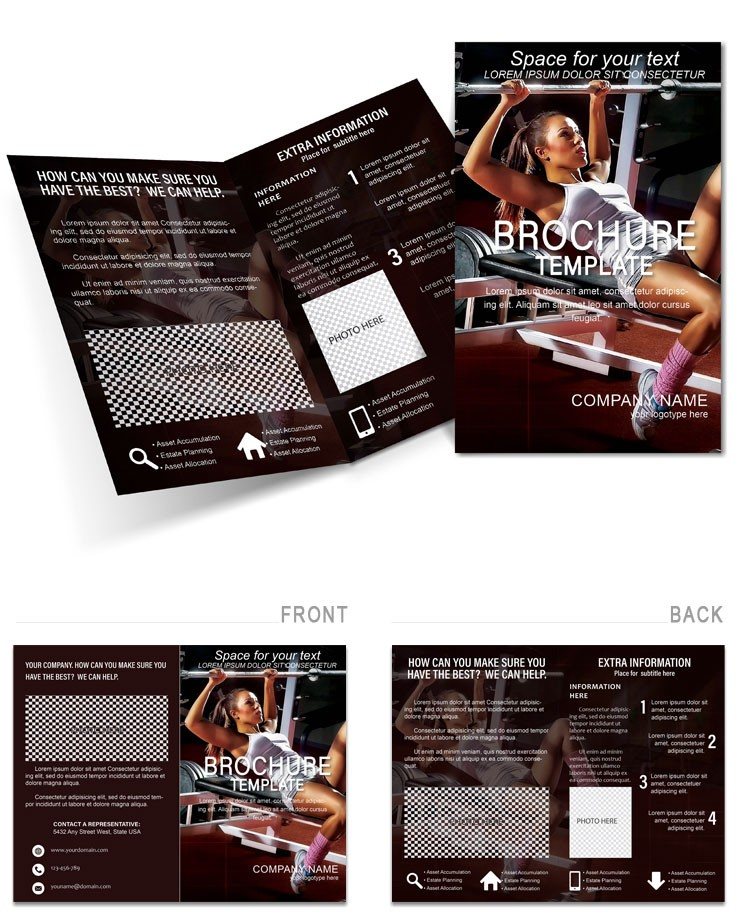
The layout structure serves the buyer's communication goal by showcasing training sessions across panels.
White space and grid alignment create strong visual hierarchy.
Many users check the sports brochures category.
The buyer receives .ait .dotx and .indt files.
Print production uses the supplied specs for offset printing or digital printing.
Color swatches and layer structure make edits fast.
What the File Includes
| Specification | Details |
|---|---|
| Fold Type | Not specified - select your preferred fold for the final professional printing run |
| Page Size | Not specified - matches common stock sizes used in digital printing |
| Panels / Pages Count | Not specified - supports focused messaging for training promotion |
| File Formats | .ait .dotx .indt - each designed for different software before sending to press |
| Color Mode | Not specified - follow printer guidelines for best offset printing results |
| Resolution / DPI | Not specified - ensures sharp output when paired with 300 DPI workflow |
| Bleed / Trim Guides | Bleed guides included - prevents white edges after trimming on any printing press |
| Price | $14.00 - provides ready files that save hours in production |
| Product ID | BT01424 - identifies the exact template for support or reorders |
| Categories | Sports - suits creative training projects that need panel composition |
Edit, Brand, Print: The Workflow
Adobe Illustrator and InDesign Workflow
- Launch Illustrator CC 2018+ or InDesign CS6+ and open the .ait or .indt file.
- Replace editable text and images using the layer structure.
- Adjust colors via the swatches panel.
- Update export settings for print.
- Save and prepare for professional printing.
Microsoft Word Workflow
- Open the .dotx file in Word 2016+.
- Edit text and replace images.
- Modify styles for typography balance.
- Check print settings.
- Export PDF ready for the press.
How Event Planners Use This Layout
A workshop facilitator in creative industries used the panel composition to attract more participants to design sessions.
A creative director in marketing agency relied on the layout structure to showcase training programs visually.
A career coach for designers in education sector applied the grid alignment to help clients visualize career paths.
Download and start editing immediately
Compared to Starting From Zero
Starting from zero takes time to design panel composition and visual hierarchy.
This file supplies layer structure and editable text so you skip manual work.
Common mistakes with bleed disappear thanks to included guides.
The multiple file formats signal practical production experience.
They cover the needs of professional printing and reduce registration risks.
Users can check complementary brochure options.
Get the file and prepare your print job today
What software versions are needed to edit the files?
The files work with Illustrator CC 2018+ for the .ait format and InDesign CS6+ for the .indt files. Microsoft Word 2016+ opens the .dotx version without issues. You can edit text images and layout elements easily in these programs. Always check your software version before starting to avoid compatibility problems during customization.
Under what conditions can I request a refund for this template?
Refunds are granted within 7 days of purchase if the file has not been downloaded. Contact support with your order number to initiate the process. We review each case individually based on usage. This policy protects both buyers and creators while ensuring fair access to digital products.
How can I confirm if the file is ready for professional printing?
The template includes bleed guides and supports high resolution when prepared in the included formats. CMYK output is standard for print. Professional printers accept these files directly for offset or digital printing. Always provide the printer with the exact specs from the package to ensure perfect results.
What license applies to the downloaded files?
You may use the files for personal and commercial projects including client work. Reselling or redistributing the original template files is prohibited. Modifications are allowed as long as the end product is not presented as the original design. The license covers unlimited prints for your own use or client campaigns.
How do I change colors in the template?
Open the swatches panel in Illustrator or InDesign to select and replace colors. In Word use the Font Color tool or shape fill options. The layer structure keeps elements separate for easy updates. Test prints help verify the new palette works well for professional printing.
What do the file formats cover and how are they used?
The .ait file opens in Illustrator for vector editing. The .indt file works in InDesign for multi-page layouts. The .dotx file loads in Word for simple text changes. Each format supports replaceable images editable text and color swatches to suit different workflows.