Golf Resort Brochure Template - Print Ready
Type: Brochures template
Category: Tourism - Voyage, Sports
Fold type: Half Fold
Sources Available: .ait, .dotx, .indt
Product ID: BT01386
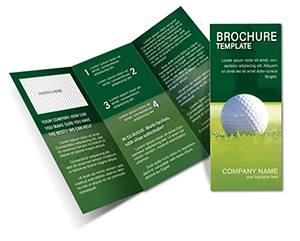
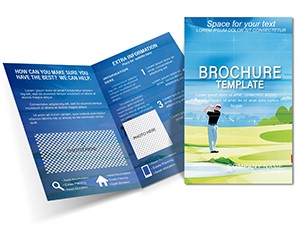
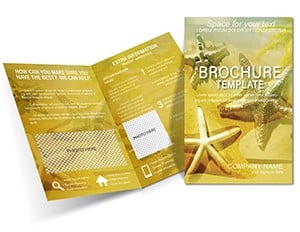
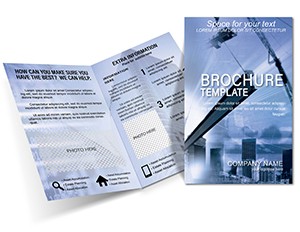
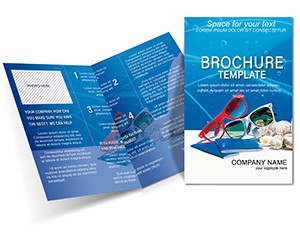
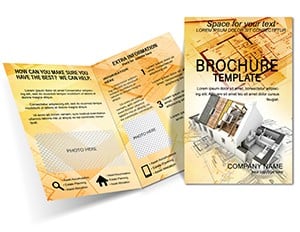
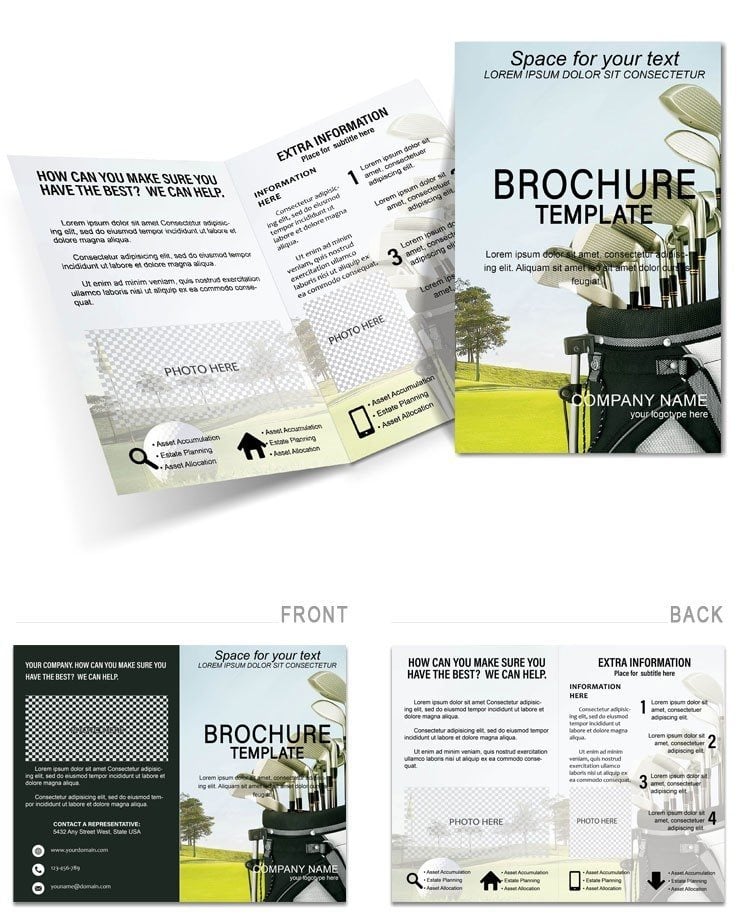
Outer cover inner left inner right and back flap form the half-fold panels. Rolling hills background carries panoramic vista in elegant register.
Text blocks sit beside photo wells timeline bars display course history and maps outline resort layout.
Half-fold with panoramic header and grid-based panels organizes information flow. Vector flags and club icons decorate the sections. Explore more tourism voyage brochures.
Specification
| Specification | Details |
|---|---|
| Fold type | Half Fold |
| Panels | Outer cover inner left inner right back flap |
| File formats | .ait .dotx .indt |
| Bleed and trim | Bleed-optimized edges with crop guides |
| Print-ready file | Yes fully layered |
| Panel composition | Grid with photo wells and maps |
Real-World Scenarios
Resort marketing manager in hospitality industry uses the brochure at travel expo and books additional corporate events.
Event coordinator in tourism sector mails the brochure to past guests and lifts repeat booking rates.
Download and start editing immediately
Customization Guide
Files support Illustrator InDesign and Word workflows.
- Open the supplied format in the application.
- Drop resort photos into prepared wells.
- Edit editable text and color swatches.
- Export with bleed and trim marks active.
Difficulty: Beginner. Total time: under 18 minutes.
Why This Beats Starting From Scratch
Scratch design requires five hours and high layout structure proficiency while the template completes in minutes.
Earthy tones may require calibration for print consistency so the included print-ready file eliminates that color_print_risk.
Download and start editing immediately
See also Golf Course Tri-Fold Brochure Template.
See also Golf Game Brochure Template: Elevate Your Sports Marketing Game.
How can I ensure my brochure stands out at trade shows?
The panoramic header and vector flags create instant visual impact. Panel composition balances text and imagery for quick scanning. Bleed and trim produce clean edges after folding. The print-ready file prints sharply on premium stock.
What paper stock best showcases my resort's premium branding?
Gloss 100 lb cover stock enhances the rolling hills background and club icons. The layout structure remains crisp at 300 dpi. Color swatches reproduce accurately. Bleed and trim ensure professional finish.
Can this template support seasonal marketing campaigns?
Photo wells accept seasonal imagery without layout disruption. Editable text updates for each campaign. Panel composition keeps hierarchy intact. The print-ready file exports for every season.
How do I swap resort logos and maps?
Replace logo via color swatches or direct import. Map layers accept new vector paths. The grid-based panels auto-adjust spacing. Export the updated print-ready file with all elements aligned.
Is the file ready for both offset and digital printing?
CMYK profile and bleed-optimized edges suit offset press. PDF export with marks hidden serves digital. Editable text and color swatches stay live for both. Layout structure performs identically.
What is the fastest value of this template?
Pre-layered vectors enable quick icon swaps. Panoramic header and grid-based panels organize content instantly. The print-ready file is ready for immediate use.