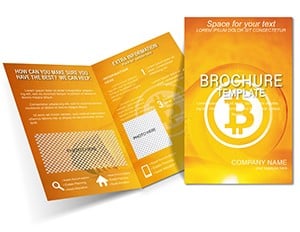
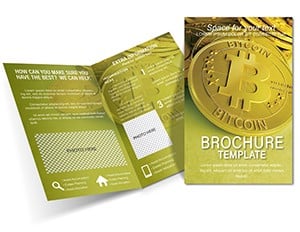
Bitcoin Tri-Fold Brochure - Fully Editable | ImagineLayout
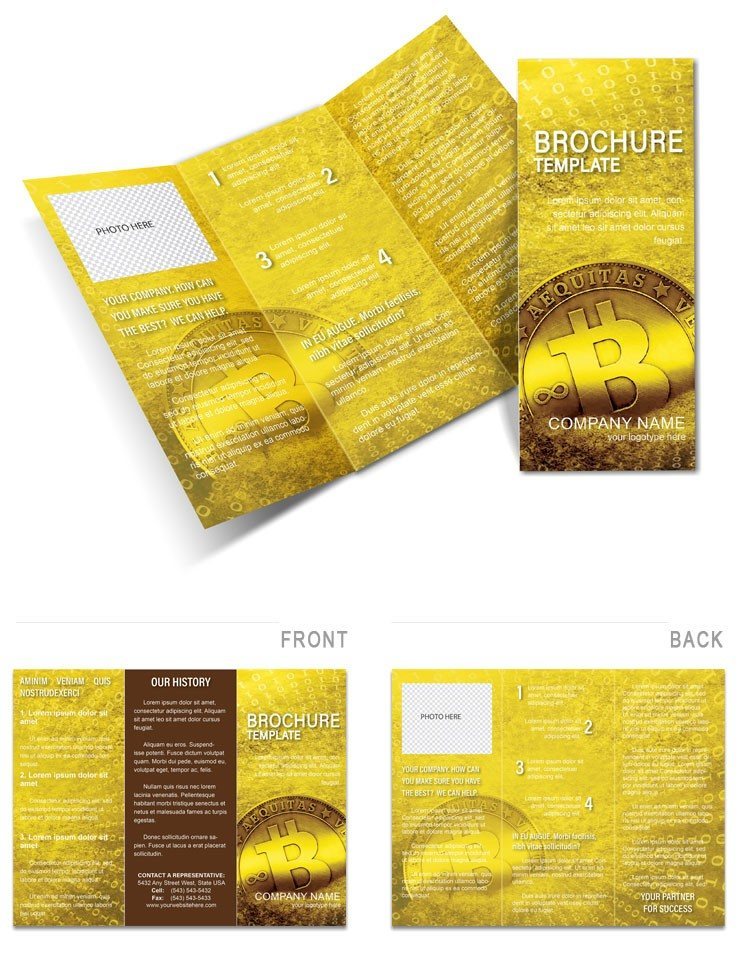
Type: Brochures template
Category: Finance - Accounting
Fold type: Tri Fold
Sources Available: .ait, .dotx, .indt
Page size: 11x8.5
Product ID: BT01287
x Pages, Y Formats: What You Get
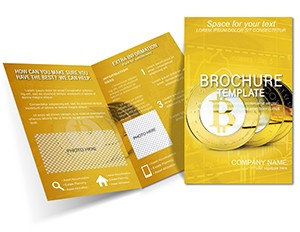
3 panels. One tri-fold layout.
Three file formats come in the download.
The panel structure serves crypto education goals. Panels build adoption narrative step by step.
Unlike single-panel finance layouts this tri-fold interaction wraps futuristic flair into an engaging sequence. The 11x8.5 size fits direct mail campaigns for analysts and startups.
Print Specifications
| Specification | Details |
|---|---|
| Fold type | Tri Fold - unfolds to reveal 6 panels in reading sequence |
| Finished size | 11x8.5 inches folded |
| Color mode | Not specified on page - set to CMYK for professional offset and digital printing |
| Resolution | Not specified on page - 300 DPI for print-ready output without upscaling |
| Bleed and trim | Not specified on page - add 3mm bleed and trim guides in export |
| Editable software | Adobe Illustrator CC 2018+, InDesign CS6+, Microsoft Word 2016+ |
| File formats | .ait (Illustrator), .indt (InDesign), .dotx (Word) |
| Font handling | Fonts embedded in professional files; Word uses system fonts |
From Draft to Print: Real Scenarios
Financial advisors use this for client meetings. The brochure prints in time for quarterly reviews.
Crypto startup founders reuse the layout across four campaigns by swapping color palette. This reuse supports different token launches.
Finance teams often combine this with a bitcoin brochure template for full investment sets.
Download the Bitcoin Brochure now
From Download to Print-Ready File
Customization in Illustrator and InDesign
- Open the .ait or .indt file in Adobe Illustrator CC 2018+ or InDesign CS6+ (1 minute)
- Replace placeholder text using the Type tool (5 minutes)
- Swap colors using the Swatches panel (3 minutes)
- Replace placeholder images via the Links panel (4 minutes)
- Check bleed and trim marks in Print Preview (2 minutes)
- Export as PDF/x-1a for print (2 minutes)
Moderate difficulty. Under twenty minutes.
Word Version Workflow
- Open the .dotx file in Microsoft Word 2016 or later (1 minute)
- Replace placeholder text in each text box (5 minutes)
- Swap the logo and images using Insert > Picture (3 minutes)
- Adjust font colors via the Font Color tool (2 minutes)
- Export as PDF for digital sharing or home printing (1 minute)
Word version suits home or office printing. For professional offset or digital print output, use the Illustrator or InDesign file.
Building From Scratch vs. Starting Here
Designing a tri-fold brochure from scratch takes two hours or more.
You set up panels, add bleeds and align grid.
Here you start with the structure ready. Only text and images need replacement.
Common errors like incorrect bleed setup or font embedding issues are avoided.
Many designers set up brochures in RGB because it looks correct on screen. When that file reaches an offset press the printer converts the colors automatically - and the result often shifts noticeably especially in darker tones. This file structure encourages CMYK setup which removes one of the most common sources of color mismatch between screen preview and final print run.
Visit the finance accounting brochures templates collection for more options. The selling bitcoin brochure complements half-fold themes.
Download the Bitcoin Brochure now
Which software versions are needed?
The files require Adobe Illustrator CC 2018 or later for the .ait format. InDesign CS6 or later works for the .indt version. Microsoft Word 2016 or newer opens the .dotx file without issues. Earlier versions may not support all features or layers. Test the files in your software before full customization to avoid compatibility problems.
What is the refund policy?
Refunds are issued only if the file fails to open in the listed software or the content does not match the described panels and formats. Request within 14 days of purchase. No refunds after editing or downloading preview. Contact support with order ID for processing. The policy covers technical mismatches only.
Is this file print-ready?
The files are designed to be print-ready once exported with CMYK color mode, 300 DPI and bleed added where needed. Trim guides appear in the professional formats after setup. Offset printing and digital runs both work after export. Home printers accept the PDF output directly.
What license applies?
The license permits use for your own projects and client commercial work including print runs. You may not resell the original template files or redistribute as is. Modified versions for client delivery are allowed. Unlimited print copies per project are permitted.
How do I change colors?
In Illustrator or InDesign open the Swatches panel and select the color group. Click a swatch and choose a new CMYK value. Update all linked elements in one step. In Word use the Font Color tool on selected text or shape fill options. Save the file after changes to keep the layout intact.
What file formats are included?
The package contains .ait for Illustrator, .indt for InDesign and .dotx for Word. Each format supports the same tri-fold layout and panel content. Preview jpg helps before editing. Professional formats include layer structure for fast changes.