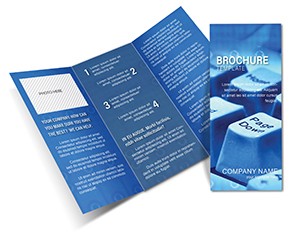
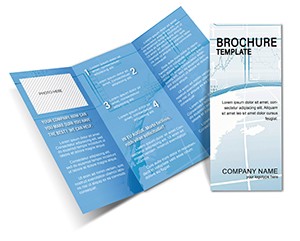
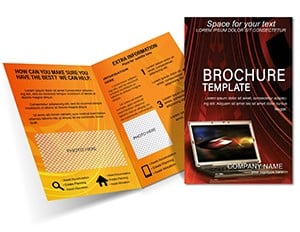
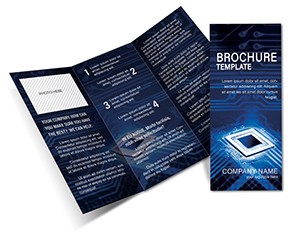
Print-Ready Network Connection Half-Fold Brochure - Print Ready | ImagineLayout
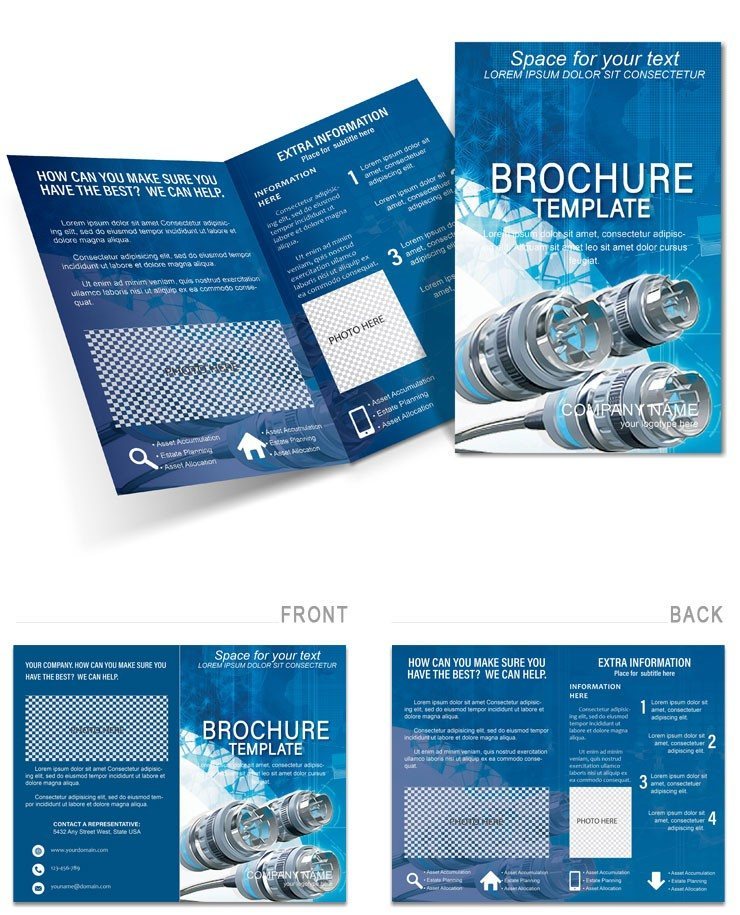
Type: Brochures template
Category: Computer - IT
Fold type: Half Fold
Sources Available: .ait, .dotx, .indt
Page size: 11x8.5
Product ID: BT01032
Files and Print Specs Included
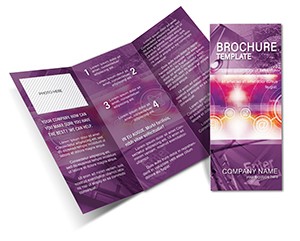
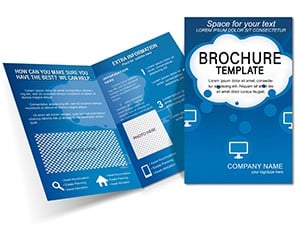
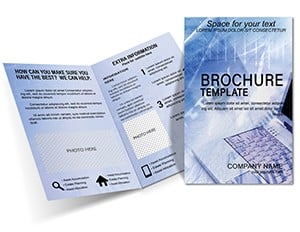
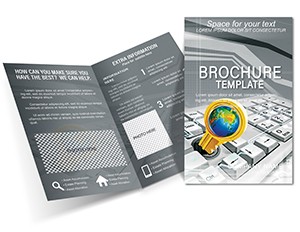
Half-fold layout. Four panels. Three file formats included.
11x8.5 inch size suits IT handouts.
Panel composition serves connectivity goals by mapping network flows. Blue line graphics create color contrast. The layout structure differs from security focused designs. Grid alignment speeds visual hierarchy setup.
What the File Includes
| Specification | Details |
|---|---|
| Fold type | Half Fold - unfolds to reveal 4 panels in reading sequence |
| Finished size | 11x8.5 inches folded |
| Color mode | CMYK - optimized for professional offset and digital printing |
| Resolution | 300 DPI - print-ready without upscaling |
| Bleed and trim | included - 3mm bleed in all formats for clean edges |
| Editable software | Adobe Illustrator CC+, InDesign CS6+, Microsoft Word 2016+ |
| File formats | .ait (Illustrator), .indt (InDesign), .dotx (Word) |
| Font handling | Fonts embedded in AI and INDT files; Word version uses system fonts |
Customization in x Steps
Adobe Illustrator and InDesign Workflow
- Open the .ait or .indt file in Adobe Illustrator CC or InDesign CS6+ (1 minute)
- Replace placeholder text using the Type tool (5 minutes)
- Swap colors using the Swatches panel (3 minutes)
- Replace placeholder images via the Links panel (4 minutes)
- Check bleed and trim marks in Print Preview (2 minutes)
- Export as PDF/x-1a for print (2 minutes)
Moderate difficulty. Under twenty minutes.
Microsoft Word Workflow
- Open the .dotx file in Microsoft Word 2016 or later (1 minute)
- Replace placeholder text in each text box (5 minutes)
- Swap the logo and images using Insert > Picture (3 minutes)
- Adjust font colors via the Font Color tool (2 minutes)
- Export as PDF for digital sharing or home printing (1 minute)
Beginner difficulty. Under fifteen minutes.
Word version suits home or office printing. For professional offset or digital print output, use the Illustrator or InDesign file.
Font substitution and export settings included.
Three Projects Where This Template Fits
Tech startup founder. Network pitch deck. Sent to print three days before conference.
IT provider coordinator. Service brochure campaign. Adapted file for two different client brands without rebuilding.
No bleed setup required.
Providers link to tri-fold communication system brochure for complete kits.
Download the Network Connection Brochure now
What You'd Need to Set This Up Yourself
Scratch work demands three hours. Font embedding fails at print. This file offers editable text and linked images ready. CMYK color prevents press mismatches.
See category in computer it brochures templates.
Download the Network Connection Brochure now
Which software versions are needed
Adobe Illustrator CC 2018 or newer opens the .ait file without conversion errors. Adobe InDesign CS6 or newer handles the .indt version with full layer support. Microsoft Word 2016 or newer works with the .dotx file using standard text boxes. Older versions may lose linked images or bleed settings.
What is your refund policy
Refunds are issued within 7 days of purchase if the file fails to open in supported software. Submit your order number and a screenshot of the error. No refunds apply after any edits or exports have been made. Full details appear in the terms section during checkout.
Is the file print-ready with CMYK, DPI and bleed
300 DPI resolution and CMYK color mode prepare the file for offset printing and digital runs. Bleed and trim guides appear in every format to prevent white edges. Export settings already match industry standards. Confirm final specs with your printer for large runs.
What license allows commercial client projects
The commercial license covers client work and unlimited print runs. You may edit the layout and deliver printed pieces to customers. Resale of the original template file remains prohibited. Unlimited personal and commercial use applies after purchase.
How do I change colors and fonts
In Illustrator or InDesign open the Swatches panel and click any color to update the entire palette in seconds. Word users select text and apply the Font Color tool or shape fill options. Linked images update via the Links panel without rebuilding the grid. All changes preserve bleed and trim automatically.
What file formats are included and their uses
The .ait file suits vector editing in Illustrator. The .indt version works for multi-page layout control in InDesign. The .dotx file enables quick text changes in Word for office printing. Preview jpg helps before purchase.