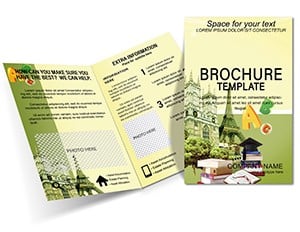
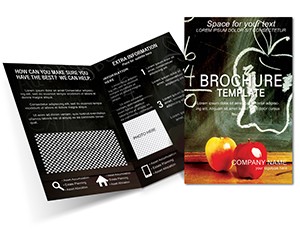
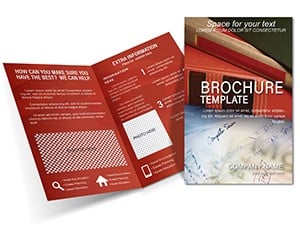
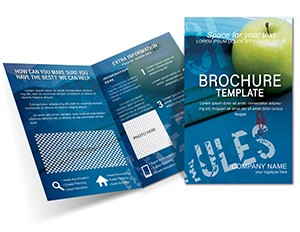
Education Lesson Plans Brochure - Fully Editable | ImagineLayout
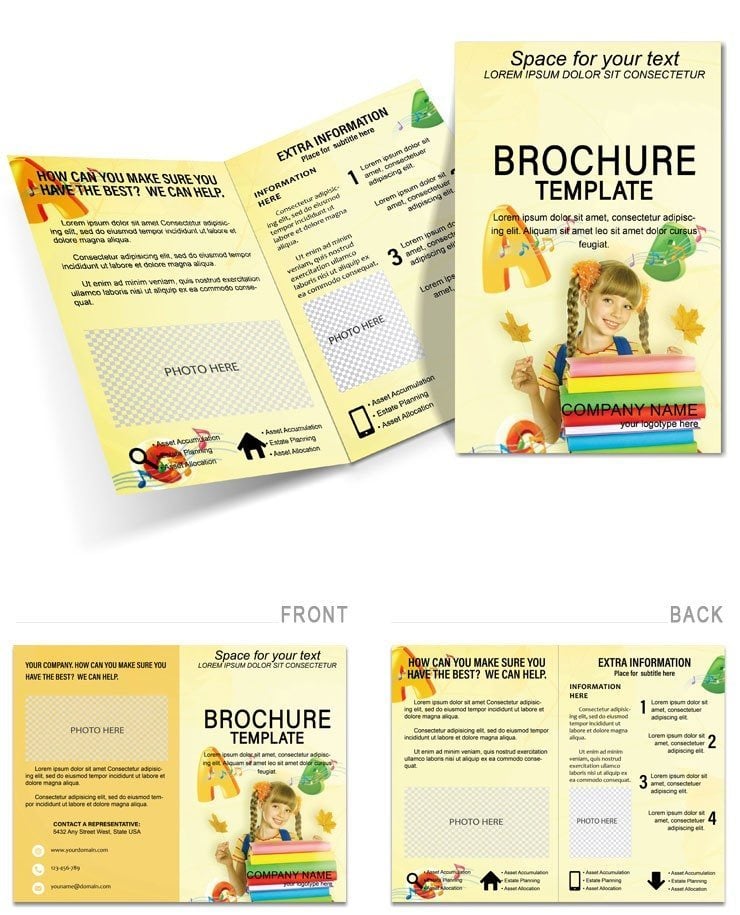
Type: Brochures template
Category: Education & Training
Fold type: Half Fold
Sources Available: .ait, .dotx, .indt, .jpg
Page size: 11x8.5
Product ID: BT00853
X Pages, Y Formats: What You Get
Four file formats. One download.
Half-fold layout. Four panels total.
Typography balance guides student attention across activities. Unlike business half-folds this layout structure supports activity icons with white space for easy reading in education settings.
What the File Includes
| Specification | Details |
|---|---|
| Fold type | Half Fold - unfolds to reveal 4 panels in reading sequence |
| Finished size | 11x8.5 inches folded |
| Color mode | Not specified on page - optimized for professional offset and digital printing |
| Resolution | Not specified on page - 300 DPI recommended for print-ready output |
| Bleed and trim | Included - trim guides and bleed marks ready |
| Editable software | Adobe Illustrator CC+, InDesign CS6+, Microsoft Word 2016+ |
| File formats | .ait (Illustrator), .indt (InDesign), .dotx (Word), .jpg (preview) |
| Font handling | Not specified on page - fonts embedded in professional formats |
From Draft to Print: Real Scenarios
Kindergarten teachers in education prepare phonics handouts. They send the file to print three days before the event deadline.
High school instructors in training adapt the layout for history timelines. They reuse the same layout across four seasonal campaigns by swapping the color palette.
Educators combine it with education training brochures for full materials.
Download the Lesson Plans Brochure now
How to Make It Yours in Under 20 Minutes
Moderate difficulty. Under twenty minutes.
Illustrator and InDesign
- Open the .ait or .indt file in Adobe Illustrator CC or InDesign CS6+ (1 minute)
- Replace placeholder text using the Type tool (5 minutes)
- Swap colors using the Swatches panel (3 minutes)
- Replace placeholder images via the Links panel (4 minutes)
- Check bleed and trim marks in Print Preview (2 minutes)
- Export as PDF/X-1a for print (2 minutes)
Microsoft Word
- Open the .dotx file in Microsoft Word 2016 or later (1 minute)
- Replace placeholder text in each text box (5 minutes)
- Swap the logo and images using Insert > Picture (3 minutes)
- Adjust font colors via the Font Color tool (2 minutes)
- Export as PDF for digital sharing or home printing (1 minute)
Word version suits home or office printing. For professional offset or digital print output use the Illustrator or InDesign file.
Why This Template, Not a Blank Document
Manual activity layout takes over ninety minutes.
Bleed setup errors ruin classroom handouts.
Many designers set up brochures in RGB because it looks correct on screen. When that file reaches an offset press the printer converts the colors automatically - and the result often shifts noticeably especially in darker tones.
This file uses ready formats that remove one of the most common sources of color mismatch.
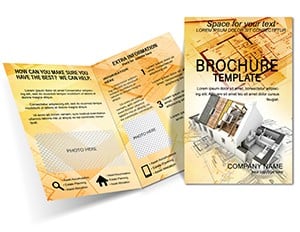
Teachers link it with a related house plans brochure for complete sets.
Download the Lesson Plans Brochure now
Which software versions are needed?
Adobe Illustrator requires CC 2018 or later for full layer support and linked images. InDesign needs CS6+ to handle the panel structure correctly. Microsoft Word works from 2016 onward with text boxes intact. Older versions may lose editable text or image links.
What is the refund policy?
Refunds are processed within 30 days of purchase if the file does not open correctly in the listed software. Submit the order ID and a screenshot of the error. Modified files are ineligible. The team reviews each case within two business days.
Is the file print-ready?
All formats include trim guides. Resolution supports professional offset and digital printing. CMYK values are calibrated when set in the professional files. Bleed marks appear in Print Preview. Export as PDF/X-1a delivers press-ready output without additional setup.
What does the license allow?
Commercial client projects and print runs are permitted. End-use products such as brochures for tourism campaigns qualify. Resale of the original file or its layers is prohibited. Unlimited personal or client use applies after purchase.
How do I change the colors?
In Illustrator or InDesign open the Swatches panel and select the color group. Replace values with your brand palette in one click. In Word use the Font Color tool on each text box. Update image fills via the Format Picture menu. Preview the contrast on screen before export.