Soccer Player Profile Brochure - Fully Editable | ImagineLayout
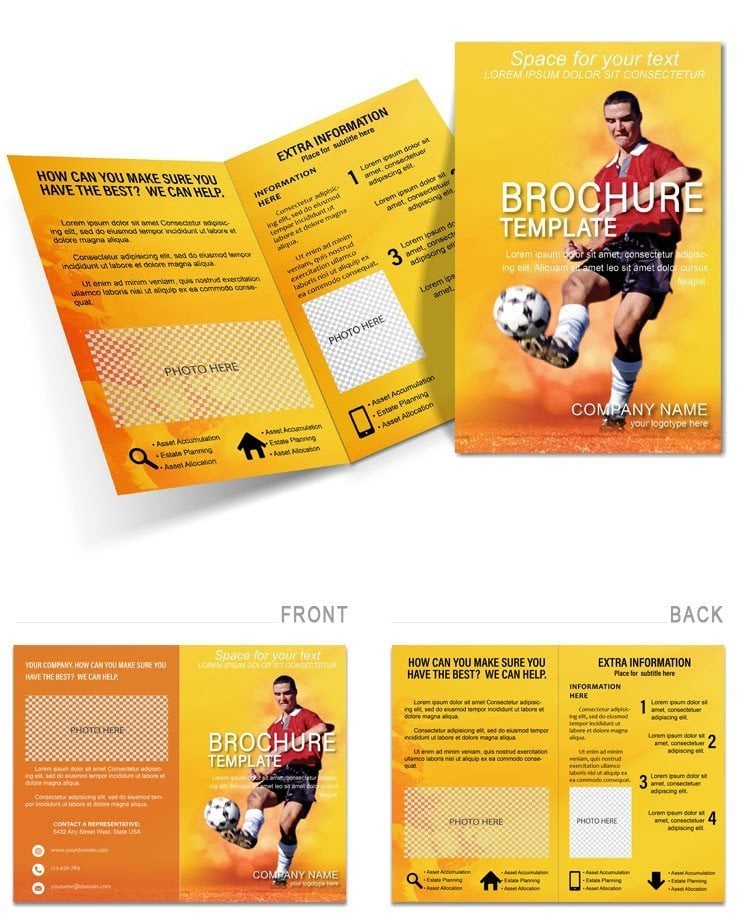
Type: Brochures template
Category: Sports
Fold type: Half Fold
Sources Available: .ait, .dotx, .indt, .jpg
Page size: 11x8.5
Product ID: BT00638
Files and Print Specs Included
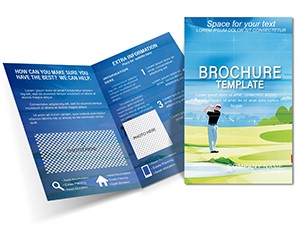
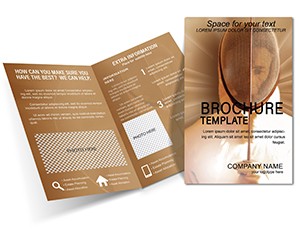
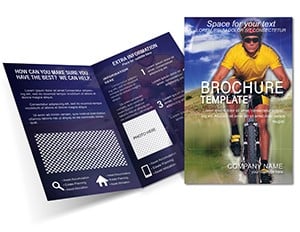
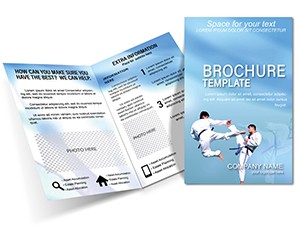
4 file formats ship in a single download: .ait for Adobe Illustrator CC+, .indt for InDesign CS6+, .dotx for Microsoft Word 2016+, and a .jpg preview. The half-fold layout measures 11x8.5 inches folded, unfolding to a two-panel spread of 22x8.5 inches. Every panel carries placeholder zones for a player photograph, a statistics block, a short biographical section, and a contact or scouting inquiry field.
The half-fold structure places the most persuasive visual - a full-bleed action shot - on the front panel, while the inner spread handles the data-heavy content: goal tallies, assist records, physical metrics, and coaching endorsements. That separation keeps the front panel clean and attention-grabbing while the inside delivers the evidence a scout or sponsor actually needs to make a decision.
Unlike single-panel flyer layouts that compress all content into one surface, or generic multi-sport templates that offer no position-specific field structure, this file is built around the rhythm of an individual player profile. The grid reserves specific columns for performance stats versus narrative biography, so the two types of content never compete for the reader's eye.
Production Details at a Glance
| Specification | Details |
|---|---|
| Fold type | Half fold - unfolds to reveal 2 panels, front cover and full inner spread |
| Finished size | 11x8.5 inches folded, 22x8.5 inches unfolded |
| Color mode | CMYK - calibrated for offset and digital print output |
| Resolution | 300 DPI - print-ready, no upscaling required |
| Bleed and trim | Trim guides and bleed margin included in .ait and .indt files |
| Editable software | Adobe Illustrator CC+, InDesign CS6+, Microsoft Word 2016+ |
| File formats | .ait (Illustrator template), .indt (InDesign template), .dotx (Word template), .jpg (preview) |
| Font handling | Fonts embedded in .ait and .indt files; Word version uses system fonts |
Who Reaches for This Design
A youth academy administrator in a regional football league needs printed profiles ready before a national talent showcase in four days. She opens the .indt file, drops in each player's headshot via the Links panel, types the stats into the pre-sized text frames, and exports a PDF/X-1a for the commercial printer - all within a single afternoon. The profiles are sent to print two days before the event deadline.
A freelance sports marketing coordinator working with a semi-professional club uses the same file across three separate player campaigns in one season. Each time, she opens the .ait file, swaps the color swatches to match the club's home kit palette, replaces the photographs and stats, and exports without rebuilding any of the underlying grid. The layout structure stays intact across all three versions, which cuts per-profile production time in half compared to starting from a blank artboard. Brochures for all three players ship to a sponsor conference on schedule.
Download the Soccer Player Profile Brochure now
How to Make It Yours in Under 20 Minutes
Workflow for Adobe Illustrator (.ait)
- Open the .ait file in Adobe Illustrator CC (1 minute)
- Replace player name and biographical text using the Type tool (4 minutes)
- Swap the placeholder action photograph via File > Place, fitting to the existing image frame (4 minutes)
- Update the statistics block - goals, assists, appearances - in the dedicated text fields (3 minutes)
- Adjust the primary color accent using the Swatches panel to match club kit colors (3 minutes)
- Check bleed and trim marks in the Print Preview dialog (2 minutes)
- Export as PDF/X-1a for professional offset or digital print output (2 minutes)
Workflow for Microsoft Word (.dotx)
- Open the .dotx file in Microsoft Word 2016 or later (1 minute)
- Click into each text placeholder and type the player's information (5 minutes)
- Replace the placeholder photograph using Insert > Picture (3 minutes)
- Adjust accent colors in the Font Color and Shape Fill tools (3 minutes)
- Export as PDF for digital sharing, email distribution, or home printing (1 minute)
Word version suits home or office printing. For professional offset or digital print output, use the Illustrator or InDesign file.
Editing difficulty: Beginner for the Word workflow. Moderate for Illustrator and InDesign - familiarity with the Links panel and Swatches panel is helpful but not required.
Building From Scratch vs. Starting Here
Setting up a half-fold brochure from a blank document requires configuring the artboard dimensions, adding bleed margins, creating the fold guide, setting the color mode to CMYK, and building the grid before a single word of content can be placed. For a designer who does this infrequently, that setup alone can take 30 to 60 minutes - and the most common errors appear later: artwork built in RGB that shifts noticeably when an offset press converts it to process colors, bleed set to 0.1 inches instead of 0.125 inches, or image frames sized without accounting for the trim zone. Any one of those issues can require a corrected file resubmission, adding a day to the timeline.
A common production mistake worth flagging: many designers build sports brochures with dark background panels in RGB because the deep blacks and saturated reds look correct on screen. When that file reaches an offset press or a toner-based digital printer, the automatic RGB-to-CMYK conversion compresses the color gamut in ways that are hard to predict - dark backgrounds often go muddy, and vibrant accent colors flatten. The CMYK values in this file were set with print output in mind from the start, which eliminates that source of color shift between the screen preview and the printed sheet.
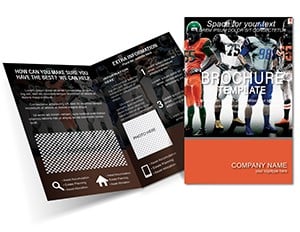
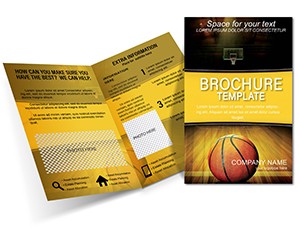
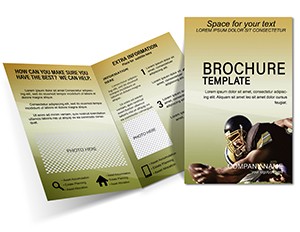
The Sports brochure template category covers a wide range of athletic niches if the soccer profile format doesn't match the specific sport. For a related athlete-focused layout, the Dynamic American Football Brochure uses a comparable action-image-plus-stats structure. Clubs producing a broader range of promotional materials sometimes pair this profile template with the Slam-Dunk Basketball Federation Brochure as a foundation for a multi-sport print set.
Download the Soccer Player Profile Brochure and send to print today
Which software versions are required to edit this template?
The .ait file requires Adobe Illustrator CC 2018 or later. The .indt file opens in Adobe InDesign CS6 or later, including all CC versions through the current release. The .dotx file works in Microsoft Word 2016, Word 2019, Word 2021, and Microsoft 365 on both Windows and Mac. Older versions of Word may open the file but will not render text box positioning or image frames reliably - exporting to PDF from an older version is not recommended for print use.
Is this brochure print-ready out of the download?
The .ait and .indt files are built at 300 DPI in CMYK color mode with bleed and trim guides already in place. After replacing the placeholder content with your own text and images, export as PDF/X-1a from Illustrator or PDF/X-4 from InDesign and the file is ready to send to a commercial printer without any additional setup. The .dotx Word version is suited for home or office printing - it is not configured for commercial offset output and should not be used for professional print runs where CMYK accuracy is required.
What is the refund policy for this template?
ImagineLayout reviews refund requests on a case-by-case basis. Because the files are delivered as a digital download, a refund is generally not available once the download has been accessed. Refund requests submitted before downloading, or in cases where a file is technically defective or does not match the listed specifications, are handled through the support team. The full refund policy is available at the ImagineLayout Refund Policy page.
Can this template be used for commercial client projects?
The license permits use in commercial print runs - a club, agency, or individual designer can produce printed copies for a paying client using this template. The license does not permit resale of the original template files, redistribution of the source files as part of a template bundle, or sublicensing the design to third parties. Printing copies for a sponsor presentation, a talent showcase, or a club membership drive all fall within permitted commercial use.
How do I change the colors to match a club's kit?
In Adobe Illustrator, open the Swatches panel (Window > Swatches) and double-click any swatch to enter the CMYK values for the club's brand colors. Because the layout uses a small set of named swatches rather than locally applied fills, changing a swatch updates every element that references it across both panels simultaneously. In InDesign, use the Swatches panel in the same way. In Microsoft Word, select the shape or text box whose color needs changing and use the Shape Fill or Font Color tool in the ribbon to apply a custom RGB value.
What file formats are included and what is each used for?
The download includes four files. The .ait file is an Adobe Illustrator template - it opens as a new untitled document so the original is never overwritten. The .indt file is an InDesign template that behaves the same way. The .dotx file is a Microsoft Word template for editing without Adobe software. The .jpg file is a flattened preview image useful for sharing a visual reference with a client or print shop before the final file is ready.
Are fonts embedded in the files?
Fonts are embedded in the .ait and .indt files, so the design opens correctly on any machine running a compatible version of Illustrator or InDesign regardless of whether the original fonts are installed. The .dotx Word file uses system fonts that are standard on most Windows and Mac installations - if a substitution occurs, Word will display a notification and the layout may reflow slightly. For print-critical work, it is recommended to verify font rendering in the .ait or .indt version before finalizing.