How to Optimize PowerPoint for a Projector
A practical guide to preparing PowerPoint for projection, from slide size and contrast to resolution, safe margins, charts, images, and the final room test.
Design tips, tutorials, product updates, and industry insights.
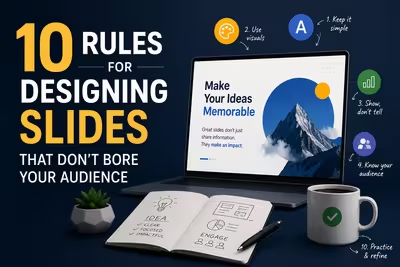
Tired of blank stares during your presentations? These 10 practical slide design rules help you keep attention without gimmicks or clutter.

Learn what separates pitch decks investors fund from ones that get ignored — structure, pacing, and the slides founders usually get wrong.
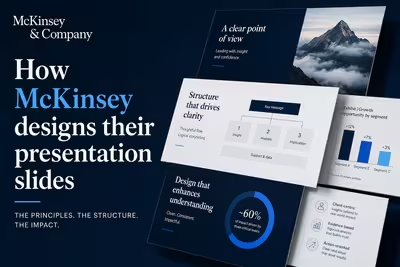
McKinsey's slide design isn't about polish — it's a structured argument system. Here's how the Pyramid Principle actually works in practice.
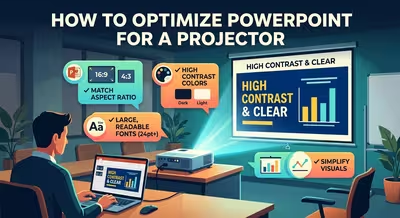
A practical guide to preparing PowerPoint for projection, from slide size and contrast to resolution, safe margins, charts, images, and the final room test.
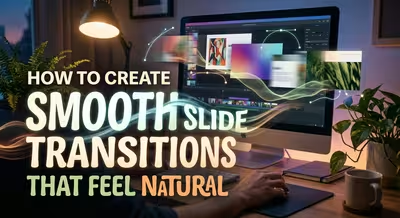
Smooth slide transitions are less about flashy effects and more about making each slide feel like a natural continuation of the previous one.
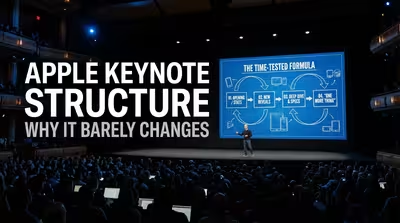
Apple changes the products, speakers, and visuals — but the underlying keynote structure stays remarkably familiar. Here's why that consistency works.
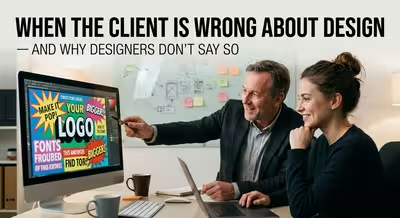
"The client is always wrong about design" is something designers only ever say to each other — here's why.

The polished deck is only the visible part of professional presentation design. Here is what happens to the rough versions before anyone sees the final slides.

A professional presentation can be simple without being easy. Here is how to tell genuine design work from complexity added mainly to defend a fee.

Stop reaching for the menus every few seconds. These Google Slides keyboard shortcuts are organized around the editing tasks that actually slow presentation work down.

The Keynote keyboard shortcuts that matter most when you are actually building, editing, arranging, and presenting a deck on Mac.

The shortcuts that actually save time in PowerPoint aren't the ones on every cheat sheet — here's what to learn instead.