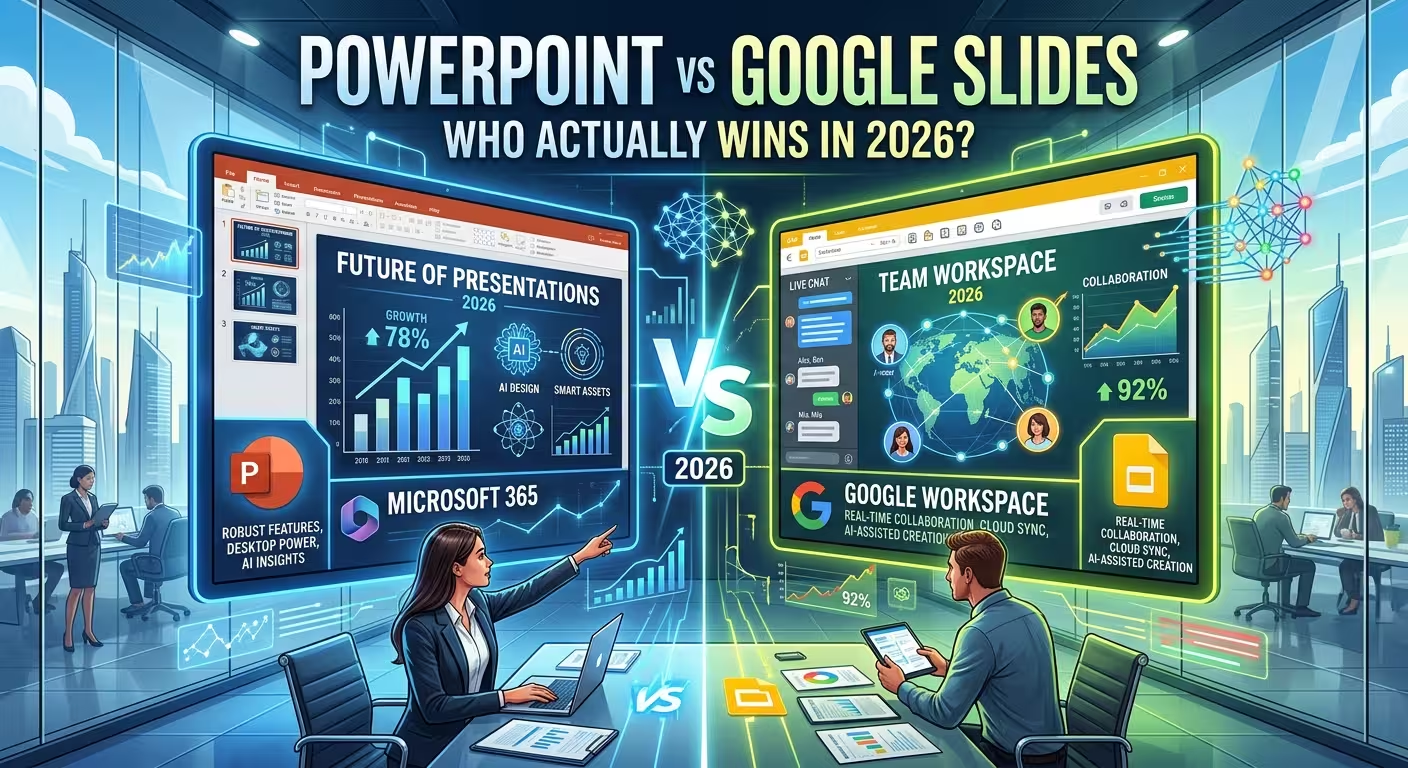
I watched a marketing director open a Google Slides deck on her PowerPoint desktop app last month and visibly wince as the gradient background flattened into a solid fill. Nobody had done anything wrong. That's just what happens when a deck crosses ecosystems. If you're trying to decide which tool to standardize your team on in 2026, that's really the question underneath the question: not which app has more features, but which one you can afford to build in without something breaking on the other end.
Both tools spent this year bolting a full AI assistant onto themselves, which has mostly just moved the argument rather than settling it. So this isn't a feature-by-feature rundown — you can get that from a comparison table. It's a look at the handful of things that actually change your answer depending on who else touches the file.
The market split is more lopsided than the debate suggests
Online comparisons tend to frame this as a close, ongoing rivalry — two roughly equal contenders slugging it out. The customer data doesn't back that up. In 6sense's tracking of the presentation software category, PowerPoint holds roughly 16% market share against Google Slides' 1.65%, putting PowerPoint in second place industry-wide while Slides sits well down the ranking. That's not the same as saying Slides is a niche tool — it has a real and growing footprint, particularly in education and small-team digital marketing — but the "coin flip" framing that a lot of comparison content leans on doesn't match how enterprise software budgets are actually allocated.
What that number actually predicts is simpler than market share usually is: if you're joining an existing organization, the tool is very often already decided for you, and the interesting question is whether it's worth fighting that default.
Where Google Slides still wins outright, no asterisk
Real-time collaboration is the one category where I don't think this is close. Multiple people editing the same slide simultaneously, seeing each other's cursors, commenting inline without exporting a version and re-uploading it — Slides has run this cleanly for years, and PowerPoint's co-authoring, while functional, still occasionally stutters on conflict resolution when more than two or three people are in a deck at once.
If your actual workflow is "ten people editing a pitch deck overnight before a morning meeting," that single feature can outweigh everything else on this list. Everything lives in Drive automatically, version history is painless to dig through, and there's no file to lose because there was never a local file to begin with.
Where PowerPoint still wins, and why it's not close either
The flip side is design ceiling. PowerPoint's animation engine, master-slide logic, and object-level formatting control go noticeably deeper than what Slides' layout engine can currently do — it's the difference between "the app will render what I designed" and "the app will approximate what I designed." For a deck that needs custom motion or a genuinely bespoke look rather than a functional one, that gap is still real in 2026, AI generation notwithstanding.
This is also where a template library actually earns its keep rather than just saving time — a professionally built PowerPoint template gives you that design ceiling without needing to build the master-slide logic yourself, which matters more the less design time you actually have before the deck is due.
The AI layer isn't a feature comparison — it's a pricing one
Here's the part most 2026 comparisons skip past. Copilot and Gemini get reviewed like two competing AI products, and on raw output quality they're close enough that the difference rarely decides anything. What actually decides it is how each one gets billed.
Microsoft's Copilot for PowerPoint requires a separate Microsoft 365 Copilot add-on license, priced at roughly $30 per user per month on top of whatever Microsoft 365 plan you're already paying for. Gemini's presentation features, by contrast, are bundled directly into qualifying Google Workspace plans with no separate AI line item. That's not a minor asterisk — for a 40-person team, it's the difference between an AI rollout that costs nothing extra to approve and one that needs a $12,000-a-year budget line to clear finance.
I'd put this ahead of the interface debate entirely when a team is deciding where to standardize in 2026: figure out what the AI tier actually costs at your headcount before you compare what it can generate.
The compatibility tax nobody budgets for
Neither tool has fully solved cross-platform fidelity, and it shows up specifically when AI-generated layouts leave their home app. A deck built with Copilot's newer AI layouts can use effects that Slides simply drops on import; a Slides deck with custom color transitions can flatten when it lands in PowerPoint desktop, which is exactly the wince I opened with. A closer look at how PowerPoint, Keynote, and Slides have each changed this year covers the same round-trip problem from the Keynote side, and the practical takeaway is the same one: test the actual export before you commit a template library to it, because "it opens" and "it opens correctly" are two different claims.
The dedicated AI presentation tools that emerged to sidestep this problem have their own version of it — worth knowing if a client or vendor ever suggests one as a shortcut, since several of the standalone AI deck builders have run into the same export mismatch this year, just under a different name.
So who actually wins?
Neither, in the sense the question is usually asked. The honest answer is that the deciding factor isn't inside either app — it's what your collaborators already have open. A team that lives in Gmail and Drive will fight Slides' design ceiling less than they'll fight switching away from real-time co-editing. A team standardized on Microsoft 365, SharePoint, and Teams gets Copilot's automation nearly free relative to what they're already paying, and PowerPoint's design depth on top of that.
Before you pick a side in this debate, check who's going to open the file after you close the laptop. That's usually the real answer, more than any AI feature list.
Comments (0)