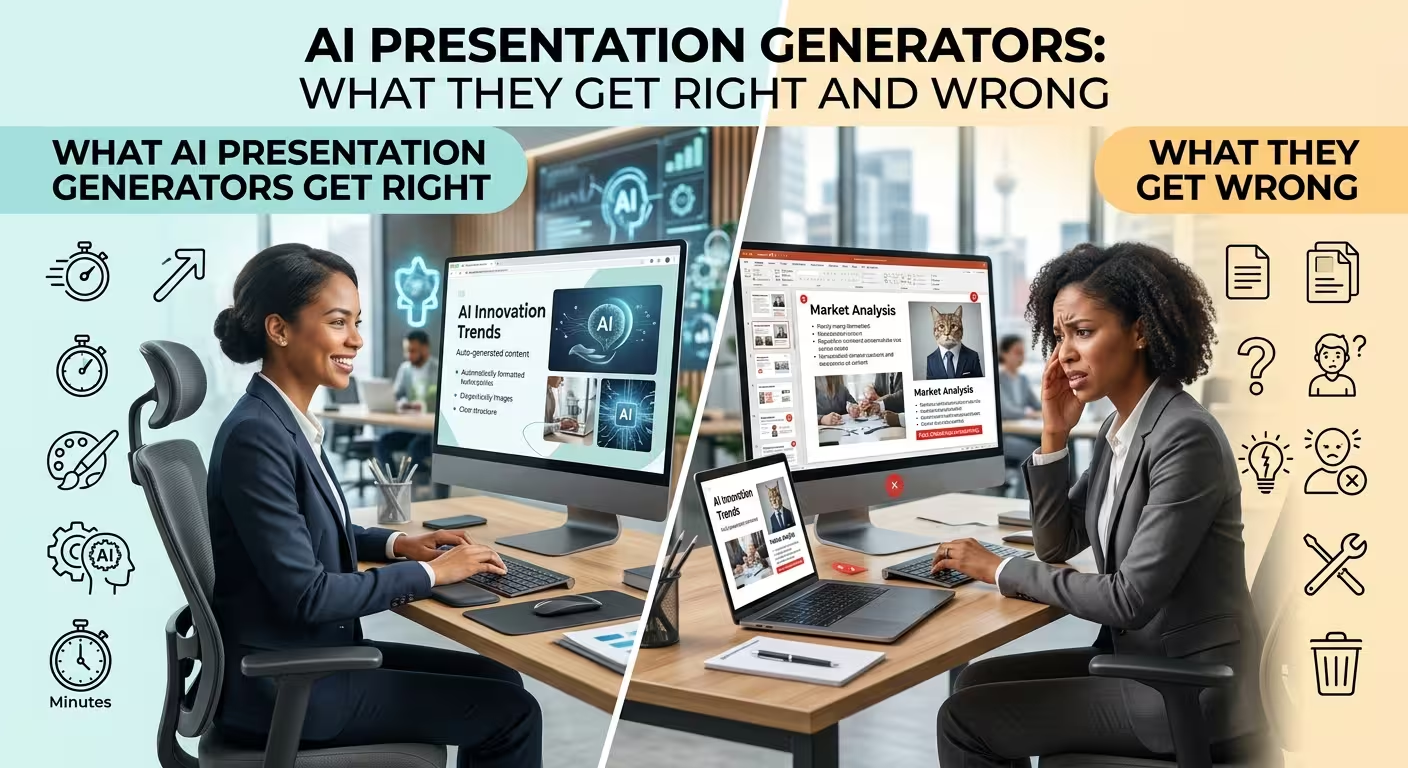
AI Can Build a Presentation Fast. That Does Not Mean It Built a Good One.
An AI presentation generator can turn a short prompt into an outline, populate slides, suggest visuals, and produce something that looks finished surprisingly quickly. That is the impressive part.
The less obvious question is whether the resulting presentation actually communicates the right idea to the right audience. AI is very good at producing a plausible presentation. It is much less reliable at deciding what deserves emphasis, what should be removed, and what the audience needs to understand before moving to the next slide.
That distinction matters if you are using AI to create business presentations, reports, sales decks, training materials, or PowerPoint slides that need to survive more than a quick first impression.
What AI Presentation Generators Get Right
The strongest advantage of AI is not that it suddenly became a presentation designer. It is that it can remove a large amount of repetitive production work.
They are good at turning a rough idea into a starting structure
A blank PowerPoint file creates a surprisingly difficult first decision: where do you start?
AI can take a topic and propose a sequence of slides. It may divide a subject into an introduction, key points, examples, supporting evidence, and a final takeaway. Even when the structure is not good enough to use directly, it can give the author something concrete to react to.
That is valuable because editing a mediocre first draft is often easier than inventing the entire presentation structure from nothing.
They handle repetitive formatting well
Once the content structure is reasonably clear, AI tools can be useful for repetitive tasks such as creating similar layouts, placing text into predefined structures, suggesting icons, or generating variations of a slide.
This is particularly useful when a presentation contains many related slides. A consistent visual system is easier to maintain when the basic structure is already established.
The same principle explains why professionally prepared editable templates remain useful even in an AI-assisted workflow. For example, ImagineLayout's AI and Technology PowerPoint template provides editable diagrams and multiple visual schemes, giving the author a controlled structure rather than asking AI to invent every visual element from scratch.
They are useful for visualizing familiar concepts
AI can quickly suggest a timeline, process, comparison, hierarchy, or simple relationship between ideas. For common business concepts, this can dramatically shorten the distance between an idea and a usable visual draft.
That does not mean the first diagram is automatically the right diagram. It means the cost of exploring alternatives becomes lower.
Where AI Presentation Generators Start to Struggle
The problem usually appears after the first impressive draft.
A generated deck can contain all the expected ingredients — titles, bullets, images, charts, and a conclusion — while still feeling strangely generic. The individual slides may look acceptable, but the presentation does not necessarily have a strong argument or a clear visual hierarchy.
AI does not automatically understand what matters most
A presentation is not simply a collection of facts arranged in a sequence.
Suppose a business presentation contains revenue, customer growth, operating costs, product launches, regional performance, and several secondary metrics. An AI system can distribute these facts across slides. The harder decision is determining which one should dominate the story.
That is a judgment problem.
A human who understands the meeting may know that one declining metric changes the entire interpretation of the other numbers. A generic generator may give all of them similar visual importance because they are all technically relevant.
This is one of the biggest differences between information placement and information prioritization.
Generated text can sound complete without being useful
AI is extremely good at producing polished sentences. That can become a weakness in presentations.
A slide may contain four perfectly grammatical bullet points and still communicate almost nothing. The wording sounds professional, but the audience has to work out what the actual message is.
Good presentation writing often requires compression rather than expansion. The author has to decide what the audience should remember after seeing the slide for a few seconds.
AI can help rewrite that message. It should not automatically be trusted to determine it.
AI can create visual variety without visual logic
One generated slide might use cards. The next might use a timeline. Another might use a large photograph. Then the presentation suddenly switches to a dense diagram.
Each slide may look attractive independently, but the deck can lose its visual language.
This is where a controlled template system can be more useful than unlimited AI creativity. A presentation built from editable diagrams and repeatable layouts has constraints that help maintain consistency. ImagineLayout's editable neural-network PowerPoint diagrams, for example, are designed around a defined visual system rather than requiring every technical diagram to be invented separately.
The Biggest Mistake: Confusing a Finished File with a Finished Presentation
An AI generator can produce a downloadable presentation file. That is a production milestone, not necessarily a design milestone.
There are several checks that still deserve human attention.
- Message: Can you state the main point of each slide in one sentence?
- Hierarchy: Is the most important information visually dominant?
- Evidence: Are numbers, claims, examples, and references actually correct?
- Audience: Does the level of detail match the people who will see the presentation?
- Sequence: Does each slide create a reason to move to the next one?
- Visual consistency: Do repeated elements behave consistently throughout the deck?
If several answers are no, the presentation needs editing regardless of how polished the generated slides look.
Where AI Works Best: First Draft, Variations, and Production Support
The most productive way to use an AI presentation generator is often not to ask it to produce the final deck in one attempt.
Use it where iteration has a high payoff.
Ask AI to propose three possible structures for the same topic. Compare them. Ask for alternative slide titles. Turn a paragraph into a visual sequence. Generate several versions of a comparison slide. Rewrite an overloaded slide after you have decided what the main message should be.
This changes the role of AI. Instead of being the invisible author of the entire presentation, it becomes a fast production partner.
For AI-focused topics, a ready-made editable resource can also give the generator — or the human designer — a stronger starting point. ImagineLayout's ChatGPT PowerPoint template, for example, provides editable diagrams specifically for generative AI and conversational technology topics.
What AI Still Cannot Replace in Presentation Design
The hardest part of presentation design is often not creating the slide. It is deciding what the slide should do.
A human presenter knows whether a room needs reassurance, a decision, an explanation, a warning, or a memorable takeaway. They know which detail will trigger a question from an executive and which detail will distract from the actual decision.
That context changes the design.
It also affects how much information belongs on the slide. A technical audience may need a detailed architecture diagram. A board audience may need the implication of that architecture rather than the architecture itself.
AI can generate both versions. The difficult part is knowing which one belongs in the meeting.
A Better AI Presentation Workflow
If you want speed without giving up control, a useful workflow is to divide the job into decisions that AI can accelerate and decisions that require human judgment.
- Define the audience and objective yourself. Decide what the presentation needs to accomplish.
- Use AI for exploration. Generate possible structures, talking points, examples, and slide sequences.
- Select the argument. Remove sections that are technically relevant but strategically unnecessary.
- Build the visual system. Choose a consistent layout, typography, spacing, and visual language.
- Use AI for production support. Generate alternatives, rewrite text, suggest diagrams, and accelerate repetitive work.
- Verify the content. Check numbers, claims, sources, names, dates, and other factual details.
- Perform a human design pass. Look at the deck as an audience member rather than as its creator.
- Remove anything that does not earn its place. A generated slide should not stay simply because the AI created it.
The last step is particularly important. AI makes it cheaper to create slides, which means the real bottleneck can shift from creation to selection.
So, Are AI Presentation Generators Worth Using?
Yes — if you use them for the parts they are actually good at.
They can accelerate brainstorming, outlining, drafting, formatting, visualization, and repetitive production. They can make the first version of a presentation much easier to create.
But they are not a guarantee of good communication. A presentation can be technically complete, visually polished, and still fail because its priorities are wrong.
The strongest approach is therefore not AI versus human presentation design. It is AI for speed combined with human judgment for meaning.
Let AI produce more options, faster. Then make the decisions that determine whether those options are actually worth showing.
Comments (0)